Conquer Your Fear of Installing Arch Linux With This Script
TL;DR
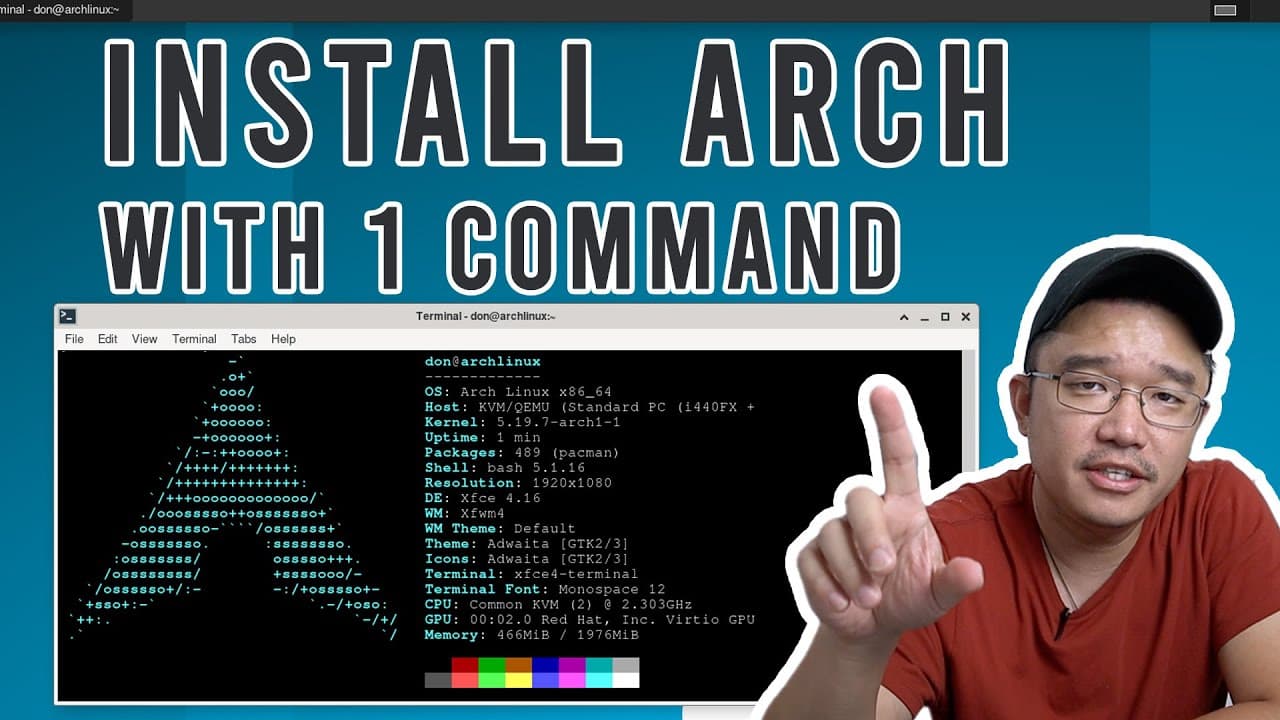
This video demonstrates a simplified one-command method to install Arch Linux on a desktop.
Transcript
hey guys what's going on it's don here from nova spirit tech and welcome back to the channel and today i'm going to show you one command to install arch linux so let's get started so before this script i was always installing arch linux manually through configuring the f disk and then installing the operating system and then installing all the pack... Read More
Key Insights
- 👤 The one-command script for Arch Linux simplifies installation, making it accessible for users with limited technical knowledge.
- 👤 Streamlined installation reduces the chances of missing essential packages, improving the overall user experience.
- 👻 The process can be performed in a virtual environment, allowing users to test configurations without affecting their main system.
- ❓ Selecting network configurations during installation is crucial for ensuring future connectivity.
- 👤 This installation script encourages users to adopt Arch Linux over other distributions by showcasing its straightforward setup.
- 👤 Users still have the flexibility to add additional features and software after the initial installation.
- 🕴️ The installer offers multiple options for desktop environments and package selections to suit different user preferences.
Install to Summarize YouTube Videos and Get Transcripts
Explore YouTube Video Summarizer or Get YouTube Transcript Extractor
Questions & Answers
Q: What is the main advantage of using the one-command installation for Arch Linux?
The primary advantage of the one-command installation is the elimination of common mistakes associated with manual installation processes. Users often miss crucial packages or steps, whereas the script automates everything, ensuring a complete and functional setup with minimal effort.
Q: Can you install Arch Linux without an internet connection using this method?
While it is technically possible to perform an installation without an internet connection, having one is highly recommended. The installer script facilitates downloading necessary packages and software, thus optimizing the installation process. If offline, users would need to rely on existing files, which can limit software availability.
Q: What are some optional features users can choose during the installation process?
During installation, users can choose various features such as the desktop environment (like XFCE or KDE), additional package installations (like Firefox), network configuration preferences, and whether to enable swap space. These options allow users to customize their setup according to their preferences and needs.
Q: How does this installation method impact new users unfamiliar with Arch Linux?
This simplified installation method significantly lowers the barrier to entry for new users. It helps them avoid the steep learning curve typically associated with Arch Linux installation by guiding them through major decisions and configurations, fostering confidence in using Arch Linux as an operating system.
Summary & Key Takeaways
-
The video explains an easier way to install Arch Linux using a single command, which streamlines the process compared to the traditional manual installation.
-
The presenter walks through the setup on a virtual machine, highlighting the steps necessary to configure the installation options, such as network and package selections.
-
After successful installation, the presenter emphasizes the quick setup and convenience, making it easier for users to adopt Arch Linux without missing critical components.
Read in Other Languages (beta)
Share This Summary 📚
Summarize YouTube Videos and Get Video Transcripts with 1-Click
Try YouTube Summary with ChatGPT & Claude or YouTube Transcript Generator
Explore More Summaries from Novaspirit Tech 📚






Summarize YouTube Videos and Get Video Transcripts with 1-Click
Try YouTube Summary with ChatGPT & Claude or YouTube Transcript Generator