How to Create a Simple Website Using Canva
TL;DR
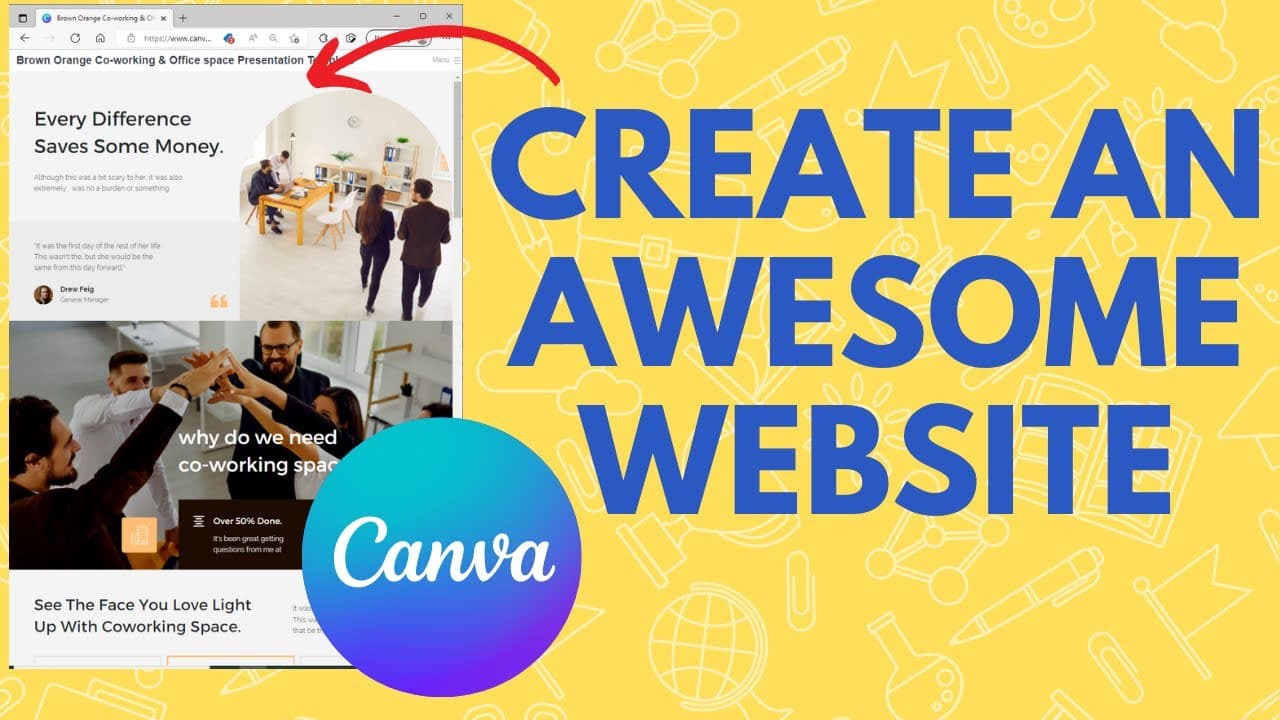
To create a simple website using Canva, start by selecting a template from their extensive library. Customize the design by replacing placeholder text and images, then choose how to display your site using options like presentation mode or classic navigation. Once finished, preview your site and share the URL with others.
Transcript
in this video learn how you can use canva to create an awesome website in just a few minutes i'll show you how in about 20 seconds but before i do consider subscribing to my youtube channel where each week i'll be uploading new videos including a lot of really helpful videos on how to use canva so thanks for your consideration and now let's get to ... Read More
Key Insights
- 👀 Canva provides a quick and user-friendly solution for creating professional-looking websites.
- 🧡 The platform offers a wide range of customizable website templates to choose from.
- 👻 Canva's display options allow for various ways to present and navigate through the website.
- 👨🦱 Websites created with Canva can be easily shared by obtaining the provided URL.
- 😒 Canva's website creation feature is suitable for both personal and professional use.
- 👨💻 It eliminates the need for coding knowledge or hiring web designers for simple website projects.
- ❓ Canva's YouTube channel offers additional tutorials and guidance for utilizing their website creation feature.
Install to Summarize YouTube Videos and Get Transcripts
Explore YouTube Video Summarizer or Get YouTube Transcript Extractor
Questions & Answers
Q: How can Canva be used to create a website?
Canva provides a variety of website templates that can be easily customized by replacing text and images. It is a user-friendly platform that requires no coding knowledge.
Q: What display options are available for websites created with Canva?
Canva offers presentation mode, scrolling, classic navigation, and standard navigation. These options allow you to choose the best way to showcase your content and provide navigation for your website visitors.
Q: Can the websites created with Canva be shared online?
Yes, once your website design is finalized, you can easily share it by obtaining the URL provided by Canva. This allows you to share your website address with others and make it accessible to anyone.
Q: Is Canva suitable for both personal and professional website designs?
Absolutely! Canva's wide range of website templates cater to various purposes, whether it's for personal portfolios, blogs, business websites, or even presentations. It offers flexibility and customization options for any type of website.
Summary & Key Takeaways
-
Canva allows you to create a simple website quickly by providing a wide range of website templates.
-
You can customize any template by replacing placeholder text and images with your own content.
-
Once your website design is complete, Canva offers different display options such as presentation mode, scrolling, classic navigation, and standard navigation.
Read in Other Languages (beta)
Share This Summary 📚
Summarize YouTube Videos and Get Video Transcripts with 1-Click
Try YouTube Summary with ChatGPT & Claude or YouTube Transcript Generator
Explore More Summaries from EdTech Hustle 📚






Summarize YouTube Videos and Get Video Transcripts with 1-Click
Try YouTube Summary with ChatGPT & Claude or YouTube Transcript Generator