How to Split Test Thumbnails with TubeBuddy
TL;DR
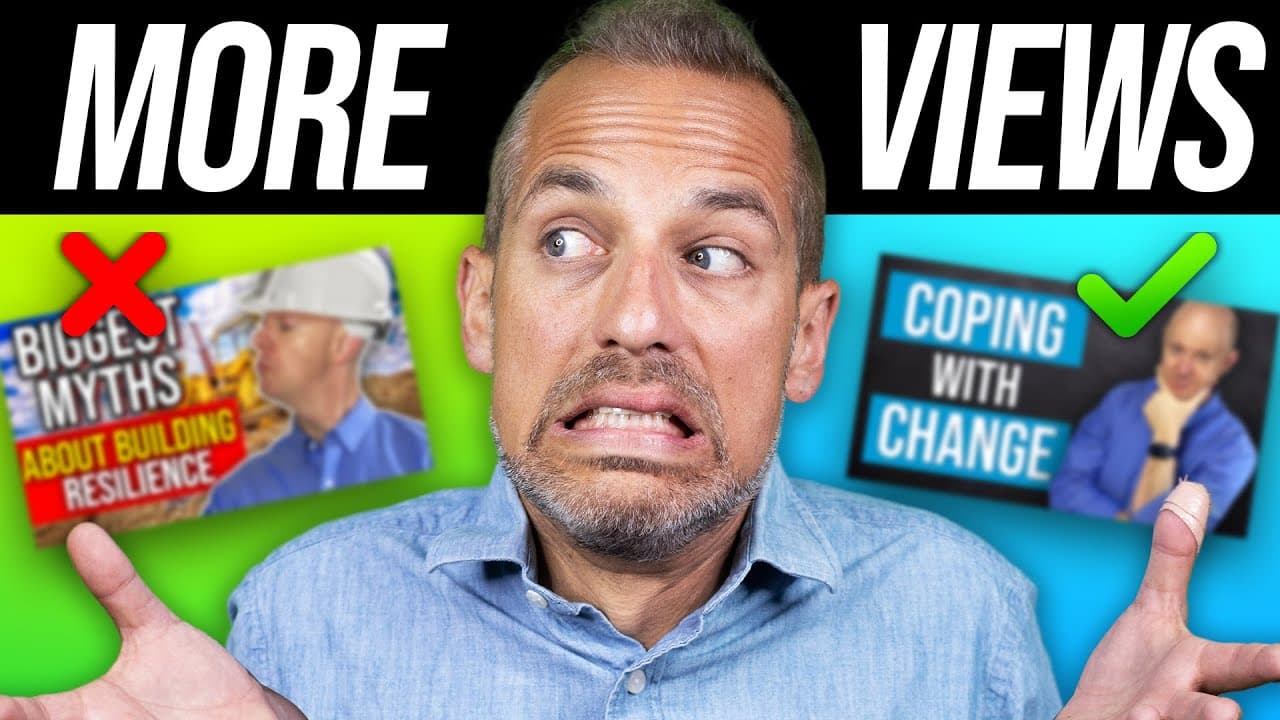
Split testing thumbnails with TubeBuddy helps YouTube creators identify the most effective designs for attracting views. By comparing two thumbnails, you can determine which one performs better based on click-through rates and other metrics. Upgrading to the TubeBuddy Legend plan enhances your testing capabilities and provides valuable insight for growing your channel.
Transcript
today i'm going to show you how to take one thumbnail and compare it to another thumbnail on the same video at the same time on youtube so that you can discover which design will get you more views we have an amazing episode today you don't want to miss out so stay tuned it's the video marketing school first thing you're going to want to do is go t... Read More
Key Insights
- 😃 TubeBuddy's A/B testing feature allows creators to compare different thumbnails to determine which one attracts more views.
- 🌱 Upgrading to the TubeBuddy Legend plan unlocks additional tools and benefits for optimizing video content on YouTube.
- 😃 A/B testing can also be conducted for titles, descriptions, and other metadata, but focusing on one element at a time is recommended for accurate results.
- 🧪 The results of A/B tests provide valuable insights into viewer preferences and can help creators make data-driven decisions to improve their content.
- ⌚ Click-through rates, impressions, watch time, and total views are important metrics to analyze when evaluating the performance of A/B tested thumbnails.
- 🥶 Split testing thumbnails and titles can breathe new life into old videos and help boost channel growth.
- 🥳 Running multiple A/B tests during the initial 30-day period after upgrading to the TubeBuddy Legend plan can provide creators with a wealth of data to optimize their channel.
Install to Summarize YouTube Videos and Get Transcripts
Explore YouTube Video Summarizer or Get YouTube Transcript Extractor
Questions & Answers
Q: What is A/B testing and why is it important for YouTube thumbnails?
A/B testing involves comparing two variations of a thumbnail to determine which one performs better in terms of attracting views. It is important because it helps to optimize the visual appeal of your videos and ultimately increase your view count.
Q: How do I initiate an A/B test using TubeBuddy?
Firstly, sign in to your TubeBuddy account and go to the back end. Scroll down to find the channel you want to split test. Click on the split test icon, select the video you want to test, and then choose to run a thumbnail CTR test.
Q: Can I test other elements like titles and descriptions using TubeBuddy?
Yes, TubeBuddy allows you to test titles, descriptions, and other metadata. However, it is recommended to focus on testing one element at a time for more accurate results.
Q: How do I view the results of my A/B test on TubeBuddy?
After the testing period ends, navigate to the A/B test section on TubeBuddy and click on "Manage." You will be able to see the test statistics, including click-through rates, impressions, watch time, and total views. TubeBuddy will also indicate which variation performed better.
Summary & Key Takeaways
-
The content provides a step-by-step guide on how to use TubeBuddy to perform A/B testing on thumbnails on YouTube videos.
-
The tutorial emphasizes the importance of testing one thing against its opposite counterpart, such as a blue thumbnail against a red one.
-
The video also suggests upgrading to the TubeBuddy Legend plan for additional benefits and tools.
Read in Other Languages (beta)
Share This Summary 📚
Summarize YouTube Videos and Get Video Transcripts with 1-Click
Try YouTube Summary with ChatGPT & Claude or YouTube Transcript Generator
Explore More Summaries from Owen Video 📚






Summarize YouTube Videos and Get Video Transcripts with 1-Click
Try YouTube Summary with ChatGPT & Claude or YouTube Transcript Generator