Edit With Me!
TL;DR
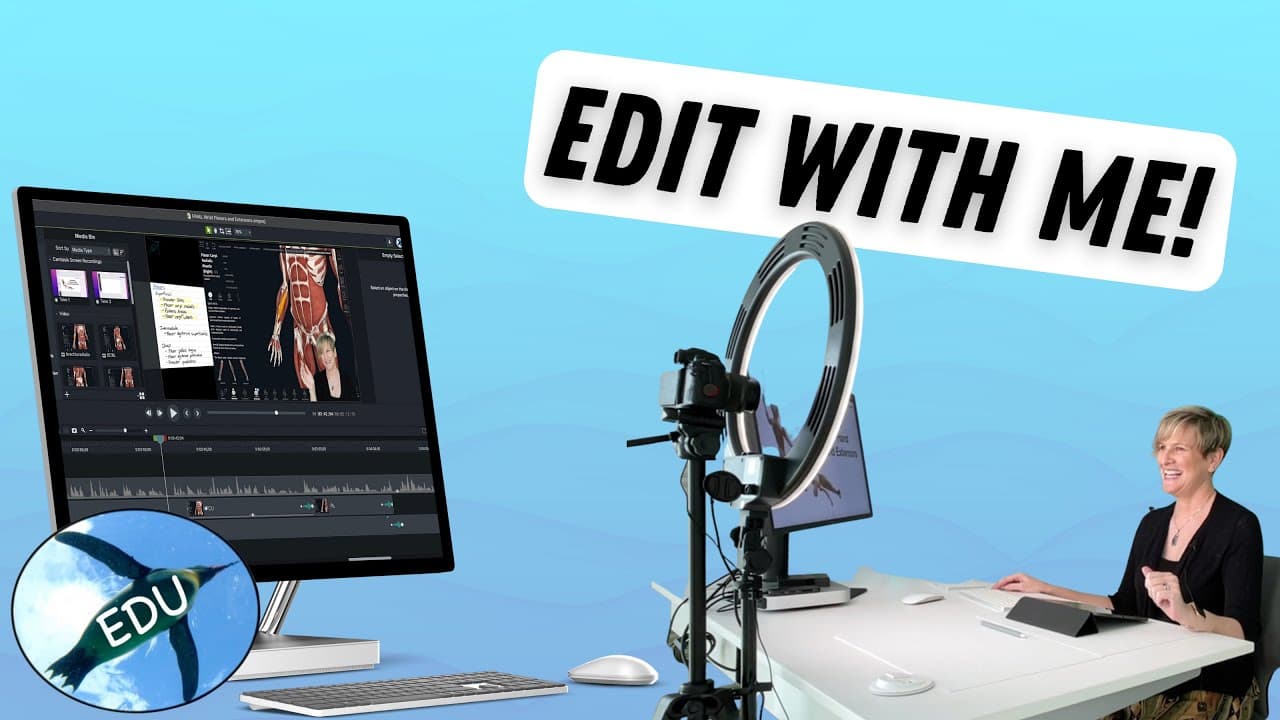
Learn effective video editing workflow tips and techniques, including organizing assets, syncing tracks, removing green screens, rough cuts, adding effects and annotations, fine edits, clip speed alteration, adding transitions, audio cleanup, exporting, and captioning.
Transcript
hello and welcome to this video where you get to watch me edit but first let me show you my workflow first of all i recommend keeping all of your assets in some sort of cloud especially if you use a lot of different devices to produce content so for this video i used my ipad a canon camera as well as my desktop computer so make sure you give things... Read More
Key Insights
- 📼 Storing assets in the cloud streamlines the video editing process, enabling easy access across different devices.
- 👣 Syncing audio tracks is crucial for maintaining audio and visual synchronization in the edited video.
- 👻 Green screen removal can significantly enhance videos by allowing editors to replace the background with various creative elements.
- 🎮 Fine editing is essential for refining the video's visual appeal and ensuring it meets quality standards.
- 🐎 Altering clip speed can be used to enhance the pacing and impact of certain scenes in the video.
- 🥳 Adding transitions between clips helps create smooth and cohesive transitions between different parts of the video.
- 👂 Removing extra audio tracks and checking audio levels ensures optimal sound quality in the final video.
Install to Summarize YouTube Videos and Get Transcripts
Explore YouTube Video Summarizer or Get YouTube Transcript Extractor
Questions & Answers
Q: Why is it recommended to keep assets in the cloud for video editing?
Keeping assets in the cloud allows easy access to files across different devices, ensuring flexibility and convenience throughout the editing process. It eliminates the need for manual file transfers and minimizes the chances of losing or misplacing important files.
Q: What is the purpose of syncing tracks in video editing?
Syncing tracks involves aligning audio from multiple sources, such as different cameras or devices, to ensure consistency and coherence in the final video. It helps maintain audio and visual synchronization, providing a seamless viewing experience for the audience.
Q: How can green screen removal enhance video editing?
Green screen removal is a technique commonly used in video editing to replace the green background with other visual elements. By removing the green screen, editors can create more engaging and visually appealing videos by replacing the background with custom animations, graphics, or even other video footage.
Q: Why is fine editing important in the video editing process?
Fine editing involves making precise adjustments, such as resizing, moving, or cropping elements within the video, to improve overall visual clarity and aesthetics. It allows editors to fine-tune the video, ensuring that it meets the desired quality standards and effectively conveys the intended message.
Summary & Key Takeaways
-
The video highlights the importance of keeping assets in the cloud for easy access across devices.
-
The content discusses the step-by-step process of video editing, including syncing audio tracks, removing green screens, making rough cuts, adding effects and annotations, and applying fine edits.
-
The video also covers techniques such as altering clip speed, adding transitions, removing extra audio tracks, and finalizing the project with audio level checks, cleanup, exporting, captioning, and uploading.
Read in Other Languages (beta)
Share This Summary 📚
Summarize YouTube Videos and Get Video Transcripts with 1-Click
Try YouTube Summary with ChatGPT & Claude or YouTube Transcript Generator
Explore More Summaries from ThePenguinProf 📚



Summarize YouTube Videos and Get Video Transcripts with 1-Click
Try YouTube Summary with ChatGPT & Claude or YouTube Transcript Generator