Products
Features
YouTube Video Summarizer
Summarize YouTube videos
Web & PDF Highlighter
Highlight web pages & PDFs
Chat with PDF
Ask any PDF questions with AI
Ask AI Clone
Chat with your highlights & memories
Audio Transcriber
Transcribe audio files to text
Glasp Reader
Read and highlight articles
Kindle Highlight Export
Export your Kindle highlights
Idea Hatch
Hatch ideas from your highlights
Integrations
Obsidian Plugin
Notion Integration
Pocket Integration
Instapaper Integration
Medium Integration
Readwise Integration
Snipd Integration
Hypothesis Integration
Apps & Extensions
Chrome Extension
Safari Extension
Edge Add-ons
Firefox Add-ons
iOS App
Android App
Discover
Discover
Ideas
Discover new ideas and insights
Articles
Curated articles and insights
Books
Book recommendations by great minds
Posts
Essays and notes from readers
Quotes
Inspiring quotes collection
Videos
Curated videos and summaries
Explore Glasp
Glasp Story
How we grew from 0 to 3 million users
Glasp Newsletter
Weekly insights and updates
Glasp Talk
Interview series with great minds
Glasp Blog
Latest news and articles
Glasp Use Cases
Learn how others use Glasp
Build & Support
Glasp API
Access Glasp's API for developers
MCP Connector
Connect Glasp to Claude & ChatGPT
Community
Glasp Reddit Community
Students
Student discount and benefits
FAQs
Frequently Asked Questions
AboutPricing
DashboardLog inSign up

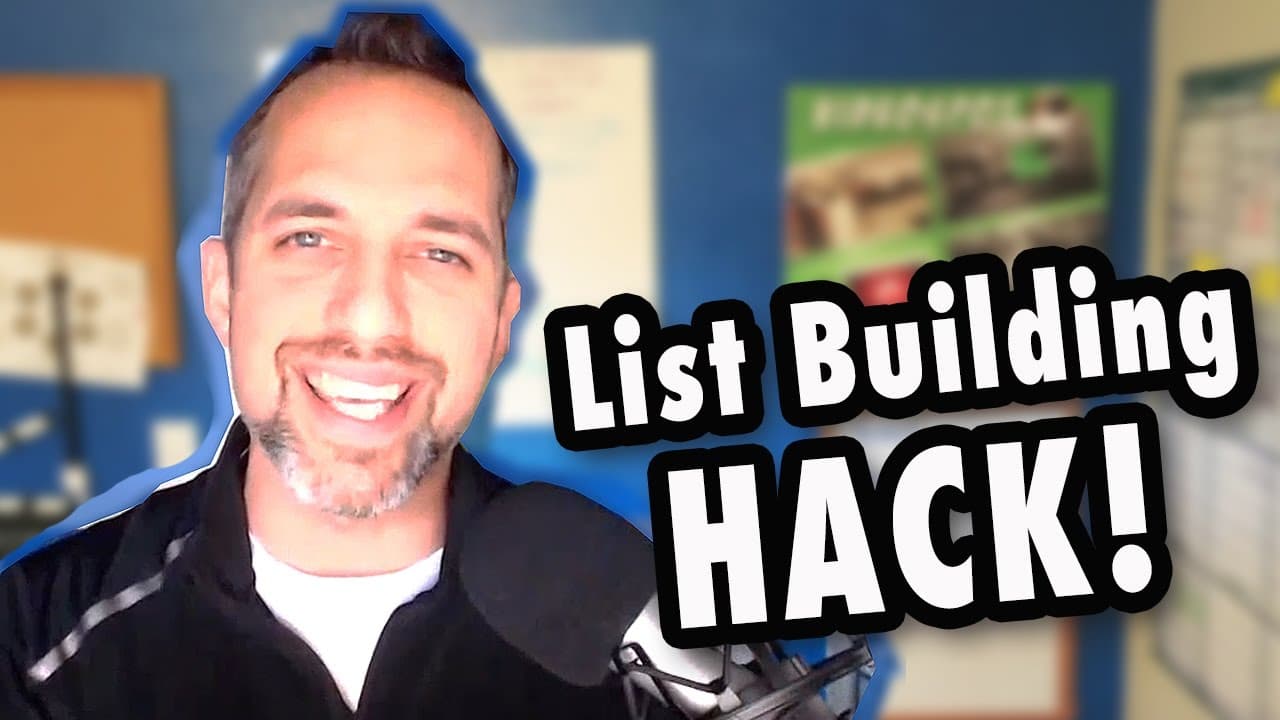
How to Build an Email List without a website (Getresponse tutorial)

February 28, 2017
by
Owen Video
YouTube video player
How to Build an Email List without a website (Getresponse tutorial)

TL;DR

Learn how to capture email leads without a website using the GetResponse software, with a step-by-step guide.

Transcript

hey everybody its owen video and today i'm going to be showing you my hack for generating leads on your website capturing a name and an email without having to have a website and without having to have a complicated landing page system. To do this we're going to use the software called getresponse... it is a $19 a month program with the first 30 da... Read More

Key Insights

  • 🥺 GetResponse is a software that offers lead generation tools and a 30-day free trial for capturing email leads on a website.
  • 💁 The tutorial emphasizes keeping the form simple at first and gradually adding customization as needed.
  • 📱 Checking the mobile view of the form is crucial, as most people access websites through smartphones.

Install to Summarize YouTube Videos and Get Transcripts

Explore YouTube Video Summarizer or Get YouTube Transcript Extractor

Questions & Answers

Q: How can I generate leads on my website without a website or complicated landing page system?

You can use the GetResponse software, which offers a 30-day free trial. Follow the step-by-step guide provided in the content to create a form and start capturing email leads.

Q: Can I customize the form to match my branding?

Yes, GetResponse provides various templates to choose from, and you can customize the headline and fields. You can keep it simple or get more customized as you go along.

Q: How can I ensure that the form looks good on mobile devices?

Use the free tool "worktools.com/screen-slide" to see how the form appears on different devices. Make sure to check the mobile view and make adjustments if necessary.

Q: Is there a way to make the link to the sign-up form look more professional?

Yes, you can use bit.ly/pda to create a shortened, customizable link. This allows you to create a memorable and visually appealing link for social media sharing.

Summary & Key Takeaways

  • The content shares a hack for generating leads on a website without a complicated landing page system.

  • The GetResponse software is recommended for capturing email leads and offers a 30-day free trial.

  • The tutorial provides step-by-step instructions on creating a form and customizing it for mobile devices.


Read in Other Languages (beta)

English

Share This Summary 📚

Summarize YouTube Videos and Get Video Transcripts with 1-Click

Download browser extensions on:

Try YouTube Summary with ChatGPT & Claude or YouTube Transcript Generator

Explore More Summaries from Owen Video 📚

Film PERFECT Videos In One Take - NO TELEPROMPTER thumbnail
Film PERFECT Videos In One Take - NO TELEPROMPTER
Owen Video
Subtitles Translator - How to translate YouTube Captions into any language thumbnail
Subtitles Translator - How to translate YouTube Captions into any language
Owen Video
How to get 4,000 hours Watchtime FAST as a small YouTuber thumbnail
How to get 4,000 hours Watchtime FAST as a small YouTuber
Owen Video
Add Pop Up Graphics To Your Live Stream - Restream Tutorial 2022 thumbnail
Add Pop Up Graphics To Your Live Stream - Restream Tutorial 2022
Owen Video
How To Charge for Brand Deals on small to medium YouTube Channels thumbnail
How To Charge for Brand Deals on small to medium YouTube Channels
Owen Video
Best DIY video backdrops - DIY Home Studio for YouTube Video thumbnail
Best DIY video backdrops - DIY Home Studio for YouTube Video
Owen Video

Summarize YouTube Videos and Get Video Transcripts with 1-Click

Download browser extensions on:

Try YouTube Summary with ChatGPT & Claude or YouTube Transcript Generator

Apps & Extensions

  • Chrome Extension
  • Safari Extension
  • Edge Add-ons
  • Firefox Add-ons
  • iOS App
  • Android App

Key Features

  • YouTube Video Summarizer
  • Web & PDF Summarizer
  • Web & PDF Highlighter
  • Chat with PDF
  • Ask AI Clone
  • Audio Transcriber
  • Glasp Reader
  • Kindle Highlight Export
  • Idea Hatch

Integrations

  • Obsidian Plugin
  • Notion Integration
  • Pocket Integration
  • Instapaper Integration
  • Medium Integration
  • Readwise Integration
  • Snipd Integration
  • Hypothesis Integration

More Features

  • APIs
  • MCP Connector
  • Blog & Post
  • Embed Links
  • Image Highlight
  • Personality Test
  • Quote Shots

Company

  • About us
  • Our Story
  • Blog
  • Community
  • FAQs
  • Job Board
  • Newsletter
  • Pricing
Terms

•

Privacy

•

Guidelines

© 2026 Glasp Inc. All rights reserved.