How to design beautiful motion graphics with Claude Design
TL;DR
Claude Design lets you craft looping motion graphics and premium UI touches by giving it a reference clip, brand details, and brief prompts. Start with a plan, feed Claude a reference and brand guidelines, then iterate on styles and effects to produce polished results. The approach scales to logos, decks, and social assets using curated resources.
Transcript
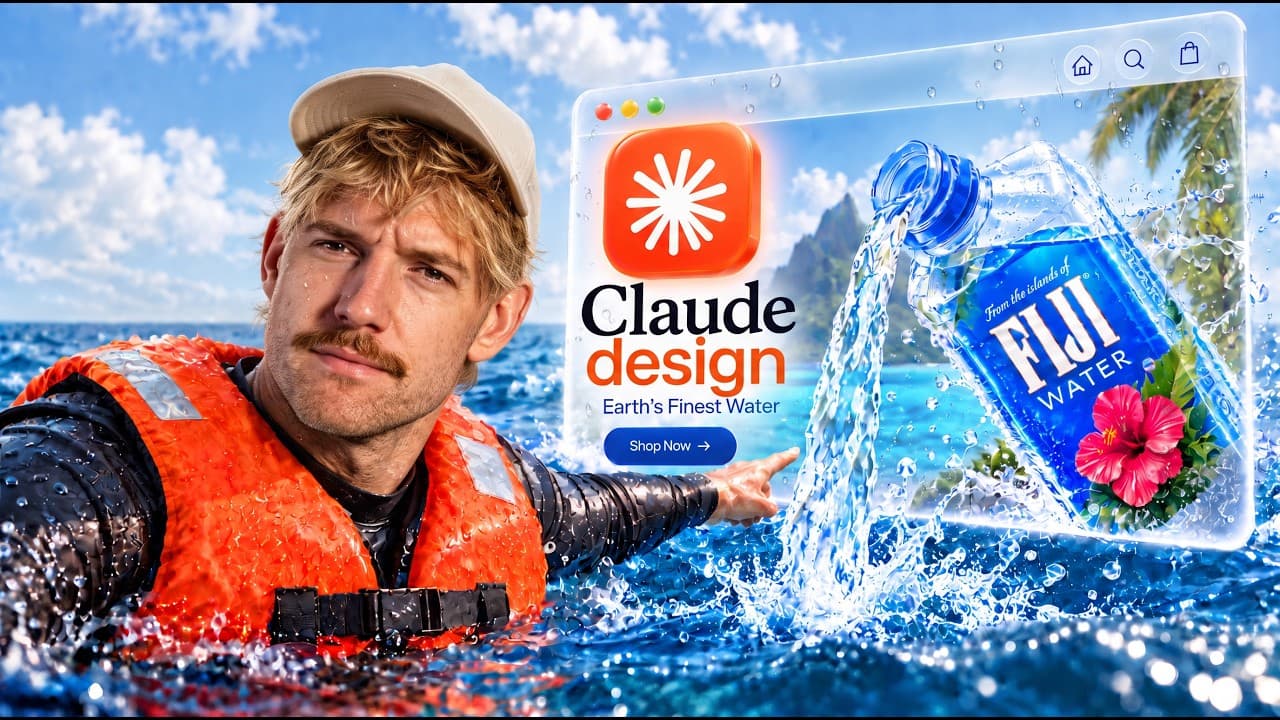
I'm going to show you exactly how to build beautiful websites, designs, and motion graphics with Claude Design 2.0. And after hundreds of hours building with Claude Design, I'm going to show you 15 Claude hacks that will save you hours and turn Claude into a design [music] genius. Starting from simple and building to advanced and all stuff I haven'... Read More
Key Insights
- X is a structured Claude Design workflow that starts with a reference clip and a plan to guide the output.
- The key to motion design with Claude is giving it a reference, a brand, and brief prompts to steer the generation.
- The loop technique requires a single idea that ends where it begins, enabling looping graphics for presentations like social posts.
- Premium design feels come from small touches such as hover lifts, counters, and careful animation timing.
- A brand guideline file consolidates colors, typography, and rules so Claude can maintain consistency across assets.
- Lotty files and other resource sites provide ready to use graphics and transitions to enhance motion work.
- Brand inspiration is gathered from existing guidelines and logo galleries to seed new assets with recognizable aesthetics.
- The Higgsfield CLI is used to manage image generation within Claude, enabling access to multiple models and streamlined workflows.
Install to Summarize YouTube Videos and Get Transcripts
Explore YouTube Video Summarizer or Get YouTube Transcript Extractor
Questions & Answers
Q: How can I start using Claude Design for motion graphics from scratch?
To begin with Claude Design for motion graphics, you first give Claude a reference clip that represents your desired style and explain your goals clearly. Then you provide branding elements such as your logos and color palette, plus a short brief describing motion expectations. This setup lets Claude generate assets that match your reference and branding while you iterate on styles and variations.
Q: What makes a good reference for Claude motion design prompts?
A good reference should capture the general mood, color scheme, motion language, and composition you want. It could be a short video, a set of branded visuals, or even a website animation you admire. The more specific you are about motion, colors, and behavior, the more accurately Claude can reproduce the feel in new outputs.
Q: How do you ensure animations loop effectively in Claude Design?
To ensure looping, you define a single idea that has a natural start and end, then request three style variations and enforce that the output ends on the same frame as it begins. This creates seamless loops suitable for presentations and social content, reducing discontinuities and maintaining visual coherence across cycles.
Q: What small touches can make designs feel premium in Claude Design?
Small touches include hover lifts, soft presses, counter numbers, and subtle timing adjustments. These details add depth and tactility to interfaces, making animations feel more premium. Applying these touches consistently across elements helps elevate the overall aesthetic without overhauling the core design.
Q: How can brand guidelines improve Claude Design outputs?
A brand guideline file stores your colors, typography, rules, and usage conventions in one place, which Claude can reference automatically. This reduces drift between assets, ensures consistent typography and color usage, and speeds up production because you do not need to redefine branding for every new design piece.
Q: What external resources should be used with Claude for better motion graphics?
External resources like Lotty files, transitions.dev, and other motion graphics repositories provide ready made assets and transitions that you can integrate into Claude outputs. Using these resources helps you quickly add high quality visuals, textures, and motion cues without building from scratch each time.
Q: How can you build a branding system inside Claude for ongoing projects?
Start by collecting existing brand inspiration, then generate a cohesive brand guideline with Claude that mirrors your favorite brands yet stays unique. Save this as a reusable file, so Claude can apply consistent branding to new assets, decks, and social posts, enabling scalable design workflows across multiple projects.
Q: What role does the Higgsfield CLI play in Claude Design workflows?
The Higgsfield CLI enables you to run image and video generation from Claude using the best available models, all from a simple interface. It streamlines asset creation, makes it easy to switch models, and keeps your workflow efficient by centralizing generation tasks in one place that you can reuse across projects.
Summary & Key Takeaways
-
This video demonstrates a structured workflow for Claude Design 2.0, starting with a clear reference and plan, then building motion graphics that loop and feel premium. It emphasizes using prompts and brand guidelines to maintain consistency across assets while enabling rapid iteration. Tools include platforms for assets and logo inspiration.
-
The process covers turning ideas into reusable prompts, generating multiple style variations, and ensuring looped animations for presentations and social media, with practical tips on sourcing assets and organizing brand assets inside Claude for consistency.
-
The show highlights real world benefits of Claude Design by sharing example assets, a prompt system, and recommended resources. Viewers learn how to save hours through repeatable prompts, branding templates, and curated inspiration galleries to accelerate design workflows.
Read in Other Languages (beta)
Share This Summary 📚
Summarize YouTube Videos and Get Video Transcripts with 1-Click
Try YouTube Summary with ChatGPT & Claude or YouTube Transcript Generator
Explore More Summaries from Jack Roberts 📚



Summarize YouTube Videos and Get Video Transcripts with 1-Click
Try YouTube Summary with ChatGPT & Claude or YouTube Transcript Generator