How to Install Linux on Intel Edison Easily
TL;DR
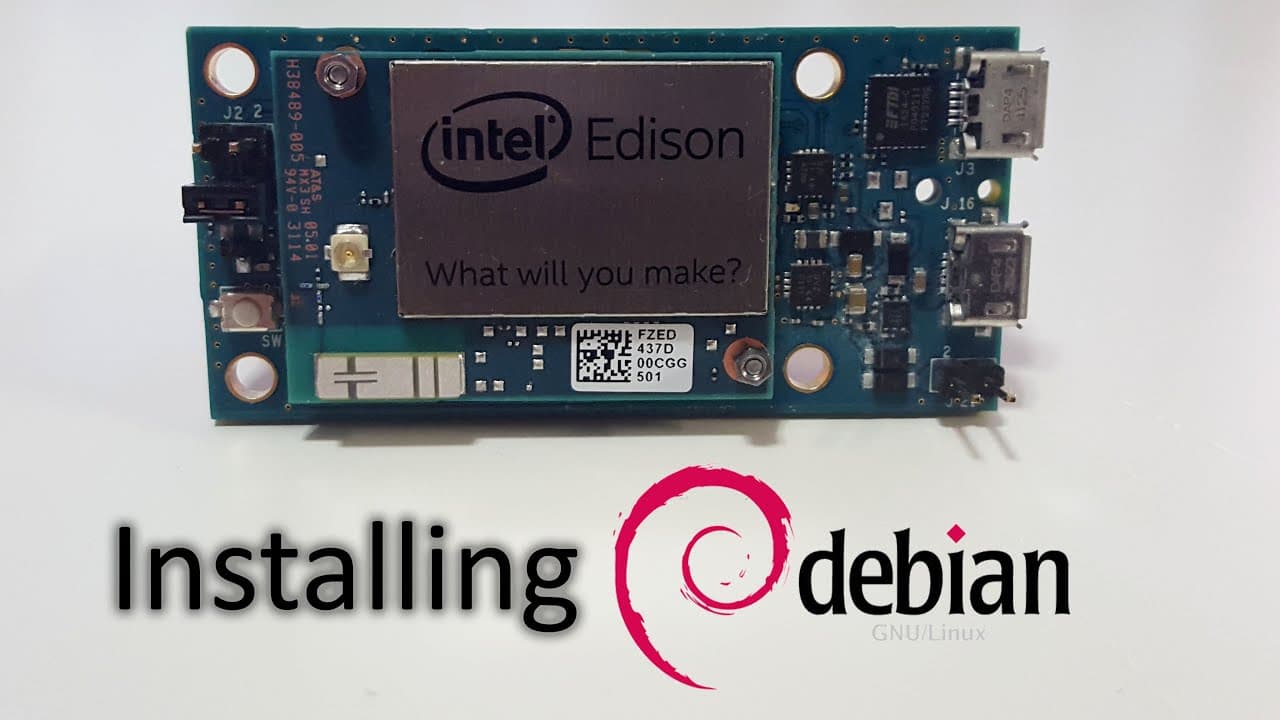
To install Linux on the Intel Edison, you need to download necessary drivers and the Ubi Linux image, which can take time due to slow connection speeds. After setting up the environment, connect the Edison to your computer via USB and execute specific commands in a terminal to load the operating system. This process enables development for projects like robotics or web servers due to the board's x86 architecture.
Transcript
what's going on YouTube it's Don from NOA spirit and today we are going to be unboxing the Intel Edison and installing Linux in this guy let's get started so here it is the box it's the Intel Edison with a bunch of stuff and I'm using the mini breakout board and let's see okay it comes with this little slide thought it would be some cool Intel thin... Read More
Key Insights
- 🧑💻 The Intel Edison is notably compact, making it suitable for embedded applications and portable tech projects.
- 💯 Its dual-core Intel Atom processor offers enhanced performance for running both lightweight and moderate software applications in an efficient manner.
- 🔋 The unboxing emphasizes the simplicity of connecting a cell phone battery for power, showcasing the Edison’s versatility in energy sourcing.
- 💁 Software setup requires users to be comfortable navigating different file formats and ensuring compatibility with their operating system.
- 🥵 The video underscores the importance of proper heat management, as the chip is underclocked to prevent overheating while maintaining functionality.
- 👻 Available USB ports allow for additional hardware connections, although doing so may affect the device's portability.
- 🗯️ The initial setup process hinges significantly on obtaining the right drivers and software tools, highlighting the importance of preparation.
Install to Summarize YouTube Videos and Get Transcripts
Explore YouTube Video Summarizer or Get YouTube Transcript Extractor
Questions & Answers
Q: What are the main components included in the Intel Edison unboxing?
The unboxing reveals the Intel Edison chip, the mini breakout board, a charger for various voltages, screws for assembly, and a small instruction booklet. The breakout board helps interface with the Edison for loading firmware and programming, which is crucial for the chip's use in projects.
Q: Why is the Intel Edison considered a competitor to Raspberry Pi?
The Intel Edison stands out due to its x86 architecture, enabling it to run a broader range of applications, including those typically only compatible with Windows. This makes it appealing for developers wanting to create wearables or robotic devices, unlike the ARM architecture prevalent in Raspberry Pi.
Q: What are the benefits and drawbacks of using the Intel Edison for projects?
The benefits include its small size, dual-core processor, and expanded compatibility with different software applications due to its x86 architecture. However, drawbacks include limited flash memory (only 4 GB) for installation and the need for USB hubs to connect additional peripherals, which may hinder its portability for mobile projects.
Q: What should be prepared before starting the Linux installation on Intel Edison?
Before beginning, viewers should gather necessary software, including the appropriate drivers for their operating system, compression tools like 7-Zip, and the Ubi Linux image. They will also require two micro USB cables for the installation process, as these are not included with the Intel Edison package.
Q: How can the Intel Edison be connected to Wi-Fi after installing Linux?
After successfully installing Linux, the user needs to access the terminal, usually done via serial communication software. They must modify the network configuration file to enter the SSID and password for the Wi-Fi network, followed by a command to connect and obtain an IP address for the device.
Q: What projects can be developed using the Intel Edison?
The Intel Edison can be used for a variety of projects, from building wearable technology and robotics to creating web servers. Given its x86 architecture, it holds potential for software emulation and running applications typically reserved for more powerful systems.
Summary & Key Takeaways
-
The video features the unboxing of the Intel Edison chip alongside its mini breakout board, detailing the components included for connection and use.
-
The guide thoroughly walks viewers through the software installation process necessary to run Linux on the Intel Edison, highlighting potential issues with drivers and file formats.
-
It discusses the technical specifications of the Edison, emphasizing its x86 architecture and limitations such as limited memory, and the potential for various projects like robotics and web servers.
Read in Other Languages (beta)
Share This Summary 📚
Summarize YouTube Videos and Get Video Transcripts with 1-Click
Try YouTube Summary with ChatGPT & Claude or YouTube Transcript Generator
Explore More Summaries from Novaspirit Tech 📚






Summarize YouTube Videos and Get Video Transcripts with 1-Click
Try YouTube Summary with ChatGPT & Claude or YouTube Transcript Generator