🐙 Lunch & Learn: Learn To Use Assistants API
TL;DR
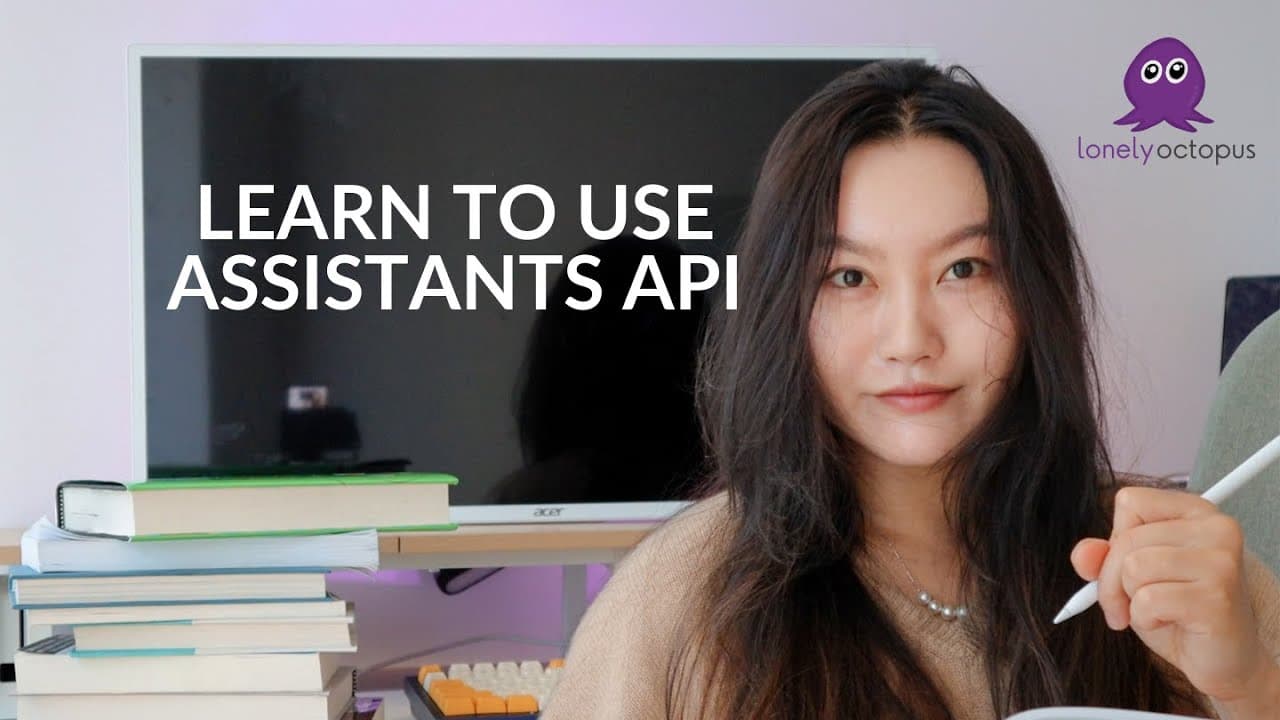
A live session on building AI agents using OpenAI's Assistants API.
Transcript
Hello friends how are you doing no Pikachu scavenger hday Hello friends you guys probably haven't seen this background in Forever CU I haven't been back here for about like a month or so now I think so Hello friends how's everyone doing is my stream quality really or is it just me is it really bad it looks really bad from my side yeah can someone t... Read More
Key Insights
- The session introduces the Assistants API from OpenAI, explaining its architecture and use cases.
- Assistants API allows developers to create personalized AI agents with specific roles and tasks.
- The tutorial includes creating a thread and messages to interact with the assistant.
- Participants are guided through the process of using the API to build a text summarizer for documents.
- The session highlights the importance of understanding API documentation for effective implementation.
- The tutorial encourages hands-on practice with provided API keys for live testing.
- The potential of AI agent swarms, where multiple agents work together for complex tasks, is discussed.
- Participants are encouraged to explore AI's application in freelancing and career development.
Install to Summarize YouTube Videos and Get Transcripts
Explore YouTube Video Summarizer or Get YouTube Transcript Extractor
Questions & Answers
Q: What is the Assistants API?
The Assistants API from OpenAI is a tool that allows developers to create personalized AI agents. These agents can perform specific tasks and roles, making them highly customizable for various applications.
Q: How does the Assistants API differ from the Completions API?
While the Completions API is used for generating text, the Assistants API is a higher-level tool that manages agents capable of handling complex tasks, including retrieval, code execution, and more, through an organized architecture.
Q: What is the purpose of creating a thread in the Assistants API?
A thread in the Assistants API represents a conversation session between the user and the assistant. It stores messages and manages the interaction context, allowing the assistant to perform tasks based on the conversation.
Q: What are some potential applications of AI agent swarms?
AI agent swarms consist of multiple agents working collaboratively to achieve complex objectives. Applications range from content creation and management to coordinating tasks across various platforms, enhancing efficiency and automation.
Q: How can beginners start learning to use the Assistants API?
Beginners can start by understanding basic programming concepts and exploring API documentation. Engaging in hands-on practice through tutorials and live sessions, like the one provided, helps in grasping the API's functionalities.
Q: What are some tools available to agents created with the Assistants API?
Agents can be equipped with tools like code interpreters, retrieval systems, and various APIs for internet browsing, data access, and more. These tools enhance the agent's capabilities to perform diverse tasks.
Q: Why is understanding API documentation important?
API documentation provides essential information about the methods, objects, and functionalities available. Understanding it is crucial for effectively implementing and troubleshooting the API in development projects.
Q: How can AI agents be integrated into freelance projects?
AI agents can automate repetitive tasks, enhance data analysis, and provide insights, making them valuable in freelance projects. Learning to build and integrate these agents can open new opportunities and improve project outcomes.
Summary & Key Takeaways
-
The live session introduces viewers to OpenAI's Assistants API, focusing on building AI agents for specific tasks. Participants learn to create and manage threads and messages, facilitating interactions with the AI assistant.
-
Through a hands-on approach, the tutorial demonstrates building a text summarizer using the API. The session emphasizes understanding API documentation and encourages live testing with provided API keys.
-
The potential of AI agent swarms is discussed, highlighting how multiple agents can collaborate for complex tasks. The session also touches on AI's relevance in freelancing and career enhancement.
Read in Other Languages (beta)
Share This Summary 📚
Summarize YouTube Videos and Get Video Transcripts with 1-Click
Try YouTube Summary with ChatGPT & Claude or YouTube Transcript Generator
Explore More Summaries from Tina Huang 📚


Summarize YouTube Videos and Get Video Transcripts with 1-Click
Try YouTube Summary with ChatGPT & Claude or YouTube Transcript Generator