Which Chrome Extensions Boost Your Productivity?
TL;DR
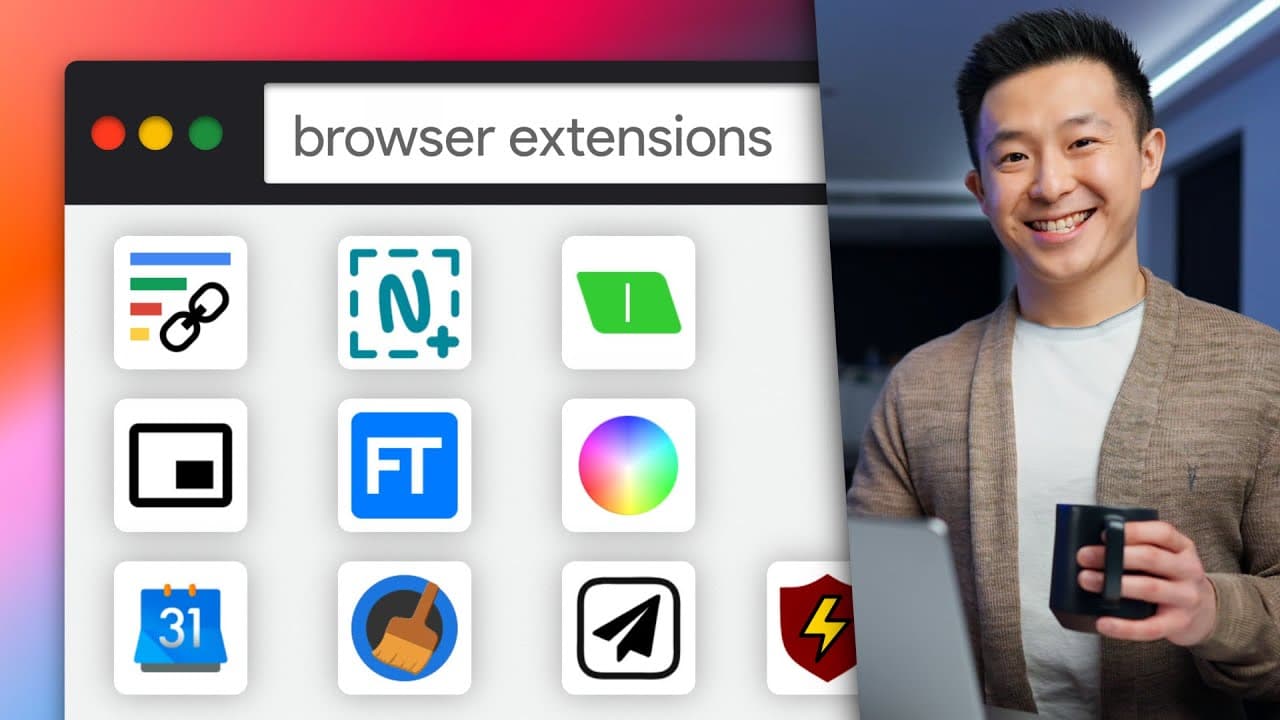
Twelve essential Chrome extensions can significantly enhance your productivity. Key tools include 'Link to Text Fragment' for sharing precise text references, 'Nimbus' for screenshots and screen recording, and 'uBlock Origin' for ad-blocking with advanced features. Each extension offers unique functionalities that simplify tasks and streamline workflows.
Transcript
so i'm totally not biased but you know how sometimes when you google for something clicking into the result brings you to the specific paragraph that answers your question pretty user friendly right well if you install the link to text fragment extension you can select any sentence or paragraph click the extension to copy this exact location to you... Read More
Key Insights
- Link to Text Fragment Extension:
- 🖇️ Installing this extension allows users to copy and share specific paragraphs or sentences from web pages, making it easier to direct others to relevant information.
- ️ Users can set keyboard shortcuts for their Chrome extensions, improving productivity and reducing the need for using the extension icons.
- Nimbus Screenshot and Screen Recorder Tool:
- 📸 This lightweight extension provides users with the ability to take screenshots and record their screens, with annotation features and easy sharing options.
- ⚡ This ad blocker offers additional features such as disabling blocking for specific web pages and temporarily deleting parts of web pages for cleaner screenshots.
- 🌈 A handy extension for professionals and students, ColorZilla allows users to easily pick colors from web pages and copy the corresponding hex code.
- 🖼️ With this extension, users can watch YouTube videos in a small floating window while working in another tab or application.
- 📝 This convenient notepad extension syncs notes across tabs and offers markdown formatting options, making it ideal for capturing and organizing thoughts quickly.
- Flash Tabs for Vocabulary Learning:
- 🎓 This extension turns new tab pages into flashcards, allowing users to create decks with front and back cards to aid in learning and memorization.
- 📅 This extension displays the time until the next event and provides quick access to upcoming events and Google Meet video calls.
- 🧹 Instead of manually clearing browser history and cache, this extension simplifies the process by removing data with just a few clicks.
- 💾 A must-have for Notion users, this extension enables easy content clipping and categorization from web pages into Notion, eliminating the need for manual copy-pasting.
Install to Summarize YouTube Videos and Get Transcripts
Explore YouTube Video Summarizer or Get YouTube Transcript Extractor
Questions & Answers
Q: How does the "Link to Text Fragment" extension work, and what are its benefits?
The "Link to Text Fragment" extension allows users to select a specific sentence or paragraph on a web page, copy the link to that location, and share it with others. This enables anyone who clicks on the link to directly access the highlighted text, making it convenient to share specific information without the need for extensive navigation through the page.
Q: What features does the "Nimbus" extension offer for screenshots and screen recording?
"Nimbus" provides options for capturing screenshots of tabs, the entire screen, or specific windows. It also offers annotation features like adding arrows and text boxes simultaneously. Users can save and download the captured images, and by choosing the "quick upload" option, the URL is automatically copied to the clipboard for convenient sharing.
Q: How can "uBlock Origin" enhance browsing experience beyond ad blocking?
In addition to blocking ads, "uBlock Origin" offers features like temporarily deleting parts of a webpage using the lightning bolt zapper, which helps to clear up clutter for taking screenshots. It also has a permanent zap function that allows users to create filters and permanently remove specific elements from a webpage, even after refreshing the page.
Summary & Key Takeaways
-
The first extension discussed is "Link to Text Fragment," which allows users to share specific paragraphs or sentences from web pages.
-
"Nimbus" is a lightweight screenshot and screen recorder tool with annotation features.
-
"uBlock Origin" is an ad blocker with additional features like temporarily deleting parts of a webpage and permanently zapping elements.
-
"ColorZilla" helps users identify and capture specific colors from web pages.
-
"Picture-in-Picture" enables users to watch YouTube videos in a small window while working in other tabs or apps.
-
"Papier" is a convenient notepad that syncs across tabs and allows note-taking immediately upon opening a new tab.
-
"FlashTabs" is a new tab page that helps users learn vocabulary using flashcards.
-
"Button for Google Calendar" displays upcoming events and provides quick access to Google Meet video calls.
-
"Clean Master" simplifies the process of clearing browsing history, cache, and cookies.
-
"Save to Notion" allows users to clip content from web pages and categorize it in Notion without manual copy-pasting.
Read in Other Languages (beta)
Share This Summary 📚
Summarize YouTube Videos and Get Video Transcripts with 1-Click
Try YouTube Summary with ChatGPT & Claude or YouTube Transcript Generator
Explore More Summaries from Jeff Su 📚






Summarize YouTube Videos and Get Video Transcripts with 1-Click
Try YouTube Summary with ChatGPT & Claude or YouTube Transcript Generator