How to Use Elgato Stream Deck for MIDI Articulations
TL;DR
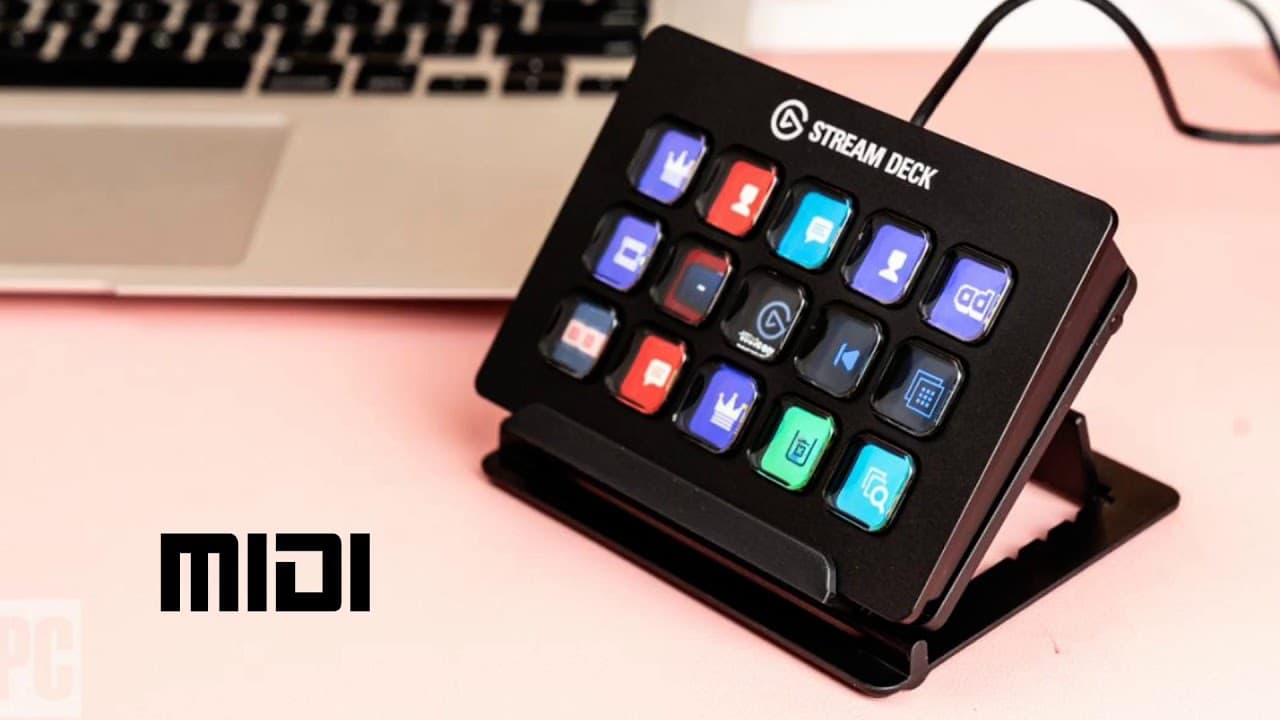
The Elgato Stream Deck allows musicians to easily switch between MIDI articulations in real-time, enhancing performance expressiveness. Its programmable buttons transmit MIDI information, making it a versatile tool for controlling virtual instruments while simplifying traditional complex setups. Additionally, it can manage MIDI CC data for volume and expression adjustments, all while recording performance data.
Transcript
hello today I'm going to give you some insights into my experience with the elgato stream deck and how it can be now applied to people in music production and midi music i'm a meal producer i use a lot of virtual instruments to produce music in either Cubase or in Logic Pro X and part of the the problem and part of the solution of making orchestral... Read More
Key Insights
- 🥺 Traditional MIDI controllers often do not provide enough options for articulation switching in music production, leading to the need for additional equipment or complex setups.
- 💁 The Elgato Stream Deck solves this issue by offering programmable buttons that transmit MIDI information, making articulation switching easier and more efficient.
- 😒 The Stream Deck can be used with any virtual instrument that uses MIDI note on messages for its articulations, making it a versatile tool for musicians.
- 😑 In addition to articulation switching, the Stream Deck can also control MIDI CC data, allowing for quick and easy adjustments to volume, expression, and other parameters.
- 👤 The Stream Deck's programmable buttons can be customized with icons, making it visually appealing and user-friendly.
- 🎮 The ability to record MIDI data with the Stream Deck ensures that all articulation switches and controls are captured alongside the performance in music sequencing programs.
- 💨 The Stream Deck offers a convenient and streamlined way to access and manage articulations in popular VST instruments and plugins, enhancing workflow and efficiency.
Install to Summarize YouTube Videos and Get Transcripts
Explore YouTube Video Summarizer or Get YouTube Transcript Extractor
Questions & Answers
Q: Why is the ability to switch between articulations important in music production?
Switching between different articulations allows musicians to create more expressive and realistic performances, particularly when working with virtual instruments.
Q: How does the Elgato Stream Deck solve the issue of limited articulation switches on traditional MIDI controllers?
The Stream Deck offers programmable buttons that transmit MIDI information, effectively extending the capabilities of a MIDI controller and providing seamless articulation switching.
Q: Can the Elgato Stream Deck be used with any virtual instrument?
Yes, as long as the virtual instrument uses MIDI note on messages for its articulations, the Stream Deck can function as a universal articulation switcher.
Q: Besides articulation switching, what other functions does the Elgato Stream Deck offer for music production?
The Stream Deck is fully programmable and can also be used for controlling MIDI CC data, such as mod wheel, volume control, and expression changes.
Summary & Key Takeaways
-
The ability to switch between playing different articulations is crucial for realistic and expressive music production.
-
Traditional MIDI controllers often have limited options for articulation switches, requiring additional equipment or complex setups.
-
The Elgato Stream Deck provides a solution by offering programmable buttons that transmit MIDI information, allowing for easy and quick articulation switching.
Read in Other Languages (beta)
Share This Summary 📚
Summarize YouTube Videos and Get Video Transcripts with 1-Click
Try YouTube Summary with ChatGPT & Claude or YouTube Transcript Generator
Explore More Summaries from Dory Video 📚






Summarize YouTube Videos and Get Video Transcripts with 1-Click
Try YouTube Summary with ChatGPT & Claude or YouTube Transcript Generator