How to Automate Video Editing with Claude Code
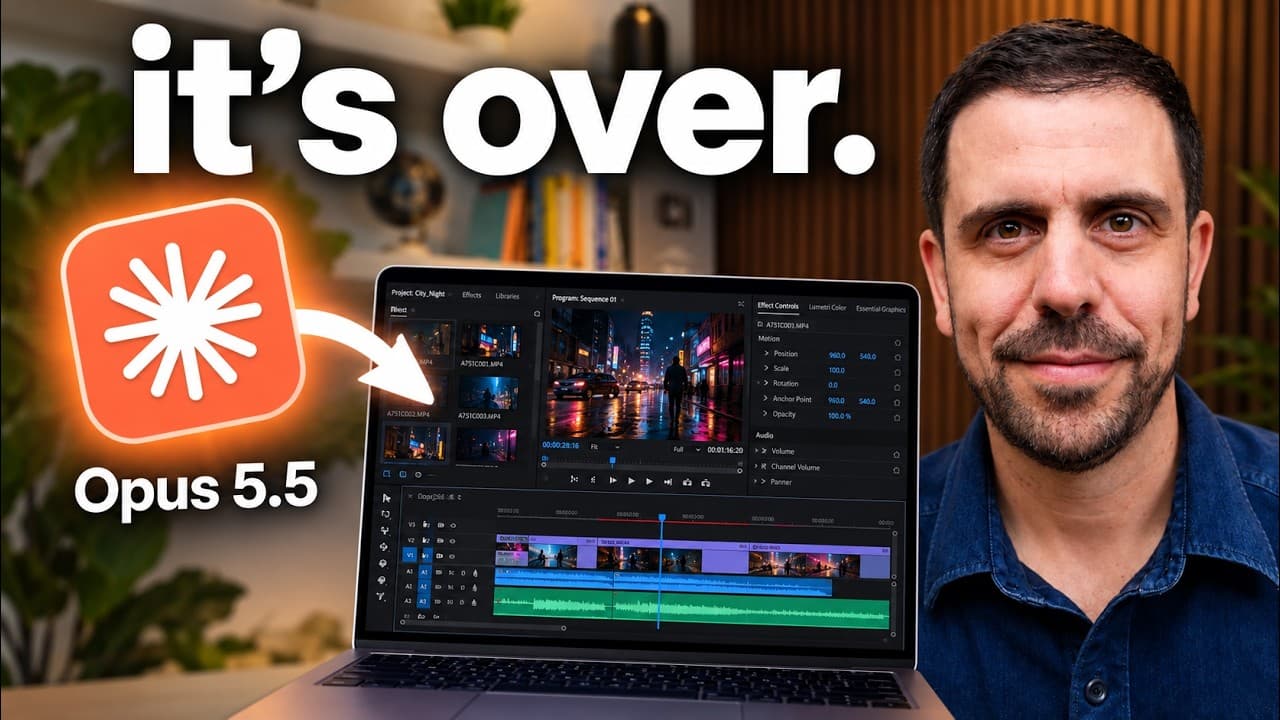
TL;DR
Automate video editing by using Claude Code to handle tasks like cutting, animations, and sound design without manual input. Key tools include Claude, Parakeet for transcription, Hyperframes for animations, and Epidemic Sound for music. This setup reduces editing costs significantly and speeds up production time by automating repetitive tasks.
Transcript
Everything you're seeing in this video was edited by my Claude Code system while I was asleep. Every cut, every sound, every animation like this one >> [music] >> or this one or this one was made without touching a timeline, and no, I don't know how to code. So, today I'm going to pull the curtain and show you exactly how I built this expert editor... Read More
Key Insights
- Claude Code automates video editing tasks, reducing the need for manual input.
- Parakeet transcribes video footage, allowing Claude to make precise edits.
- Hyperframes creates animations, turning them into high-quality 4K videos.
- Google Chrome is used by Claude for research and gathering B-roll content.
- Tella records screen and face, integrating seamlessly with Claude for editing.
- Epidemic Sound provides music and sound effects, customizable by Claude.
- FFmpeg finalizes edits, ensuring no errors in the final video output.
- Claude Code requires initial setup and skill file creation to match personal editing style.
Install to Summarize YouTube Videos and Get Transcripts
Explore YouTube Video Summarizer or Get YouTube Transcript Extractor
Questions & Answers
Q: How can Claude Code automate video editing?
Claude Code automates video editing by using a combination of tools to handle tasks such as cutting, animations, and sound design. It works locally on your computer, coordinating tools like Parakeet for transcription and Hyperframes for animations. The system uses a skill file to match your editing style, significantly reducing costs and time.
Q: What tools are used in the Claude Code system?
The Claude Code system utilizes several tools: Parakeet for transcription, Hyperframes for creating animations, Google Chrome for research and B-roll, Tella for screen and face recording, Epidemic Sound for music and sound effects, and FFmpeg for finalizing edits. These tools automate various aspects of video editing.
Q: How does Parakeet contribute to the automation process?
Parakeet is a transcription tool that converts video footage into text with timestamps. This transcription allows Claude Code to make precise edits by understanding what is being said in the video. Parakeet is free and developed by Nvidia, playing a crucial role in automating the editing process by providing accurate text data.
Q: What is the role of Hyperframes in video editing automation?
Hyperframes is used to create animations for videos. It works by turning animations into 4K video quality, ensuring they look sharp even on large screens. Hyperframes integrates with Claude Code, automating the creation of motion graphics and titles without manual input, thus enhancing the video editing process.
Q: How does Claude Code handle sound design?
Claude Code handles sound design by integrating with Epidemic Sound, a music and sound effects library. Users can train Claude on preferred music styles and sound effects, which it applies to videos automatically. This ensures that the audio matches the video content and maintains brand consistency without manual intervention.
Q: What is the setup process for Claude Code?
Setting up Claude Code involves downloading the desktop app from Anthropic, configuring it to run locally, and connecting tools like Tella for screen recording and Epidemic Sound for audio. Users must create a skill file that reflects their editing style, which Claude uses to guide the editing process, automating tasks efficiently.
Q: How does Claude Code improve video production speed?
Claude Code improves video production speed by automating repetitive editing tasks, allowing for same-day video release. It coordinates multiple tools to handle cutting, animations, and sound design, reducing the time traditionally spent on manual editing. This automation enables creators to focus on content creation rather than technical editing tasks.
Q: What are the cost benefits of using Claude Code for editing?
Using Claude Code for video editing significantly reduces costs compared to hiring a human editor. The system costs around $27 per video, whereas traditional editing can cost between $250 and $1,000 per video. This cost-effectiveness, combined with the speed of production, makes Claude Code an attractive option for content creators.
Summary & Key Takeaways
-
Claude Code automates video editing by coordinating tools like Parakeet for transcription and Hyperframes for animations, running locally on your computer. It significantly reduces costs and editing time by handling tasks traditionally done by a team, such as cutting, sound design, and animations, using a predefined skill file that reflects your style.
-
Key tools include Parakeet for transcription, Hyperframes for animations, and Epidemic Sound for music. Claude serves as the coordinator, accessing files and other software to automate the editing process. The system is customizable through a skill file, which dictates the editing style and preferences.
-
Setting up Claude Code involves downloading the desktop app from Anthropic, configuring local settings, and connecting tools like Tella and Epidemic Sound. The system is cost-effective, saving hundreds per video compared to traditional editing, and allows for rapid production, enabling same-day video release.
Read in Other Languages (beta)
Share This Summary 📚
Summarize YouTube Videos and Get Video Transcripts with 1-Click
Try YouTube Summary with ChatGPT & Claude or YouTube Transcript Generator
Explore More Summaries from Christian Peverelli 📚






Summarize YouTube Videos and Get Video Transcripts with 1-Click
Try YouTube Summary with ChatGPT & Claude or YouTube Transcript Generator