How to Create a Custom LEGO Minifigure with AI
TL;DR
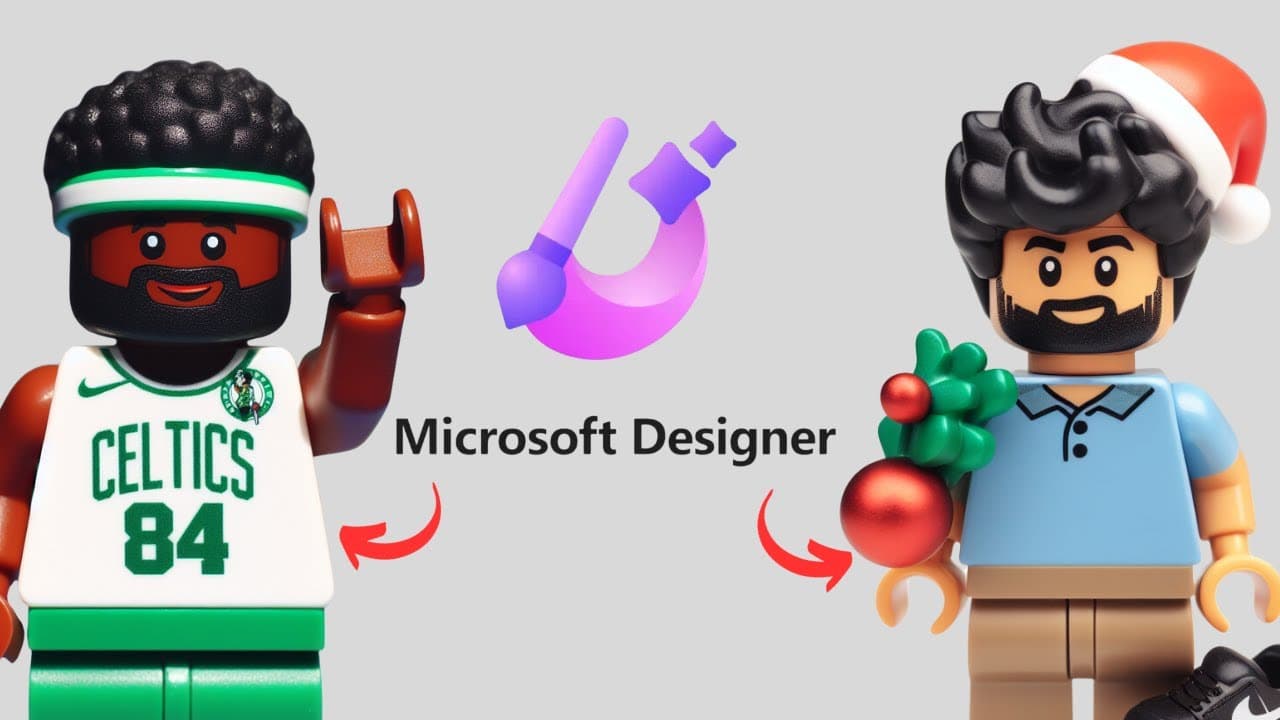
To create a custom LEGO minifigure using AI, sign up for a free Microsoft Designer account and utilize the 'image from text prompt' feature. Fill in customizable fields to generate different minifigure designs quickly and easily, allowing for multiple variations to be created in seconds.
Transcript
welcome to edtech hustle my name is Rich and in this video I'm going to show you how you can create your own customized Lego minifigure in seconds using Microsoft designer let's get started so the first thing you'll need is a Microsoft designer account you can sign up for free and once you sign up for free you can create all kinds of different medi... Read More
Key Insights
- 👻 Microsoft Designer allows users to create personalized Lego minifigures quickly and easily.
- 🧘 Customization options can be adjusted by editing the initial text prompt.
- 🏑 Multiple versions of the minifigure can be generated with different fields filled in.
Install to Summarize YouTube Videos and Get Transcripts
Explore YouTube Video Summarizer or Get YouTube Transcript Extractor
Questions & Answers
Q: What is Microsoft Designer?
Microsoft Designer is a platform that offers various AI tools to create different types of media easily, including customized Lego minifigures.
Q: How can I create a customized Lego minifigure using Microsoft Designer?
Sign up for a free account, access the "image from text prompt" feature, fill in the required fields with your desired information, and generate the minifigure image.
Q: Can I further customize the minifigure after filling in the initial prompt?
Yes, you can select the "edit prompt" option to make further customization, adding or removing fields to better tailor the minifigure to your preferences.
Q: How can I obtain the generated minifigure images?
Once the minifigure image is generated, it can be downloaded as a JPEG file. Clicking on the image allows you to view a larger version before downloading.
Summary & Key Takeaways
-
Sign up for a free Microsoft Designer account to access various AI tools.
-
Use the "image from text prompt" feature to create a customized Lego minifigure.
-
Fill in the fields with the desired information and generate the minifigure image.
Read in Other Languages (beta)
Share This Summary 📚
Summarize YouTube Videos and Get Video Transcripts with 1-Click
Try YouTube Summary with ChatGPT & Claude or YouTube Transcript Generator
Explore More Summaries from EdTech Hustle 📚
![Keynote: Remove The Background of Any Photo [Using Instant Alpha] thumbnail](/_next/image?url=https%3A%2F%2Fi.ytimg.com%2Fvi%2F0Ji-uTffzJE%2Fhqdefault.jpg&w=750&q=75)





Summarize YouTube Videos and Get Video Transcripts with 1-Click
Try YouTube Summary with ChatGPT & Claude or YouTube Transcript Generator