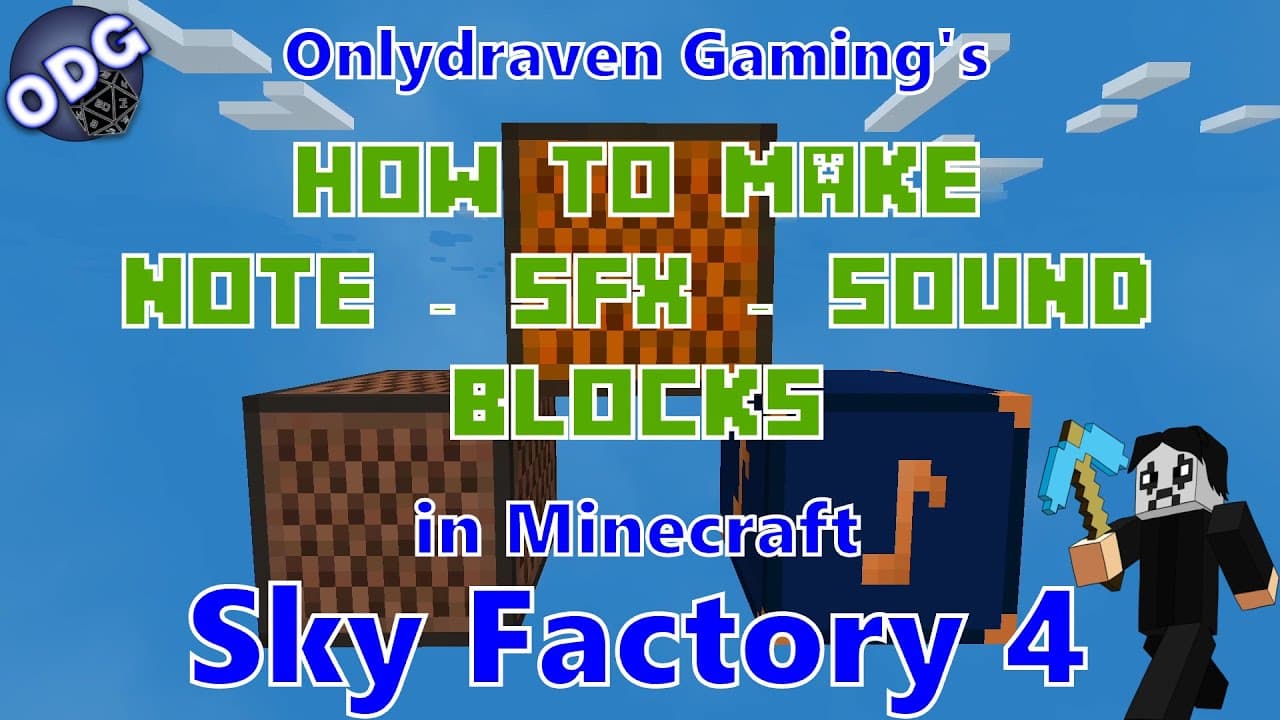
How to Make and Use Note Blocks in Minecraft Sky Factory 4
TL;DR
To create and use note blocks in Minecraft Sky Factory 4, craft a note block using eight wood planks and a redstone piece. Note blocks produce different sounds based on the material they are placed on. Additionally, sound effect blocks and sound blocks allow for more advanced sound customization and automation using redstone.
Transcript
hello everyone only draven here again and today we're doing another tutorial in minecraft sky factory 4. today i'm going to be showing you how to make and use the note block the sound effects block and the sound block three different types of blocks that can produce sound music or notes this may help you in a couple of different ways that we will c... Read More
Key Insights
- 🎵 The note block is versatile, generating different sounds based on the block type underneath it, facilitating creative musical compositions.
- 🔔 Using the sound effects block, players can automate sounds based on redstone triggers, making it ideal for creating notifications or ambient music.
- 🔇 The sound block offers advanced sound customization options, including volume and pitch control, which can dramatically affect how sounds are perceived in your Minecraft world.
- 👂 Each block type has unique crafting recipes which require various materials, making resource collection an essential part of the sound-related gameplay.
- 👂 Sound interaction in Minecraft offers players endless possibilities to experiment with audio, adding a whole new layer to building and environmental design.
- 👂 Ambiance created through sound blocks can enhance thematic builds, such as creating a haunted house with eerie noises or a tranquil forest with natural sounds.
- ⁉️ The tutorial encourages player engagement through the invitation for questions and recommendations, fostering a community around creating content in Sky Factory 4.
Install to Summarize YouTube Videos and Get Transcripts
Explore YouTube Video Summarizer or Get YouTube Transcript Extractor
Questions & Answers
Q: How do you craft a note block in Minecraft Sky Factory 4?
To craft a note block, you need eight wood planks of any type and one redstone piece in the center of the crafting grid. This simple recipe allows you to place the note block in your world and begin making music based on the materials it sits on, as different surfaces will produce distinct sounds.
Q: What is the main function of the sound effects block, and how is it different from the note block?
The sound effects block offers a menu of customizable sounds and can be set to either "always on" or "requires redstone." This contrasts with the note block, which generates sounds based on the item underneath it without requiring any configuration. This block is ideal for creating automated sound notifications or continuous sounds in your gameplay.
Q: Can the sound block produce sounds on its own without additional mechanisms?
Yes, the sound block can produce sounds directly upon interaction without needing a redstone clock, allowing for greater ease of use. You can configure the sound to repeat and adjust its pitch and volume, giving you extensive control over how and when sounds are emitted in your game.
Q: How do the volume levels affect the sound block's functionality?
Increasing the volume level in the sound block allows sounds to be heard from farther away. The maximum volume can be increased to 2, significantly extending the audible range, which is useful if you want ambient sounds or music to be discernible throughout a larger area in your game.
Q: Are there unique sounds available that are exclusive to the sound effect and sound blocks?
Yes, the sound effect block and sound block each provide a selection of sounds, some of which may not be replicable using other blocks or mechanisms in Sky Factory 4. This includes unique environmental sounds and music that can enhance the ambiance of your gameplay.
Q: How can these sound blocks contribute to the overall gaming experience?
These sound blocks can greatly enhance the gaming experience by adding layers of ambiance and atmosphere to your builds. Players can create interactive environments, haunted houses, or automated notifications, making gameplay more dynamic and immersive with creative sound design.
Summary & Key Takeaways
-
This tutorial introduces three types of sound-producing blocks in Minecraft Sky Factory 4: note blocks, sound effect blocks, and sound blocks, explaining how to craft each one.
-
The note block allows players to create musical notes based on the type of material it is placed on, offering various sound options.
-
The sound effect block features a menu for customizing sounds and can be automated using redstone, while the sound block provides even more options for sound customization and volume control.
Read in Other Languages (beta)
Share This Summary 📚
Summarize YouTube Videos and Get Video Transcripts with 1-Click
Try YouTube Summary with ChatGPT & Claude or YouTube Transcript Generator
Explore More Summaries from Onlydraven Gaming 📚




Summarize YouTube Videos and Get Video Transcripts with 1-Click
Try YouTube Summary with ChatGPT & Claude or YouTube Transcript Generator