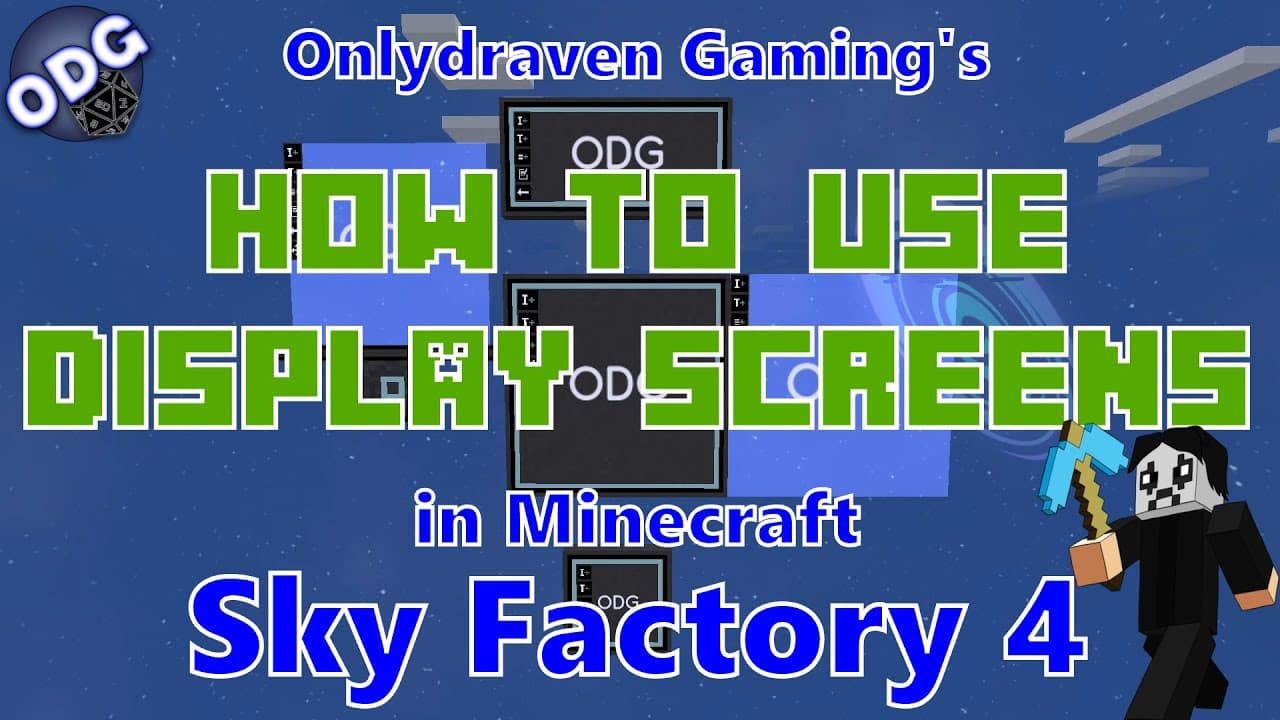
How to Use Display Screens as Signs in Minecraft Sky Factory 4
TL;DR
To use display screens as signs in Minecraft Sky Factory 4, craft various screen types using stone plates and sapphire dust. Set them up to create customizable labels that enhance your builds, enabling text editing for clarity and aesthetics. These screens don't require power and can be combined for larger displays, making them an accessible and visually appealing alternative to traditional signs.
Transcript
hello everyone onlydraven here again and today we're doing another tutorial in minecraft sky factory 4. today i'm going to be showing you how to use the different display screens from the practical logistics 2 mod as a sign to label different things in different ways on your game the amount of different signs that exist in sky factory and even mine... Read More
Key Insights
- 🛟 The Practical Logistics 2 mod enhances the gameplay experience in Minecraft by offering versatile display screens that serve as modern signage options.
- 🤘 Players can create beautiful and informative signs using simple materials, encouraging creativity without needing advanced resources or technology.
- 💍 The crafting of the display screens is straightforward, enabling novices to engage with this feature early in their gaming journey.
- 👻 The customization options are extensive, allowing players to alter text color, size, and position, catering to various aesthetic and functional needs.
- 🧍 The unique floating nature of the screens can add a distinctive visual element to builds, making them stand out compared to traditional signage.
- 🌥️ The large display screens can be combined for larger visual displays, inviting players to experiment with space and arrangements in their environments.
- 🌍 The holographic displays introduce an innovative design that visually interacts with the surrounding world, providing an interesting twist on traditional signage.
Install to Summarize YouTube Videos and Get Transcripts
Explore YouTube Video Summarizer or Get YouTube Transcript Extractor
Questions & Answers
Q: What materials do you need to create a standard display screen?
To craft a standard display screen in Minecraft Sky Factory 4, you will need a stone plate, sapphire dust, and a data cable. The stone plate can be made using a forging hammer on a piece of stone, while sapphire dust can be acquired by processing sapphires through a hammer or crusher. The data cable is made by combining the stone plates with sapphire dust.
Q: How do you customize the text on a display screen?
To customize the text on a display screen, first, enter edit mode by right-clicking on the screen. Then, use the grid it provides to define your text area by clicking and dragging. Once you've highlighted your desired area, hold "Shift" and right-click to edit. You can change font color, style, and alignment, allowing you to fully personalize the message displayed.
Q: What are the different types of display screens available in the mod?
The mod includes several types of display screens: the standard display screen, mini display, large display, holographic display, and advanced holographic display. Each one varies in size and functionality, allowing for creative placements and text displays, with specific crafting requirements for each type.
Q: Are the display screens powered devices in the game?
No, the display screens in the Practical Logistics 2 mod don't require any power to operate. This makes them particularly handy for players, as they can be utilized without the need for complex energy sources, allowing for a more straightforward integration into early-game setups.
Summary & Key Takeaways
-
The tutorial explores the different types of display screens available in the Practical Logistics 2 mod, which can be used creatively as signs in Minecraft, providing a fun alternative to traditional signage.
-
Each display screen requires specific crafting materials, including stone plates and sapphire dust, which can be easily obtained early in the game, making these features accessible to all players.
-
Instructions are provided on how to set up and customize the screens, including how to edit text, adjust sizes, and use them in creative ways throughout your gaming environment.
Read in Other Languages (beta)
Share This Summary 📚
Summarize YouTube Videos and Get Video Transcripts with 1-Click
Try YouTube Summary with ChatGPT & Claude or YouTube Transcript Generator
Explore More Summaries from Onlydraven Gaming 📚

Summarize YouTube Videos and Get Video Transcripts with 1-Click
Try YouTube Summary with ChatGPT & Claude or YouTube Transcript Generator