How to Triple Boot Windows, MacOS, and Linux on LattePanda
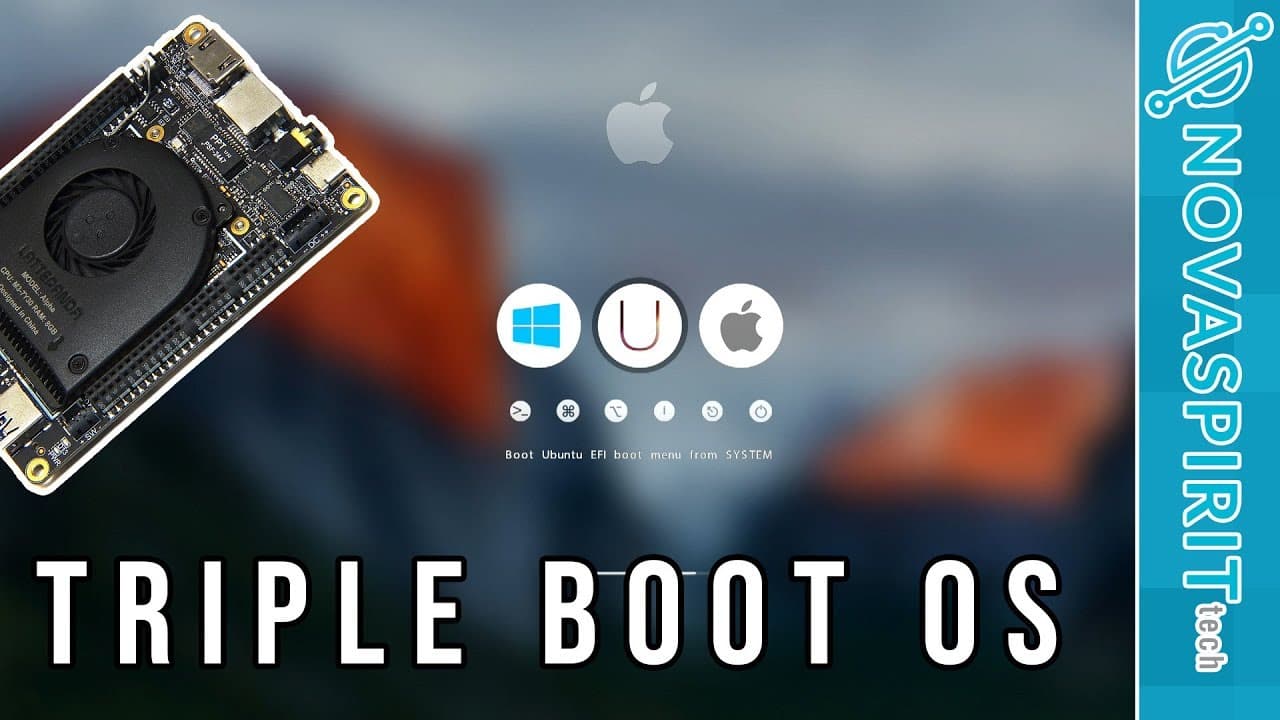
TL;DR
To triple boot Windows, MacOS, and Linux on a LattePanda, partition your drive appropriately and install each OS on a separate partition. Use tools like Clover or GRUB to manage the boot process, and ensure drivers are installed for hardware functionality. Finally, adjust Windows time settings to sync with MacOS due to their different timekeeping methods.
Transcript
hey guys what's going on it's down here from Nova spirit Tech and today I got a pretty interesting video for you guys which is triple booting on the Lotte Panda now this also applies on desktop PCs and also laptop so you're not really constrained to the Lotte pen itself so let's get started now before I begin this video I do want to mention that I ... Read More
Key Insights
- 👻 Triple booting can significantly enhance functionality, allowing users to leverage unique strengths of different operating systems.
- 👾 Partitioning is crucial to ensure each operating system has a dedicated space, and understanding the file system requirements is essential.
- 🆘 Boot manager configuration is vital, as tools like Clover or GRUB help manage multiple OS selections efficiently at startup.
- 👤 Users may need to install specific drivers to enable hardware functions such as Wi-Fi across different operating systems.
- 🧘 Time synchronization issues can arise due to differences in timekeeping between operating systems; making registry edits in Windows can resolve this.
- 🎮 The video highlights the significance of following precise steps during installations to avoid complications.
- 🫵 A community aspect, such as polls and audience interactions, can enhance viewer engagement and feedback on performance comparisons among the operating systems.
Install to Summarize YouTube Videos and Get Transcripts
Explore YouTube Video Summarizer or Get YouTube Transcript Extractor
Questions & Answers
Q: What is triple booting, and why would someone want to do it?
Triple booting allows a single computer to run three operating systems simultaneously. Users may choose to do this to take advantage of specific applications or functionalities unique to each OS—Windows for gaming and software compatibility, Mac OS for certain creative applications, and Linux for software development or server tasks.
Q: What preparations are necessary before starting the triple boot process?
Before proceeding with triple booting, ensure you have backed up essential data, created installation media for each operating system, and determined how to partition your hard drive. Understanding the file systems required for each OS, such as NTFS for Windows and EXT4 for Linux, is also critical.
Q: Can the triple boot setup be done on machines other than the Latte Panda?
Yes, while the tutorial focuses on the Latte Panda, the triple boot technique can be adapted for different desktops and laptops. The key is to ensure compatibility with the hardware, especially regarding EFI and partition management for each OS.
Q: What steps must I take to partition my drive for triple booting on Mac OS?
In the Mac OS installer, users should access Disk Utility to select the drive and create partitions. If the device has an eMMC, typically create two partitions (one each for Mac and Linux), while without it, create three partitions (one for Windows, one for Linux, and one for Mac). Format them appropriately before installation.
Q: How do I handle GRUB and Clover boot loaders when triple booting?
During the Linux installation, you need to install GRUB on the same partition as Linux rather than the main drive. Mac OS requires Clover boot loader for multi-boot management, as Windows cannot boot directly into Mac OS. Properly configuring these boot loaders is crucial for seamless switching between OSes.
Q: What are some common issues encountered with triple booting?
Issues may include boot loader conflicts, partitioning errors, driver compatibility, and time sync problems between operating systems. Users may need to adjust BIOS settings to dictate the correct boot order and resolve the universal time discrepancies typically between Mac OS and Windows.
Summary & Key Takeaways
-
The video showcases a guide on triple booting Windows, Mac OS, and Linux on a Latte Panda, applicable to various desktops and laptops.
-
The presenter shares personal experiences with dual and triple boot setups, highlighting necessary partitions and configurations for each operating system.
-
Additional tips are provided regarding drivers for Wi-Fi functionality and dealing with universal time settings across different OS installations.
Read in Other Languages (beta)
Share This Summary 📚
Summarize YouTube Videos and Get Video Transcripts with 1-Click
Try YouTube Summary with ChatGPT & Claude or YouTube Transcript Generator
Explore More Summaries from Novaspirit Tech 📚






Summarize YouTube Videos and Get Video Transcripts with 1-Click
Try YouTube Summary with ChatGPT & Claude or YouTube Transcript Generator