What Is Rhino OS and How Does Its Rolling Release Work?
TL;DR
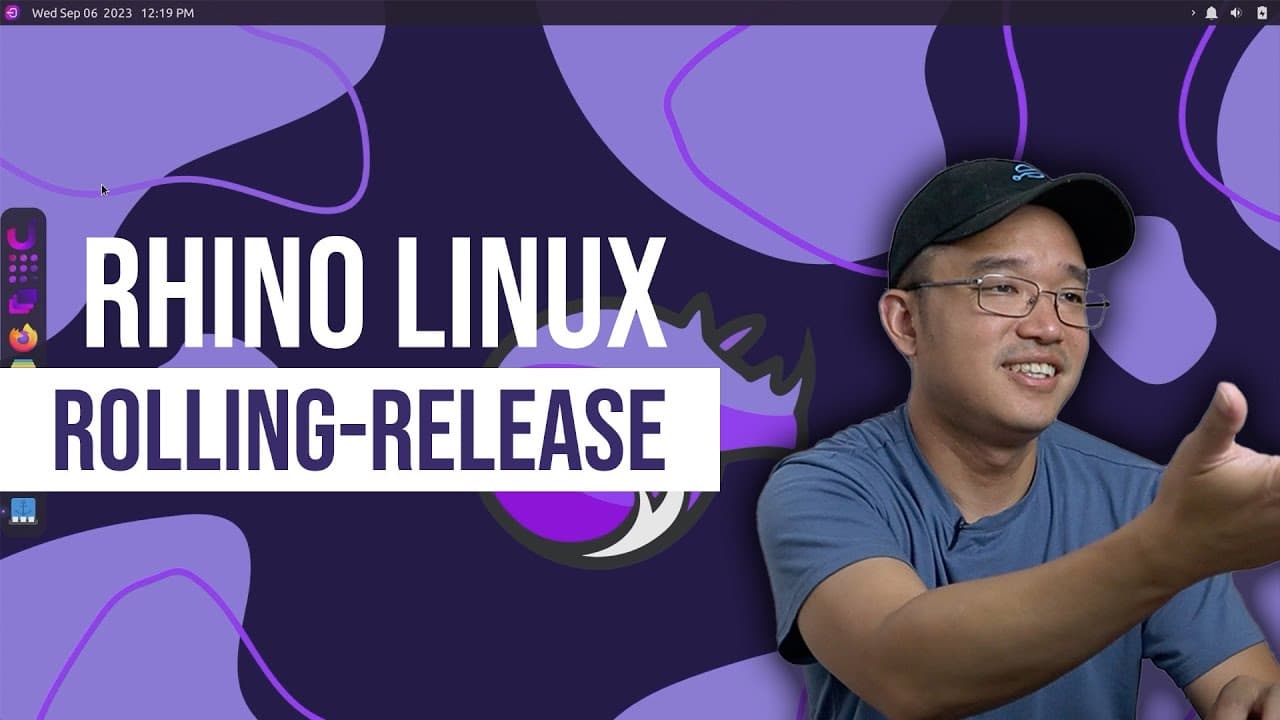
Rhino OS is a lightweight, rolling release Linux distribution based on Ubuntu that continuously updates without version numbers. It features the Rhino PKG package manager, which consolidates sources like Flatpak, Snap, and Apt for software installation, though package searches can be slow. The OS offers a customizable XFCE interface, making it suitable for low-resource devices.
Transcript
hey guys what's going on it's Don here from Nova Spirit Tech and welcome back to the channel and today we're going to be checking out Rhino OS so let's get started so this operating system has been on my radar for quite some time and I've been meaning to check it out it's called Rhino OS and I'll leave the link down in the description below now wha... Read More
Key Insights
- 🦏 Rhino OS is built on an Ubuntu development branch, making it a cutting-edge choice for Linux enthusiasts but potentially unstable as daily use.
- 👤 Users benefit from a sleek desktop environment built on XFCE, offering a mix of functionality and visual appeal through themes like Dracula and customized wallpapers.
- 👨🔬 The Rhino PKG manager introduces complexity by integrating multiple installation sources, which could be both advantageous and time-consuming during package searches.
- 👀 While the operating system has a modern look, users must be cautious of trustworthiness when installing packages from community sources due to possible security vulnerabilities.
- 😚 The OS's strong theme customization options contribute positively to user experience, attracting those who prefer visually appealing interfaces.
- 👤 Its design philosophy aims to cater to users who appreciate minimalist and efficient operating systems while still wanting access to contemporary software.
- ✋ The presence of options for scaling display resolution is noteworthy, emphasizing Rhino OS's consideration for diverse hardware setups, especially those with high-resolution displays.
Install to Summarize YouTube Videos and Get Transcripts
Explore YouTube Video Summarizer or Get YouTube Transcript Extractor
Questions & Answers
Q: What distinguishes Rhino OS from other Linux distributions?
Rhino OS stands out primarily as a rolling release distribution, similar to Arch Linux. Unlike traditional models that require full version upgrades, it continuously updates its packages. This allows users to access the latest software without waiting for major releases, appealing to those who desire the latest features and improvements in their operating system.
Q: How does the Rhino PKG package manager function?
The Rhino PKG package manager is central to the Rhino OS experience. It allows users to install applications by searching through various repositories, including Flatpak, Snap, AppImages, and Apt. Users can specify their preferred sources for installation, making it versatile but also introducing some potential delays in search times for packages.
Q: What performance can users expect from Rhino OS on lower-end hardware?
Rhino OS is designed to be lightweight, making it suitable for lower-end hardware configurations. On testing with an Intel Celeron N5105, it showed commendable performance, using around 795 MB of RAM. Users can expect satisfactory responsiveness even with less powerful machines due to its efficient use of system resources.
Q: Are there any known bugs in Rhino OS?
Early users reported some bugs, particularly with the installation process, where the system might hang during reboot after reaching 99%. While experiences may vary, there's a possibility of encountering additional bugs within the desktop environment, making it advisable not to rely on Rhino OS as a daily driver just yet.
Summary & Key Takeaways
-
Rhino OS, a lightweight Linux distribution based on Ubuntu, operates as a rolling release, continuously updating to the latest software packages without version numbers.
-
Its unique features include the Rhino PKG package manager that pulls from various sources like Flatpak, Snap, and Apt, though searches can be slow at times.
-
The operating system boasts a visually appealing interface with customizable themes and wallpapers and is especially suited for devices requiring minimal system resources.
Read in Other Languages (beta)
Share This Summary 📚
Summarize YouTube Videos and Get Video Transcripts with 1-Click
Try YouTube Summary with ChatGPT & Claude or YouTube Transcript Generator
Explore More Summaries from Novaspirit Tech 📚






Summarize YouTube Videos and Get Video Transcripts with 1-Click
Try YouTube Summary with ChatGPT & Claude or YouTube Transcript Generator