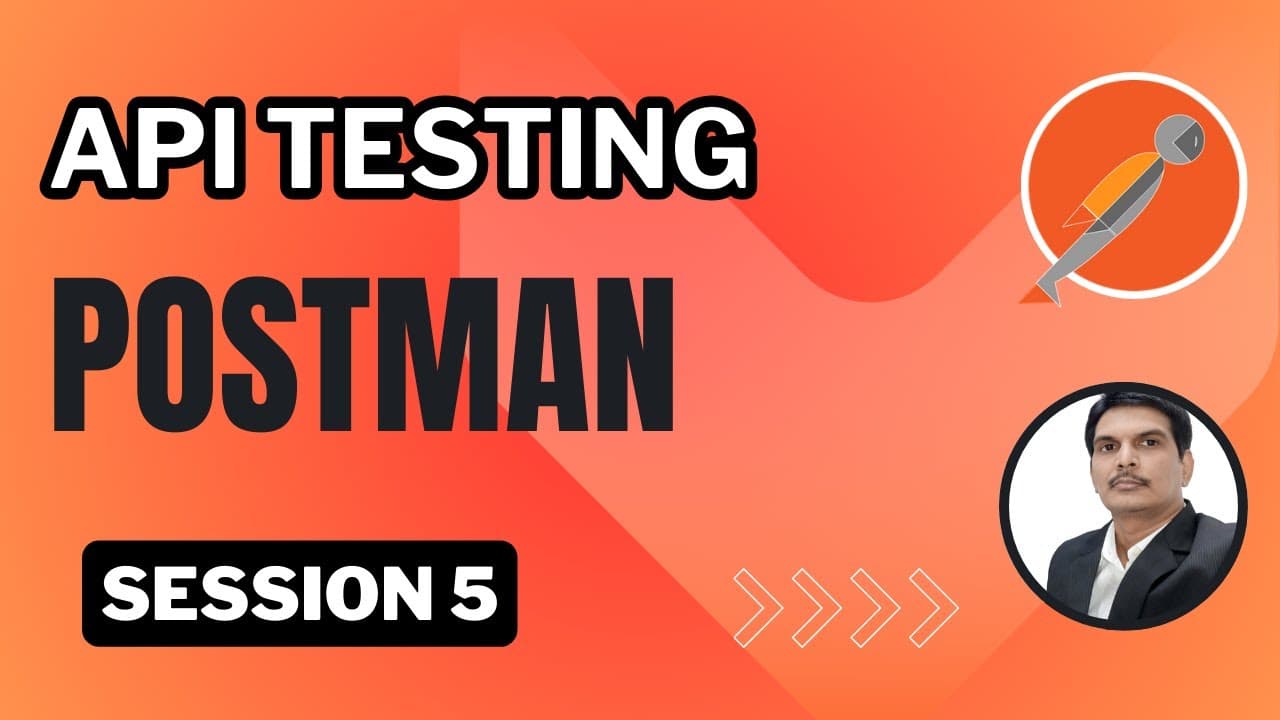
How to Use Scripts and Variables in Postman
TL;DR
To effectively manage API testing in Postman, use pre-request and test scripts to automate tasks before and after requests. Leverage variables at different levels—global, collection, environment, and local—to store and reuse data, reducing redundancy and easing updates. Understand the execution order of scripts and the scope of variables to optimize your testing workflow.
Transcript
all right so in the today's session uh we are going to learn some important and very useful features from Postman okay let's start so first thing uh let us see how we can uh workflow so let's say we have something called uh Scripts right so there are two kinds of scripts we have so in the last class we have seen how we can write our test descri... Read More
Key Insights
- Pre-request scripts in Postman execute before sending a request, allowing for setup tasks such as dynamic data generation.
- Test scripts run after receiving a response, useful for validations and cleaning up variables.
- Variables can be defined at multiple levels: global, collection, environment, and local, each with different scopes and use cases.
- Global variables are accessible across the entire workspace, making them suitable for common data used in multiple collections.
- Environment variables allow switching contexts between different environments like QA, Dev, and Production, facilitating environment-specific testing.
- Collection variables are limited to the collection scope, useful for data shared among requests within the same collection.
- Local variables are defined within a request's pre-request script and are only available to that request, useful for request-specific data.
- Scripts can also create, access, and remove variables dynamically, enhancing flexibility in test automation.
Install to Summarize YouTube Videos and Get Transcripts
Explore YouTube Video Summarizer or Get YouTube Transcript Extractor
Questions & Answers
Q: How to use pre-request scripts in Postman?
Pre-request scripts in Postman are used to execute code before a request is sent. They can set up necessary prerequisites like generating dynamic data, setting environment variables, or modifying request parameters. These scripts run at three levels: collection, folder, and request, and their execution order is from collection to folder to request.
Q: What are the types of variables in Postman?
Postman supports several types of variables: global, collection, environment, and local. Global variables are accessible throughout the workspace, collection variables are confined to a specific collection, environment variables are tied to specific environments like QA or Production, and local variables are specific to individual requests and defined in pre-request scripts.
Q: When should you use environment variables in Postman?
Environment variables in Postman are ideal for managing configurations across different environments such as QA, Dev, and Production. They enable testers to switch contexts easily by defining environment-specific variables, like API endpoints or authentication tokens, and selecting the appropriate environment during test execution.
Q: How do test scripts work in Postman?
Test scripts in Postman run after a response is received, allowing for validation of the response data, status codes, and headers. They can also be used to clean up or unset variables that were used during the request, ensuring no residual data affects subsequent tests. Test scripts can be defined at the collection, folder, or request level.
Q: What is the execution order of scripts in Postman?
In Postman, the execution order starts with pre-request scripts at the collection level, followed by folder level, and then request level. After the request is sent and a response is received, test scripts execute in the same order: collection, folder, and request level. This order ensures setup tasks are completed before requests and validations are performed after responses.
Q: How can you manage variables dynamically in Postman?
Variables in Postman can be managed dynamically using scripts. The pm.variables.set() function sets a variable, pm.variables.get() retrieves it, and pm.variables.unset() removes it. These functions can be used within pre-request or test scripts to create, access, and delete variables as needed during test execution, providing flexibility and reducing manual intervention.
Q: What is the difference between global and collection variables?
Global variables in Postman are accessible across all collections and requests within a workspace, making them suitable for data that is widely used. In contrast, collection variables are limited to the scope of a specific collection and are shared among requests within that collection, useful for data that is only relevant to a particular set of tests.
Q: How do local variables work in Postman?
Local variables in Postman are defined within a request's pre-request script using the pm.variables.set() function. They are only available to the request in which they are defined and are ideal for temporary data that is specific to a single request. Local variables do not persist beyond the execution of the request, ensuring no residual data affects other tests.
Summary & Key Takeaways
-
Pre-request scripts and test scripts in Postman automate tasks before and after API requests, enhancing testing efficiency. Scripts can dynamically create and manage variables, reducing manual data handling.
-
Variables in Postman can be global, collection-specific, environment-specific, or local, each serving different purposes and scopes. They help manage data and configuration settings efficiently across tests.
-
Understanding the execution order and scope of scripts and variables is crucial for effective API testing in Postman, allowing testers to automate complex workflows and adapt to different testing environments.
Read in Other Languages (beta)
Share This Summary 📚
Summarize YouTube Videos and Get Video Transcripts with 1-Click
Try YouTube Summary with ChatGPT & Claude or YouTube Transcript Generator
Explore More Summaries from SDET- QA 📚
Summarize YouTube Videos and Get Video Transcripts with 1-Click
Try YouTube Summary with ChatGPT & Claude or YouTube Transcript Generator