How to Install OBS on Raspberry Pi 4 for Streaming
TL;DR
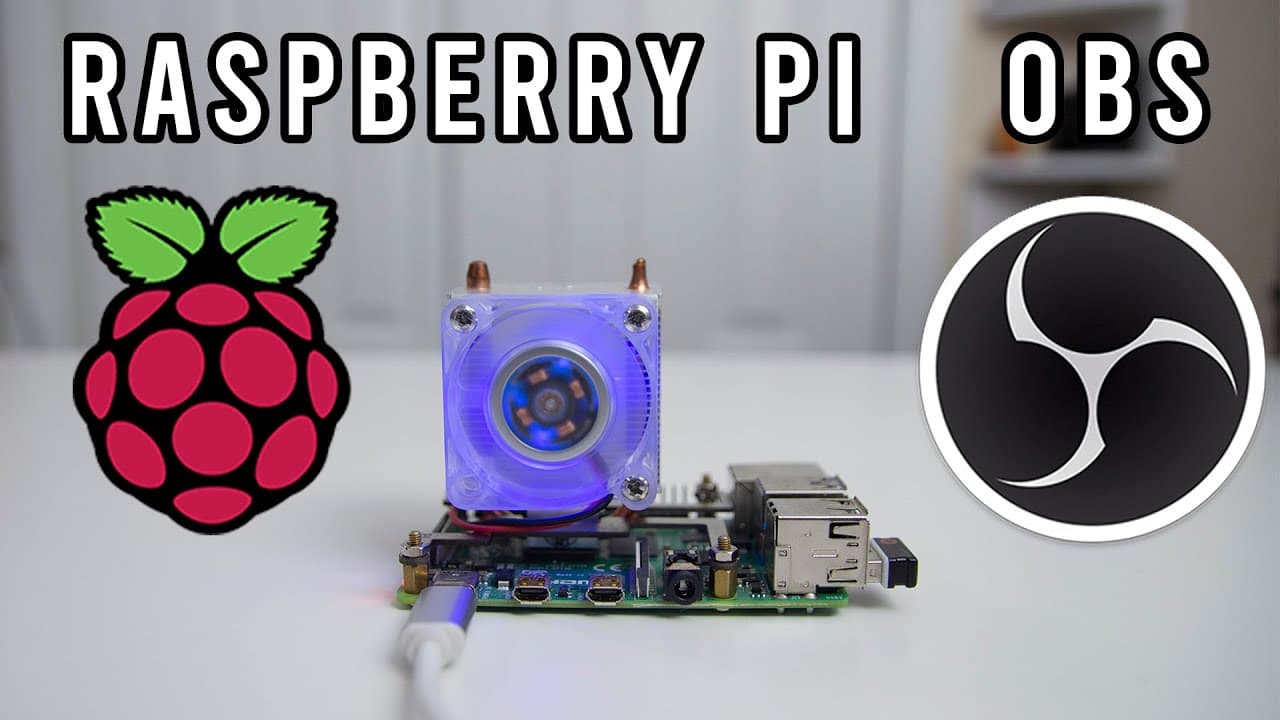
To install OBS on a Raspberry Pi 4, you need to compile the code and configure system settings to optimize performance. While it enables streaming, performance is limited due to the lack of hardware encoding, resulting in lower frame rates. Adjusting output resolution and community collaboration can help improve the streaming experience.
Transcript
hey guys what's going on it's don here from nova spare tech and welcome back to the channel and today we are going to be installing obs onto our raspberry pi 4 so let's get started now before we begin i do want to thank jake fox for mentioning this on my twitch stream which i'll leave a link over here and that you can actually install obs onto the ... Read More
Key Insights
- 😭 Installing OBS on Raspberry Pi 4 is feasible but comes with notable performance challenges due to hardware limitations.
- 😘 The lack of hardware encoders means users experience lower frame rates, affecting streaming quality.
- ❓ Configuration tweaks, such as resolution adjustments, are essential for improving performance without a significant hardware upgrade.
- 😘 Community engagement is vital, as collaborative troubleshooting can lead to enhancements in OBS's functionality on low-power devices like the Raspberry Pi.
- 😘 The potential for low-cost streaming solutions makes this setup appealing for casual and experimental projects.
- 😭 The ability to customize the OBS environment through scripts and configurations adds flexibility for users familiar with coding.
- ❓ Dedicated forums and communities can provide valuable updates and insights as the technology continues to evolve.
Install to Summarize YouTube Videos and Get Transcripts
Explore YouTube Video Summarizer or Get YouTube Transcript Extractor
Questions & Answers
Q: What is OBS and why is it significant for Raspberry Pi users?
OBS, or Open Broadcaster Software, is a powerful streaming and recording tool widely used by content creators. For Raspberry Pi users, it offers a cost-effective method to stream content, although its current performance on the Pi 4 is limited due to hardware capabilities, making it an interesting project for enthusiasts.
Q: What are the main limitations of OBS on the Raspberry Pi 4?
The primary limitation is the absence of hardware encoders, which impacts the ability to stream at higher frame rates. The software currently struggles to maintain 30 frames per second, with performance dropping significantly when capturing high-resolution content.
Q: How can users optimize their OBS settings for better performance on Raspberry Pi 4?
Users can lower the output resolution in the settings to enhance frame rates during streaming, shifting from 1080p to 720p, which may help alleviate some of the CPU strain during stream capture.
Q: What community resources are available for further troubleshooting and support?
The presenter mentioned various forums where users can share their experiences and solutions. Engaging in these communities can provide additional insights, updates on new software versions, and potential modifications that can enhance OBS performance on Raspberry Pi devices.
Q: Is it possible to use OBS for continuous streaming on the Raspberry Pi?
Yes, OBS can be utilized for continuous streaming, such as broadcasting a live feed from a specific camera or other sources, making it a viable option for users wanting to set up low-power streaming solutions.
Q: How long does the compilation process take for installing OBS?
The compilation process can take approximately 20 minutes on a Raspberry Pi 4, while it may extend to about an hour on Raspberry Pi 3 due to hardware differences impacting compilation speed.
Q: What advantages does OBS have over simpler streaming tools like FFmpeg?
OBS offers more advanced features, such as overlays, transitions, and a more user-friendly interface for managing different sources, making it a preferred option for streamers who require more visual engagement in their broadcasts.
Summary & Key Takeaways
-
The video demonstrates the installation of OBS (Open Broadcaster Software) on a Raspberry Pi 4, highlighting its potential for low-cost streaming applications while addressing current limitations.
-
Key components of the installation process include compiling code and configuring system settings to optimize performance, noting that the lack of hardware support impacts frame rates significantly.
-
The presenter encourages community involvement in refining the process and troubleshooting issues, indicating that improvements may be forthcoming as more users experiment with the software.
Read in Other Languages (beta)
Share This Summary 📚
Summarize YouTube Videos and Get Video Transcripts with 1-Click
Try YouTube Summary with ChatGPT & Claude or YouTube Transcript Generator
Explore More Summaries from Novaspirit Tech 📚






Summarize YouTube Videos and Get Video Transcripts with 1-Click
Try YouTube Summary with ChatGPT & Claude or YouTube Transcript Generator