How to Use Raspberry Pi as a Remote Desktop Client
TL;DR
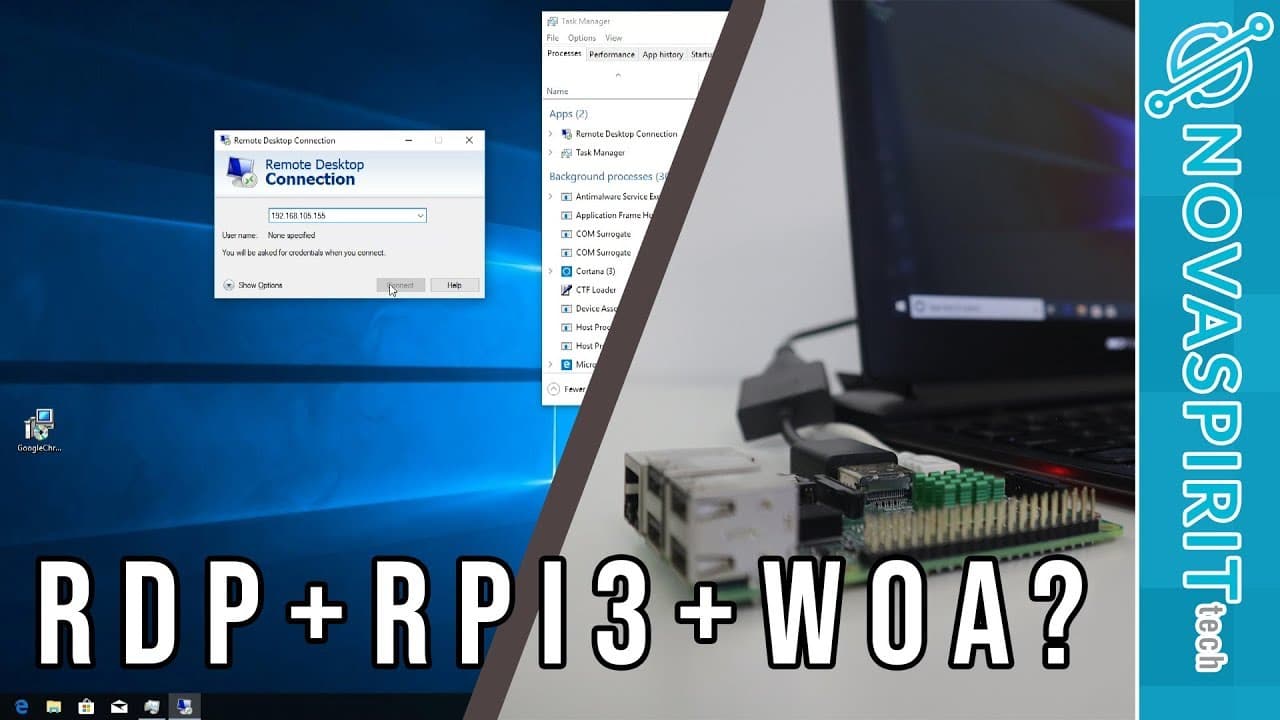
You can use a Raspberry Pi as a Remote Desktop client for Windows 10, although performance might not be ideal for resource-heavy tasks. It successfully loads applications like Chrome and runs Steam, but may struggle with demanding workloads and video streaming due to processing limitations. For basic tasks and as a lightweight NAS, it can be effective, but expect some lag.
Transcript
hey guys what is going on it's down here from Nova spirit Tech and today I got a little short episode for you guys which is testing remote desktop client on our Raspberry Pi Windows 10 I feel that this was something pretty interesting for me at least because this could be a really good thing client even though you could still run remote desktop off... Read More
Key Insights
- ♿ The Raspberry Pi can function as a Remote Desktop client for accessing Windows 10, though performance may vary.
- 📽️ Personal projects and gaming hobbies can significantly impact content creation schedules.
- ♓ Remote Desktop usage emphasizes internet bandwidth over local processing resources on the Raspberry Pi.
- 🥶 Although the Raspberry Pi can run Steam, the effectiveness for gaming is limited to older titles and lightweight demands.
- 🫵 The author encourages viewer engagement for content suggestions and support for their secondary gaming channel.
- ♓ There is potential for using Raspberry Pi as a lightweight NAS, though performance concerns persist due to processing overhead.
- 👤 User-generated feedback may direct future testing of specific applications or features on this platform.
Install to Summarize YouTube Videos and Get Transcripts
Explore YouTube Video Summarizer or Get YouTube Transcript Extractor
Questions & Answers
Q: What were the main reasons for the author’s recent video output delay?
The author mentioned that personal projects around the house, such as redoing their bathroom, had taken priority over video production. Additionally, they expressed a passion for playing "Space Engineers," a game they've enjoyed since its early access launch, which further occupied their time. This combined focus on personal interests and responsibilities contributed to less frequent video uploads.
Q: How does the performance of the Remote Desktop on Raspberry Pi compare to traditional setups?
While using Remote Desktop on Raspberry Pi works adequately for tasks such as browsing the internet and running lightweight applications, it exhibits noticeable lag and is not designed for demanding activities. The performance depends significantly on the internet connection quality, rather than local processing power, leading to potential limitations for heavy user demands.
Q: Can the Raspberry Pi effectively run games through the Steam platform?
Yes, the author found that Steam could operate on the Raspberry Pi, albeit with some limitations. While it allows for downloading games onto an SSD and storing them, running more demanding games through Remote Desktop was challenging. Users are encouraged to explore older titles for better functionality on this setup.
Q: What optimization methods were suggested for improving Remote Desktop performance?
The author hinted at the possibility of using scripts to disable unnecessary features, aiming to enhance overall performance and reduce lag. While specifics weren't provided, referring to the original installation video may offer insights into optimizing the Remote Desktop experience on the Raspberry Pi.
Summary & Key Takeaways
-
The content showcases the author's experience testing a Remote Desktop client on a Raspberry Pi running Windows 10, highlighting its potential effectiveness and limitations for various tasks.
-
The author discusses personal updates, including home projects and gaming interests, which contributed to a slower video production schedule.
-
Performance observations indicate that while the Remote Desktop function operates reasonably well, it may not be a suitable solution for resource-intensive tasks or as a full-fledged Windows NAS.
Read in Other Languages (beta)
Share This Summary 📚
Summarize YouTube Videos and Get Video Transcripts with 1-Click
Try YouTube Summary with ChatGPT & Claude or YouTube Transcript Generator
Explore More Summaries from Novaspirit Tech 📚






Summarize YouTube Videos and Get Video Transcripts with 1-Click
Try YouTube Summary with ChatGPT & Claude or YouTube Transcript Generator