Create Virtual Machine in QEMU on linux with Virt-Manager | KVM
TL;DR
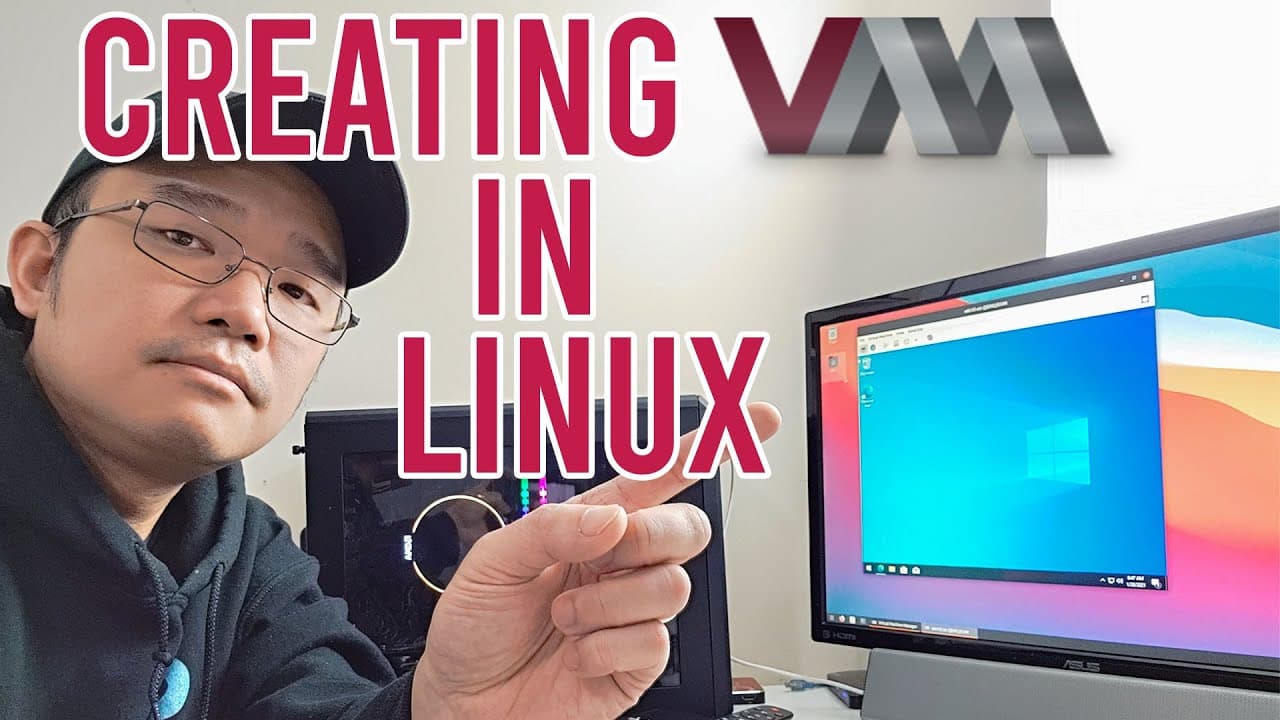
To create a QEMU/KVM virtual machine on Linux, verify KVM support with CPU Checker, install QEMU and Virtual Machine Manager, add your user to the libvirt and KVM groups, reboot if necessary, and create a VM from an ISO. The demonstration uses Ubuntu 20.04 and a Windows ISO, with the required packages taking about 124 MB of space. Read on for the exact setup sequence and troubleshooting guidance.
Transcript
hey guys it's don here from novaspirittech and welcome back to the channel and today we are going to be installing some virtual machines on linux so let's get started now to be honest this is a stepping stone to a couple other video ideas that i have including gpu pass-throughs and stuff like that but we would have to be able to set up our linux ma... Read More
Key Insights
- 🎰 Installing virtual machines on Linux allows users to run multiple operating systems on a single machine seamlessly, enhancing productivity.
- 🏃 QEMU provides a powerful virtualization solution enabling users to run multiple VMs efficiently using KVM for performance optimization.
- 💦 A VPN is essential for protecting data privacy when working in potentially insecure environments, especially when accessing public Wi-Fi.
- 👤 The use of Virtual Machine Manager simplifies management, making it easier for users to create and handle virtual infrastructures effectively.
- 🕴️ Users can alter their VM configurations, including hardware resources and network settings, to suit their specific requirements while maintaining performance.
- 👤 The tutorial highlights the importance of keeping user data private and secure while showcasing beneficial features of VPNs like multi-device support.
- 🤨 Virtual machines are particularly useful for testing suspicious software or applications that are platform-specific, allowing for safer experimentation.
Install to Summarize YouTube Videos and Get Transcripts
Explore YouTube Video Summarizer or Get YouTube Transcript Extractor
Questions & Answers
Q: How do you create a virtual machine with QEMU, KVM, and Virt-Manager on Linux?
First, install CPU Checker and run kvm-ok to confirm that KVM acceleration can be used. Then install QEMU/KVM, libvirt components, bridge utilities, virt-install, and Virt-Manager; add your user to the libvirt and KVM groups, reboot if needed, and create a new local-install VM from an ISO image.
Q: How can I check whether KVM acceleration is available?
Install CPU Checker with sudo apt install cpu-checker, then run kvm-ok. In the demonstration, the result says that KVM exists and KVM acceleration can be used; if your result differs, you may need to enable virtualization options in the BIOS.
Q: Which virtualization packages are installed for this QEMU/KVM setup?
The setup installs QEMU/KVM, libvirt daemon and client components, bridge utilities, virt-install, and Virt-Manager. The presenter says the installation requires about 124 MB of space.
Q: Why must the Linux user be added to the libvirt and KVM groups?
After installing the virtualization packages, the presenter adds the user don to both the libvirt and KVM groups. This is part of preparing the account to run and manage the virtual machine environment.
Q: What should I do if Virt-Manager does not connect after installation?
Reboot the Linux machine and open Virtual Machine Manager again. The presenter had previously encountered the same connection problem, and a quick reboot allowed Virt-Manager to connect successfully.
Q: Can I install Windows in a QEMU virtual machine on Linux?
Yes. The demonstration creates a new virtual machine, selects the local-install ISO option, browses to the Downloads folder, and chooses a Windows ISO for installation.
Q: What Linux system and hardware are used in the demonstration?
The machine has a Ryzen 1700 processor, 16 GB of RAM, a 512 GB NVMe drive, and an RX 570 AMD GPU. It runs Ubuntu 20.04 with kernel 5.6, which the presenter highlights in case later kernels behave differently.
Q: Why does the presenter choose QEMU for virtualization on Linux?
The presenter describes QEMU as a preferred Linux option compared with VM Player or VirtualBox. A key reason given is its ability to switch between type 2 and type 1 hypervisor operation.
Summary & Key Takeaways
-
The video demonstrates how to install and configure virtual machines on a Linux system using QEMU, KVM, and Virtual Machine Manager for improved performance and efficiency.
-
It emphasizes the significance of VPNs for secure online activities, recommending Private Internet Access for its reliability and features such as no logging and device support.
-
After installing QEMU and configuring the system's BIOS for virtualization support, virtual machines, including Windows, are successfully set up and operational.
Read in Other Languages (beta)
Share This Summary 📚
Summarize YouTube Videos and Get Video Transcripts with 1-Click
Try YouTube Summary with ChatGPT & Claude or YouTube Transcript Generator
Explore More Summaries from Novaspirit Tech 📚






Summarize YouTube Videos and Get Video Transcripts with 1-Click
Try YouTube Summary with ChatGPT & Claude or YouTube Transcript Generator