How to Create a Facebook Video Playlist for Your Page
TL;DR
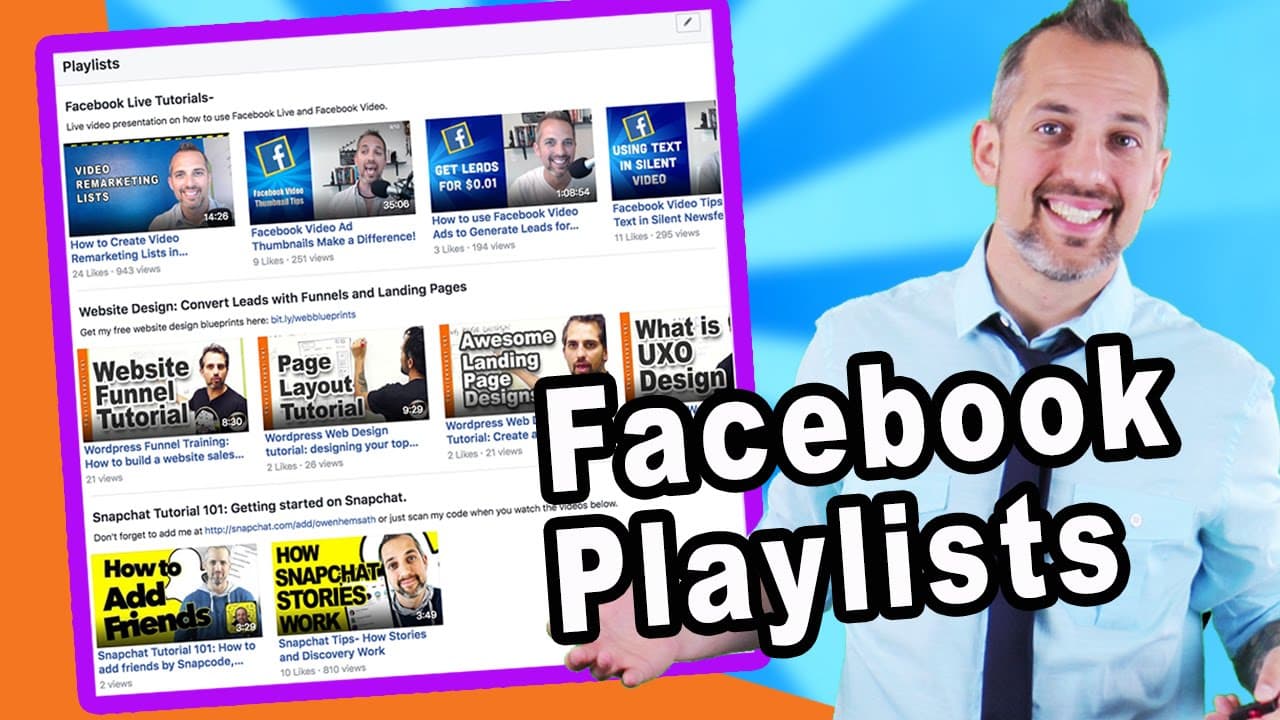
To create a Facebook video playlist, navigate to the videos tab on your page, click 'Create Playlist,' and set a title and description. Select your desired videos, rearrange them as needed, and your playlist will help customers easily find and engage with your content, boosting video views and marketing effectiveness.
Transcript
your Facebook page has a video section and when it's all set up properly it looks more slammin than two eggs with bacon at Lenny's anyth anything you'll get tons of use from this page so I'm going to show you how to set this page up in a killer way in about three minutes flat why because I'm going video welcome back smarty pants to the video market... Read More
Key Insights
- 👤 Creating playlists on Facebook enhances user experience and makes it easier for customers to navigate and consume your video content.
- 🍻 Customizing playlists with titles, descriptions, and links can drive traffic to other relevant content.
- 👻 Playlists allow you to rearrange videos, prioritize certain content, and organize them based on criteria such as view counts or duration.
- 🎮 Utilizing playlists can increase viewer engagement, improve video metrics, and optimize video marketing campaigns.
- 😷 Facebook Live videos can be especially beneficial in playlists, as they can address frequently asked questions and generate higher view counts.
- 🫠 Remarketing lists can be used to target ads to viewers who have watched your playlist content.
- ✋ High-quality thumbnails can make your playlists visually appealing and attract more viewers.
Install to Summarize YouTube Videos and Get Transcripts
Explore YouTube Video Summarizer or Get YouTube Transcript Extractor
Questions & Answers
Q: Why is it important to create playlists on Facebook for your video content?
Creating playlists on Facebook helps organize your videos, allowing customers to easily find and watch specific content. It improves user experience and engagement on your page.
Q: How do you create a playlist on Facebook?
To create a playlist, go to your Facebook page's video section, click on "Create playlist," give it a title and description, select the videos you want to include, and arrange them based on your preference.
Q: Can you customize the order of videos in a playlist?
Yes, you can easily rearrange videos within a playlist by clicking and dragging them. This allows you to control the sequence in which your videos are presented and optimize viewer experience.
Q: How can playlists help in video marketing campaigns?
Playlists can be utilized in video marketing by organizing content around specific themes or topics. You can create playlists that answer frequently asked questions or provide onboarding videos, driving more views and engagement.
Summary & Key Takeaways
-
Creating playlists on your Facebook page makes it easier for customers to find and consume your videos.
-
You can customize the playlists by creating titles, adding descriptions and links, rearranging videos, and organizing them based on different criteria.
-
Utilizing playlists can help increase view counts, engage your audience, and boost the effectiveness of your video marketing campaigns.
Read in Other Languages (beta)
Share This Summary 📚
Summarize YouTube Videos and Get Video Transcripts with 1-Click
Try YouTube Summary with ChatGPT & Claude or YouTube Transcript Generator
Explore More Summaries from Owen Video 📚






Summarize YouTube Videos and Get Video Transcripts with 1-Click
Try YouTube Summary with ChatGPT & Claude or YouTube Transcript Generator