What Are the Key Features of KDE 5.22 Desktop Environment?
TL;DR
KDE 5.22 boasts significant improvements in stability and functionality, particularly for hybrid graphics and fractional scaling, making it an ideal choice for laptops. Its customization options are extensive, allowing users to easily switch themes, modify the desktop interface, and enhance aesthetics with features like blur effects.
Transcript
hey guys don here from nova spirit tech and welcome back to the channel and today we are going to be checking out kde 5.22 so let's get started so as of a week or two ago i made an elementary os 6.0 review and a lot of you guys commented about using kde now i've used kde before i've actually made some tutorials on turning your desktop to another th... Read More
Key Insights
- 👍 KDE 5.22 has resolved many previously encountered issues related to hybrid graphics and fractional scaling, proving robust for laptops.
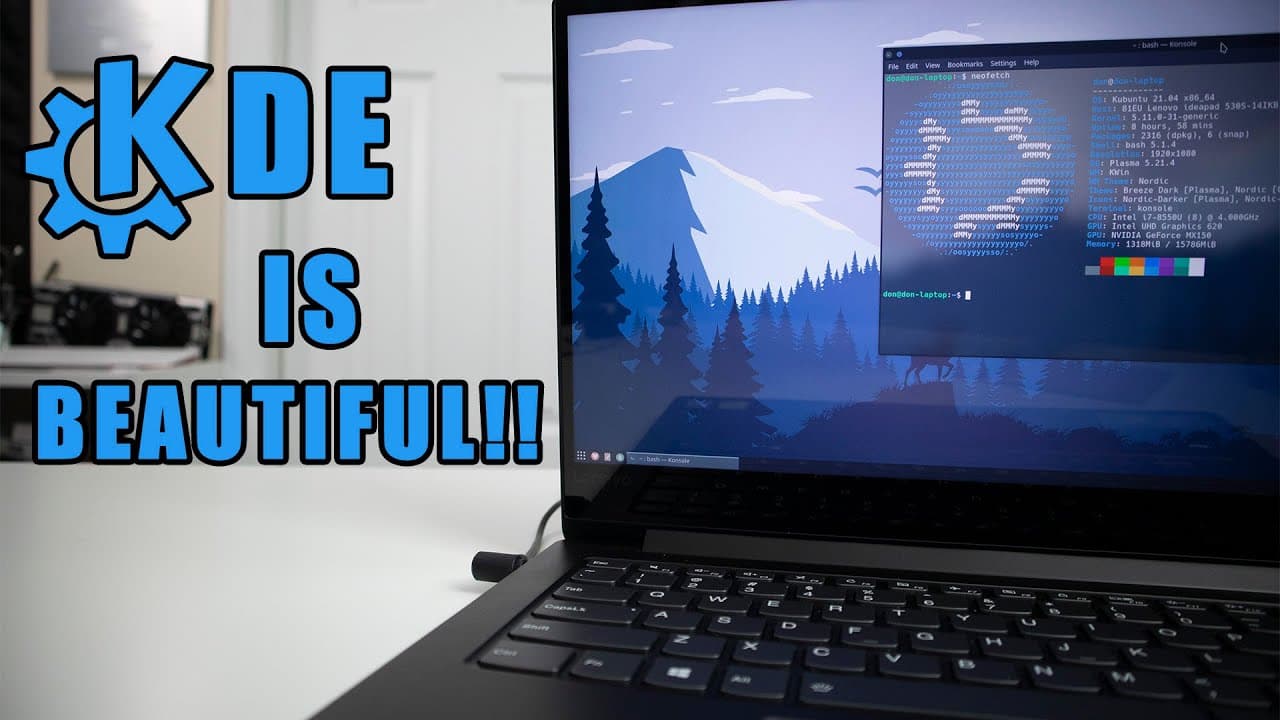
- 👤 The Nordic theme exemplifies KDE's aesthetic capabilities, making it visually appealing and customizable to user preferences.
- 🎮 KDE's integration with applications like Kavita enhances theme management, providing deeper customization control over visual effects and transparency.
- 👤 User interface adaptation, such as switching between different desktop menus, showcases KDE's flexibility to suit varying user needs and tastes.
- 👤 The ability to replicate other operating system interfaces, including Windows and Mac OS, demonstrates the versatility of KDE in catering to user familiarity.
- 😄 The presenter's enthusiasm encourages newcomers to try KDE for its aesthetic quality and ease of customization, particularly for users seeking a tailored Linux experience.
- 🆘 Future content may cover comparisons between KDE and other operating systems like Pop OS and Zorin OS, particularly regarding their handling of fractional scaling.
Install to Summarize YouTube Videos and Get Transcripts
Explore YouTube Video Summarizer or Get YouTube Transcript Extractor
Questions & Answers
Q: What improvements does KDE 5.22 bring compared to previous versions?
KDE 5.22 features enhanced stability notably in hybrid graphics settings, making it easier to utilize systems with multiple graphics options. The fractional scaling issue present in previous versions has also been resolved, allowing for precise scaling options, which significantly improves the user experience.
Q: How easy is it to customize themes in KDE?
Customizing themes in KDE is straightforward, thanks to a built-in library of themes accessible through the system settings. Users can easily search for and apply different themes, such as the Nordic theme showcased in the video. This flexibility encourages users to experiment without needing to hunt for external resources.
Q: What is KDE Connect and how does it enhance user experience?
KDE Connect is an application that syncs your phone with your KDE desktop, enabling features such as message management and remote control of notifications. It provides an Apple-like integration experience for Linux users, allowing for seamless interaction between devices when configured correctly.
Q: What are some notable desktop effects users can apply in KDE?
KDE allows users to apply various desktop effects through the "Workspace Behavior" settings. This includes visual tweaks like transparency, blurs, and animations, which can be customized extensively. Users can even find additional effects to further enhance their desktop experience, allowing for significant personalization.
Summary & Key Takeaways
-
The presenter discusses their transition from KDE 5.18 to 5.22, highlighting improved performance with hybrid graphics and fractional scaling capabilities. The challenges faced with the previous version are no longer issues with the updated one.
-
Customization is a significant advantage of KDE, with various themes, effects, and applications like Kavita assisting in personalizing the desktop experience. The user showcases the Nordic theme and blur effects.
-
The video serves as an overview of KDE 5.22, encouraging viewers to explore its features, personalization options, and stability, particularly for newcomers seeking a versatile Linux desktop.
Read in Other Languages (beta)
Share This Summary 📚
Summarize YouTube Videos and Get Video Transcripts with 1-Click
Try YouTube Summary with ChatGPT & Claude or YouTube Transcript Generator
Explore More Summaries from Novaspirit Tech 📚






Summarize YouTube Videos and Get Video Transcripts with 1-Click
Try YouTube Summary with ChatGPT & Claude or YouTube Transcript Generator