How Do Beginners Build and Deploy a MERN Stack Notes App? – 2025 Tutorial
TL;DR
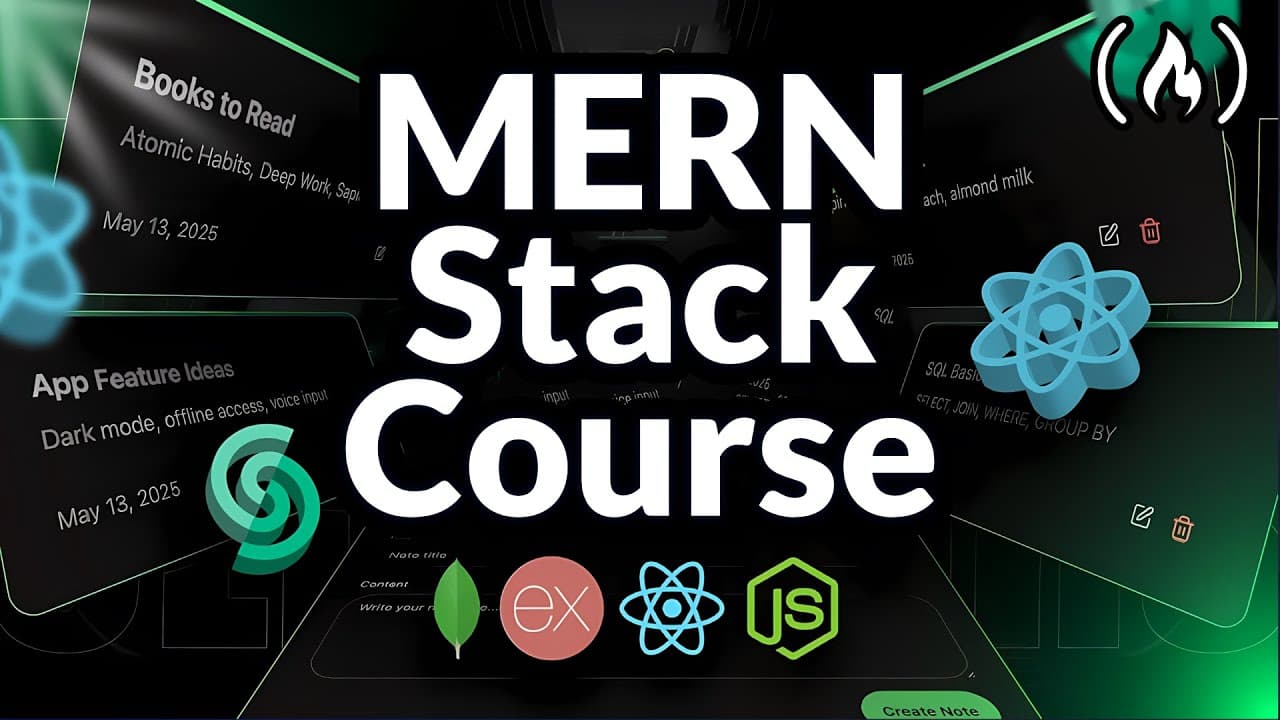
Build and deploy a MERN notes app by creating and testing the backend API first, then building the React frontend and deploying the completed application. The project uses MongoDB, Express, React, and Node.js, supports creating, updating, and deleting notes, and includes responsive design and rate limiting. Read on for the required setup, MERN components, project structure, and backend steps.
Transcript
This comprehensive mstack course takes absolute beginners from zero to deployment. Barack teaches you to create a complete notes application using MongoDB, Express, React, and Node.js with professional features like rate limiting and responsive design. By the end of this hands-on tutorial, you you'll have built and deployed a fully functional REST ... Read More
Key Insights
- The MERN stack is MongoDB, Express, React, and Node.js: MongoDB is the database, Express is the web framework, React is the front-end library, and Node.js is the JavaScript runtime that allows JavaScript to run on the server rather than only in the browser.
- The main advantage of the MERN stack is that JavaScript is used on both the front end and the back end, so no other programming language is required. React handles the front end and Node.js handles the back end, both in the same language.
- A web framework like Express is a ready-to-use toolbox for building web applications faster, saving time, keeping code cleaner and more organized, and handling common tasks such as routing and error handling instead of reinventing the wheel from scratch.
- Express version 4.18.2 is pinned in this tutorial instead of the newly released version 5, because version 4 is still what nearly every current codebase uses, which keeps the tutorial from breaking or becoming obsolete for future viewers.
- Adding "type": "module" to package.json is what removes the Node.js warning when using import syntax. Without it, Node defaults to CommonJS, where packages must be loaded with require instead of import.
- Common conventions for the main backend entry file are index.js, app.js, or server.js. The instructor uses server.js, which is run directly with the command node server.js before any npm script is set up.
- Custom npm scripts are defined as key-value pairs in package.json, where the key is the command name and the right-hand side is what actually runs. Mapping dev to node server.js is what makes npm run dev work.
- Rate limiting is a professional feature that is almost never taught in beginner tutorials, but this course includes it alongside a responsive design and full deployment so the finished project is closer to production quality.
Install to Summarize YouTube Videos and Get Transcripts
Explore YouTube Video Summarizer or Get YouTube Transcript Extractor
Questions & Answers
Q: How do beginners build and deploy a MERN stack notes app?
Start by building and testing the backend API, then create the frontend with React and deploy the completed application. The app uses MongoDB, Express, React, and Node.js and lets users create notes with a title and description, update them, and delete them.
Q: What does MERN stand for, and what does each technology do?
MERN stands for MongoDB, Express, React, and Node.js. MongoDB stores the data, Express is the web framework, React is the frontend library, and Node.js is the runtime that lets JavaScript run on the server.
Q: What must I install before starting this MERN stack tutorial?
Install the long-term support version of Node.js from nodejs.org. The instructor uses VS Code as the code editor, although the transcript says you can use another editor if you prefer.
Q: How should the MERN notes app project be organized?
Create one main project folder containing separate backend and frontend folders. Build the API in the backend folder first, then move to the frontend folder to create the React application.
Q: What features does the completed MERN notes app include?
The application can create notes containing a title and description and provides update and delete actions. It is completely responsive, includes rate limiting, and is deployed so the finished project has a live link that can be placed on a resume.
Q: Why is JavaScript useful across the MERN stack?
The stack uses JavaScript on both the frontend and backend, so the tutorial does not require another programming language. React is used on the frontend, while Node.js enables JavaScript to run on the server.
Q: Why does a MERN application use Express?
Express provides a ready-to-use web framework for building applications faster and more easily. It helps keep code clean and organized while handling common tasks such as routing and error handling.
Q: What backend concepts does this beginner MERN tutorial teach?
The tutorial explains how to build an API, the most common HTTP methods, status codes, and the difference between SQL and NoSQL databases. It also teaches rate limiting in a beginner-friendly way before the completed application is deployed.
Summary & Key Takeaways
-
The course builds a beginner-friendly full-stack note-taking application with MongoDB, Express, React, and Node.js, assuming no prior experience with the stack. The backend API is built and tested first, then the React frontend completes the tutorial. The finished notes app supports creating notes with a title and description, plus update and delete actions.
-
Beyond basic CRUD, the tutorial covers what an API is, the most common HTTP methods, status codes, and the difference between SQL and NoSQL databases. It also teaches rate limiting, a topic the instructor notes is almost never included in beginner-friendly tutorials, presented in the easiest way possible.
-
The project is organized into two folders, one for the backend and one for the frontend. Setup requires installing Node.js LTS from nodejs.org and a code editor such as VS Code. Free diagrams are linked in the description to help visualize the concepts before any code is written.
-
Backend setup begins with npm init -y to generate package.json, then npm install [email protected]. A server.js file imports Express, creates an app, and calls app.listen with a console log confirming the server started. Adding "type": "module" to package.json removes the warning caused by import syntax.
-
The application is fully responsive and is deployed at the end of the video so viewers have a live link to put on their resume. The instructor also mentions a separate 100-hour course with more than 20 premium projects, including Netflix, Spotify, and Tinder clones plus mobile apps.
Read in Other Languages (beta)
Share This Summary 📚
Summarize YouTube Videos and Get Video Transcripts with 1-Click
Try YouTube Summary with ChatGPT & Claude or YouTube Transcript Generator
Explore More Summaries from freeCodeCamp.org 📚





Summarize YouTube Videos and Get Video Transcripts with 1-Click
Try YouTube Summary with ChatGPT & Claude or YouTube Transcript Generator