Can You Run Windows 11 on a OnePlus 6 Phone?
TL;DR
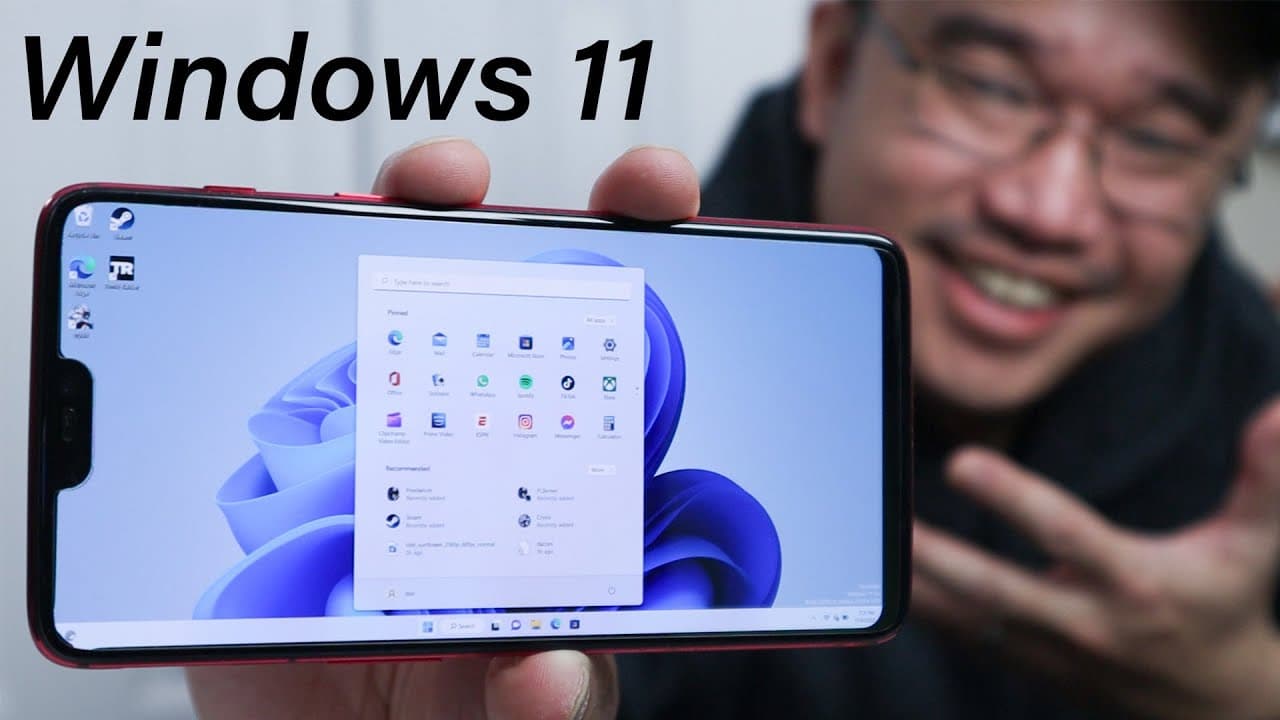
Yes, you can run Windows 11 on a OnePlus 6 smartphone, but the installation process is complex and requires familiarity with multiple operating systems. Performance is surprisingly good, allowing for gaming with titles like 'Crisis' and 'Tomb Raider', though some hardware features, such as audio and sensors, may not function properly.
Transcript
hey guys what's going on it's Don here from Nova Spirit Tech and welcome back to the channel and yes I installed Windows 11 onto my Android phone so let's check it out now this project has been something I wanted to do for months now I could even show you when I started collecting notes for this which is in my snippet box and this like I said somet... Read More
Key Insights
- 📣 The installation process for Windows 11 on an Android phone can be complex and requires knowledge of multiple operating systems.
- 🥶 Older Snapdragon devices can potentially support Windows installations, expanding compatibility beyond just flagship models.
- 🪛 Limitations like audio and sensor support pose challenges, as not all hardware is compatible or has available drivers.
- 👻 The performance of Windows 11 on mobile devices can be surprisingly smooth, allowing for gaming and daily tasks.
- 💗 The project highlights the growing potential of ARM architecture in providing full computing experiences on mobile devices.
- 🔠 External USB peripherals enhance usability, especially for audio and input during the Windows experience.
- 🚗 The author plans to explore additional mobile operating systems on the OnePlus 6, indicating ongoing interest in mobile technology experimentation.
Install to Summarize YouTube Videos and Get Transcripts
Explore YouTube Video Summarizer or Get YouTube Transcript Extractor
Questions & Answers
Q: What motivated the author to install Windows 11 on an Android phone?
The author was intrigued by the challenge and potential of running Windows 11 on an Android device. They noted improvements in Windows on ARM and highlighted the enjoyment of exploring capabilities beyond typical operating system limitations. The curiosity about performance and gaming on a mobile device also fueled the project.
Q: What are the main challenges faced during the installation process?
The installation requires a solid grasp of multiple operating systems and knowledge of partitioning, making it less straightforward, especially for novices. The guides available can be unclear or incomplete, necessitating careful reading and understanding, particularly for troubleshooting and ensuring proper installation steps.
Q: How well does Windows 11 perform on the OnePlus 6, according to the author?
The author was impressed with Windows 11's performance on the OnePlus 6, noting responsiveness and the ability to run applications and games smoothly. They successfully played games like "Crisis" and "Tomb Raider," showcasing the phone's capability despite certain limitations in drivers and hardware compatibility.
Q: What hardware limitations exist when using Windows 11 on this device?
Some significant limitations include non-functional audio and sensors, making certain features unavailable. Users may have to rely on Bluetooth or USB sound cards for audio output. Additionally, there are unknown devices listed in the device manager indicating that not all hardware is recognized or supported.
Q: What advice does the author have for potential users considering this installation?
The author recommends having a strong understanding of both Android and Windows systems, as well as familiarity with drivers and partitioning. They also suggest following a detailed, well-structured guide for installation. Patience is essential, as troubleshooting may be required due to various technical challenges.
Q: Can other Android devices successfully run Windows 11?
Yes, other Snapdragon-powered devices are capable of running Windows 11, provided they meet the necessary hardware requirements listed in various support forums. The author mentions that many older devices have legacy support, making it plausible for users to try this installation on similar devices.
Summary & Key Takeaways
-
The author successfully installs Windows 11 on a OnePlus 6 smartphone, revealing a complex process that requires understanding of multiple operating systems and custom drivers.
-
Despite some hardware limitations, like non-functional audio and sensors, the operating system performs surprisingly well, allowing the execution of games such as "Crisis" and "Tomb Raider."
-
The author expresses interest in using the phone as a mini-PC, exploring further potential for different mobile operating systems in the future.
Read in Other Languages (beta)
Share This Summary 📚
Summarize YouTube Videos and Get Video Transcripts with 1-Click
Try YouTube Summary with ChatGPT & Claude or YouTube Transcript Generator
Explore More Summaries from Novaspirit Tech 📚






Summarize YouTube Videos and Get Video Transcripts with 1-Click
Try YouTube Summary with ChatGPT & Claude or YouTube Transcript Generator