How to Add a Channel Manager to Your YouTube
TL;DR
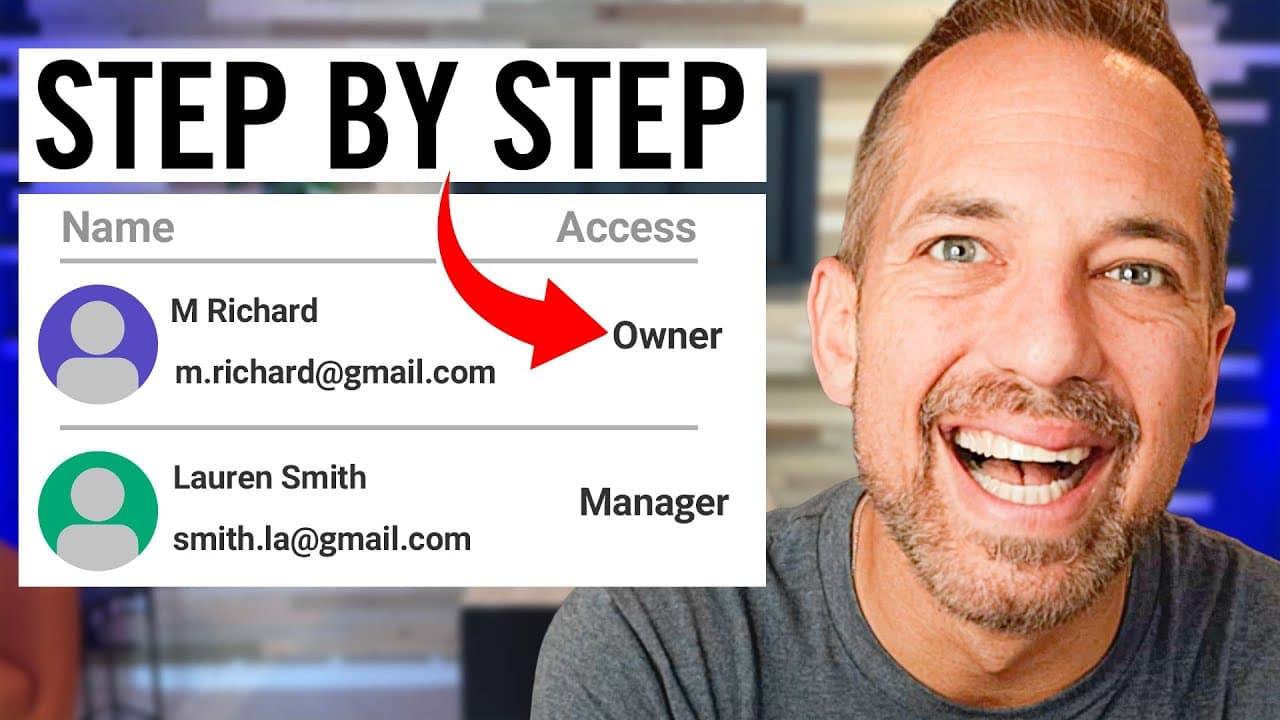
Adding a channel manager to your YouTube can enhance video management and engagement. Whether you have a profile or brand channel, the process involves selecting permissions based on their role, allowing them to assist with uploads and comment moderation effectively.
Transcript
how to add a youtube channel manager to any youtube channel you can add a channel manager to your youtube channel to help you upload moderate comments optimize videos there's actually three or four different levels of permission but adding that manager to your channel can be a little bit tricky because youtube actually has two different types of ch... Read More
Key Insights
- 💬 Adding a channel manager can streamline YouTube channel management and help with tasks like video uploads and comment moderation.
- 🅰️ YouTube has two types of channels: profile channels and brand channels.
- 🪜 The process of adding a channel manager differs for profile channels and brand channels, but both offer similar functionality.
- 👻 Different levels of permission exist for channel managers, allowing for specific roles and tasks.
- 💌 YouTube provides options for inviting channel managers through email invitations and managing their permissions.
- 💗 Channel managers play a crucial role in growing a YouTube channel by optimizing content and engaging with viewers.
- ⚖️ Adding a channel manager contributes to scaling revenue and increasing brand visibility on YouTube.
Install to Summarize YouTube Videos and Get Transcripts
Explore YouTube Video Summarizer or Get YouTube Transcript Extractor
Questions & Answers
Q: What are the benefits of adding a channel manager to your YouTube channel?
Adding a channel manager can help with tasks like uploading videos, moderating comments, and optimizing videos for better performance. It allows for efficient channel management and growth.
Q: How do you add a channel manager to a YouTube profile channel?
Go to your YouTube profile, click on the settings option, and look for the "add or remove managers" link. From there, you can enter the email of the person you want to add, choose their permission level, and send them an invitation to become a channel manager.
Q: Can you add a channel manager to a brand channel in the same way?
No, the process is slightly different for brand channels. Go to YouTube Studio, access the settings, and click on permissions. From there, you can click on the invite link in the upper right corner and add a channel manager by selecting the "manager" role.
Q: What are the different levels of permission for channel managers?
The different levels of permission are primary owner, owner, manager, and communications manager. Primary owner and owner roles are mostly for partnerships, while managers have various capabilities like video uploads but cannot change account settings. Communications managers focus on managing comments.
Summary & Key Takeaways
-
Adding a channel manager to your YouTube channel can help with video uploads, comment moderation, and video optimization.
-
There are different levels of permission for channel managers, including primary owner, owner, manager, and communications manager.
-
The process for adding a channel manager differs for profile channels and brand channels.
Read in Other Languages (beta)
Share This Summary 📚
Summarize YouTube Videos and Get Video Transcripts with 1-Click
Try YouTube Summary with ChatGPT & Claude or YouTube Transcript Generator
Explore More Summaries from Owen Video 📚






Summarize YouTube Videos and Get Video Transcripts with 1-Click
Try YouTube Summary with ChatGPT & Claude or YouTube Transcript Generator