How to Efficiently Upload Phone Footage to Dropbox
TL;DR
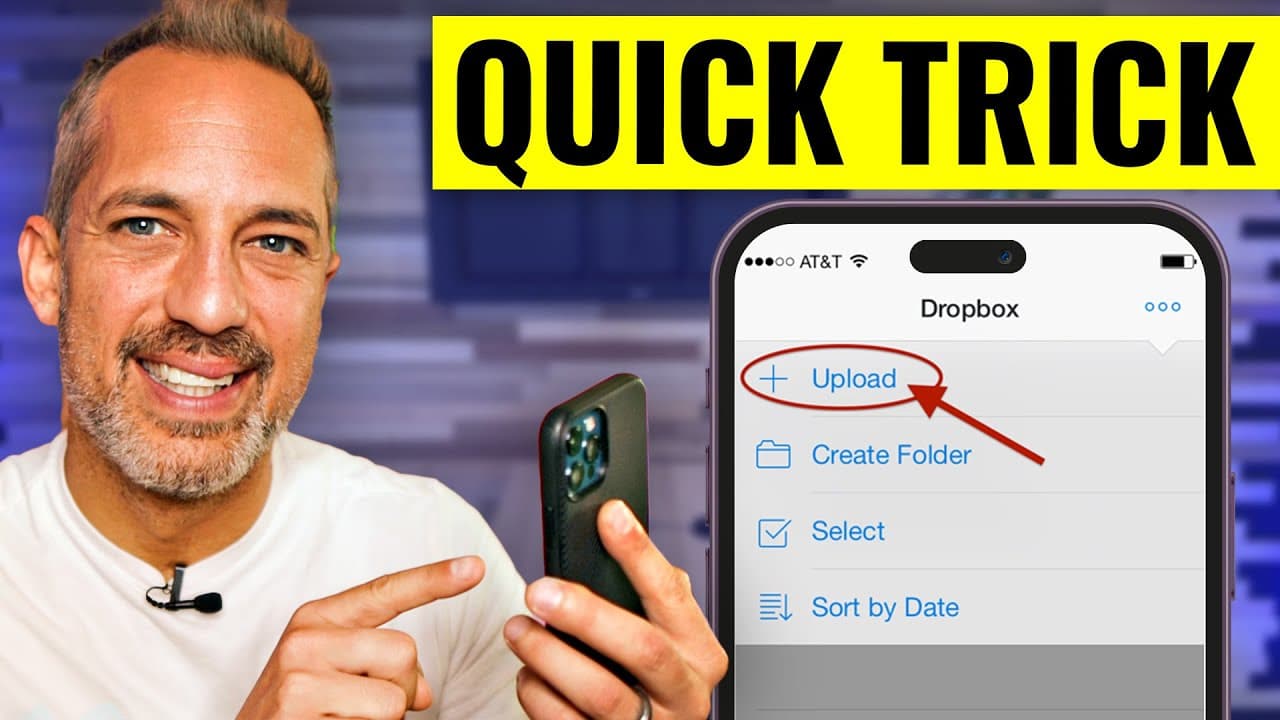
Efficiently transfer mobile phone footage to Dropbox for editing by following a streamlined process. Turn off your phone's auto-lock to ensure uninterrupted uploading, and organize your files into labeled folders for easy access. This approach helps maintain clarity and productivity, allowing you to focus on your next project without delays.
Transcript
so you're filming YouTube videos or Instagram reels on your mobile device that's a great idea but now you've got to get them from your mobile device into the cloud where your editor can download them and make them into their final videos today I'm going to show you our process for getting my phone footage over to Dropbox quickly and effectively so ... Read More
Key Insights
- 📁 Maintaining an organized Dropbox folder with labeled folders can greatly enhance the editing process.
- 📣 Disabling the screen saver on your phone is crucial to ensure uninterrupted uploading.
- 😀 Utilizing Dropbox's mobile app simplifies transferring and accessing footage on the go.
- 🥺 Taking care of yourself and allowing some downtime while the footage uploads can lead to better productivity.
- 🍵 Hiring an editor or virtual assistant to handle the organization of footage can save time and ensure an efficient workflow.
- 📱 Prioritizing immediate transfer and organization of mobile phone footage helps maintain clarity and focus on upcoming projects.
- 🔨 Dropbox offers useful tools and features that are often overlooked or underutilized.
Install to Summarize YouTube Videos and Get Transcripts
Explore YouTube Video Summarizer or Get YouTube Transcript Extractor
Questions & Answers
Q: Why is it crucial to transfer mobile phone footage to the cloud immediately after filming?
Uploading footage right after filming ensures that it doesn't get delayed or forgotten, allowing the editing process to start promptly. It also clears up space on your phone for future recordings.
Q: How can I prevent my phone from going to sleep during the upload process?
By adjusting your phone's auto-lock settings to never, the screen will stay on while uploading to Dropbox. This prevents interruptions in the upload process, ensuring that all footage is successfully transferred.
Q: How can I organize my footage in Dropbox effectively?
You can create labeled folders in Dropbox based on your preferred system, such as using numbers to designate priority levels or categories. Your editor can then organize the footage accordingly.
Q: Is it possible to share the uploaded footage with my editor or team members?
Yes, after uploading the footage to Dropbox, you can generate a share link and easily send it to your editor or team members for them to access and download the files.
Summary & Key Takeaways
-
The video explains the process of transferring mobile phone footage to Dropbox for editing purposes.
-
It emphasizes the importance of immediately uploading footage after filming to prevent delaying the editing process.
-
It provides practical tips, such as turning off the screen saver and organizing footage into labeled folders.
Read in Other Languages (beta)
Share This Summary 📚
Summarize YouTube Videos and Get Video Transcripts with 1-Click
Try YouTube Summary with ChatGPT & Claude or YouTube Transcript Generator
Explore More Summaries from Owen Video 📚






Summarize YouTube Videos and Get Video Transcripts with 1-Click
Try YouTube Summary with ChatGPT & Claude or YouTube Transcript Generator