How to Set Up a Proxmox High Availability Cluster with Ceph
TL;DR
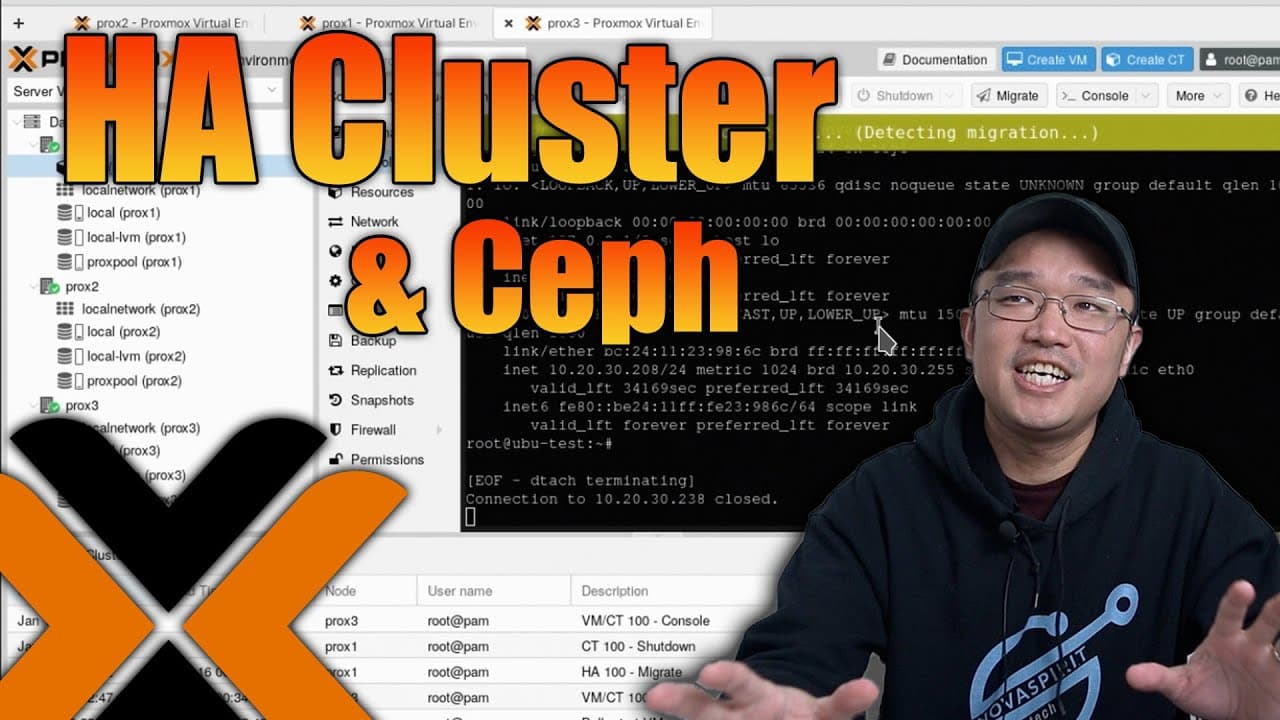
To set up a Proxmox high availability cluster with Ceph, you need at least three Proxmox servers and additional storage not used for the installation. The process involves creating a cluster, installing Ceph for shared storage, and configuring your virtual machines for automatic migration during node failures. This ensures seamless VM management and enhanced system reliability.
Transcript
hey guys what's going on it's Don here from Nova Spirit Tech and welcome back to the channel and today I'm going to show you guys how to create a ha or high availability cluster on proxmox so let's get started one of the cool things that you can do with proxmox is actually set up a ha cluster which allows you to migrate your VMS from one node to an... Read More
Key Insights
- 💨 Proxmox HA clusters enhance system reliability by ensuring VM availability through fast migration between nodes.
- 🐎 The assessment of hardware performance is crucial, as it affects the speed of migrations and operational efficiency during failover events.
- 😀 The installation of Ceph offers dynamic storage management, which is essential for an efficient HA setup in virtual environments.
- 👈 Users should be mindful of setting up proper network architectures to avoid single points of failure that could compromise the entire HA cluster.
- 😀 Configuring the HA state after creating VM containers is essential to enable their automatic migration during node failures.
- 🆘 The choice between different storage backend options, like Ceph Reef versus Quincy, can impact performance; understanding these differences can help optimize your setup.
- 👻 Monitoring tools in Proxmox provide valuable insights into the cluster's health, allowing proactive management of resources and quick identification of issues.
Install to Summarize YouTube Videos and Get Transcripts
Explore YouTube Video Summarizer or Get YouTube Transcript Extractor
Questions & Answers
Q: What are the basic requirements for setting up a Proxmox high availability cluster?
To set up a Proxmox high availability cluster, you need a minimum of three servers running Proxmox, each with its own additional storage that is separate from the storage used to install Proxmox. It's essential for these nodes to be connected through a fast network (ideally 10GB) to facilitate effective data sharing and VM migration.
Q: How do you create a cluster in Proxmox, and what is involved in adding nodes?
To create a cluster in Proxmox, access the data center section, select the cluster option, and create a new cluster while assigning it a name. You will then generate "join" commands that need to be executed on the other nodes to integrate them into the cluster, requiring the root password for successful connections.
Q: Can you explain the role of Ceph storage in a Proxmox HA cluster setup?
Ceph storage is integral to Proxmox HA clusters as it provides shared storage solutions across nodes, allowing VMs to seamlessly operate even if one or more nodes fail. When a Ceph installation is completed, it configures the storage into a distributed system, ensuring all nodes can access and utilize the same data resources for VM operations.
Q: What is the significance of group settings when configuring HA in Proxmox?
Group settings in Proxmox HA determine how services are prioritized across the different nodes within the cluster. You can set specific rules for migration, ensuring that VMs move to nodes deemed stronger or more capable, or restrict certain VMs from migrating if they rely on specific hardware, thus preventing disruptions.
Summary & Key Takeaways
-
This content provides a tutorial on setting up a high availability (HA) cluster using Proxmox, enabling seamless VM migration and shared storage across multiple nodes.
-
The setup requires a minimum of three Proxmox servers, along with additional storage, to facilitate operation beyond the installation storage of Proxmox itself.
-
The process includes creating a cluster, configuring storage solutions like Ceph, and managing VMs to ensure they can migrate automatically if any node fails.
Read in Other Languages (beta)
Share This Summary 📚
Summarize YouTube Videos and Get Video Transcripts with 1-Click
Try YouTube Summary with ChatGPT & Claude or YouTube Transcript Generator
Explore More Summaries from Novaspirit Tech 📚






Summarize YouTube Videos and Get Video Transcripts with 1-Click
Try YouTube Summary with ChatGPT & Claude or YouTube Transcript Generator