How to create pro videos with AI using VEED
TL;DR
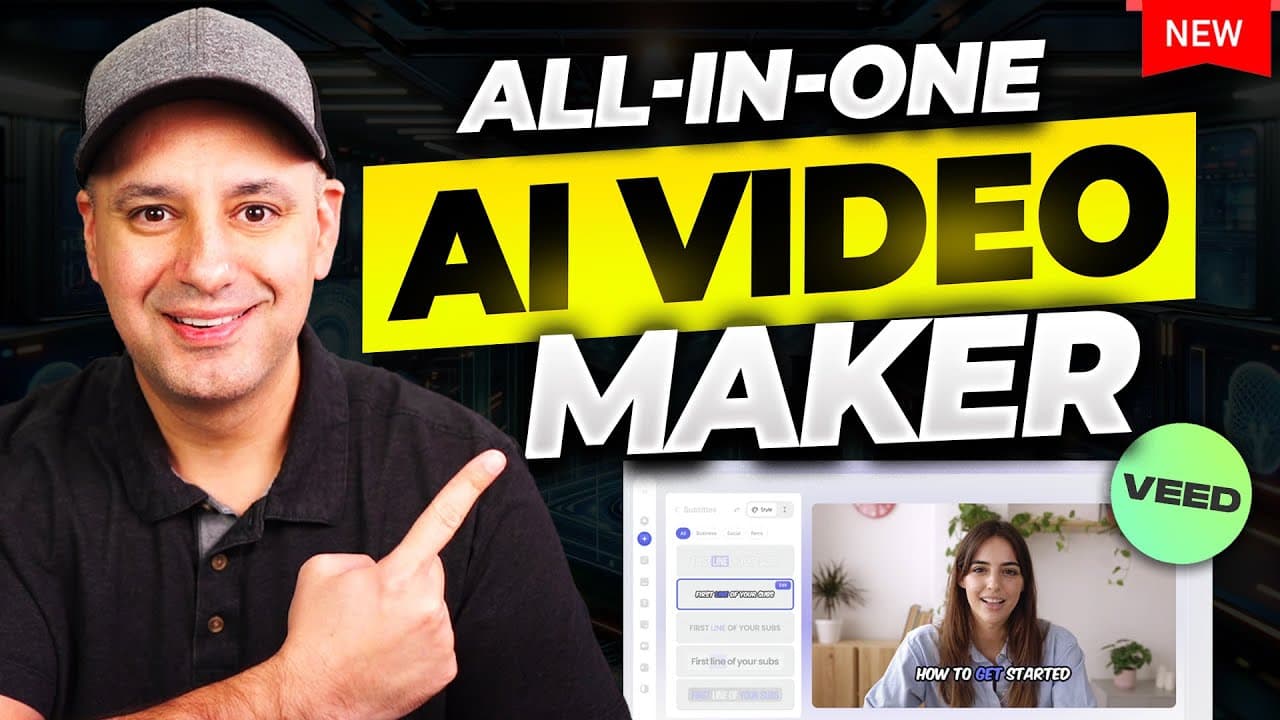
Pro-level video creation is made easier with an all-in-one AI platform that handles scripting, subtitling, avatars, and clip generation. Start with a simple text prompt, then customize visuals, voice, and formats for multiple platforms, and quickly repurpose long videos into short clips without juggling multiple tools.
Transcript
if you want to create quality videos but you find the whole process kind of overwhelming I wanted to show you an AI platform that will do a lot of the heavy lifting for you and by the way for the last 15 years my main company has been a video production company and I've created ton of videos probably over a thousand videos for different companies a... Read More
Key Insights
- VEED is presented as an AI-powered all-in-one video creation platform that integrates editing, voice, and subtitles in one place.
- The process starts with a simple text prompt to generate a video, script, subtitles, and voiceover automatically, reducing manual editing time.
- The platform supports AI avatars and cloning to incorporate personalized or branded presenters into videos.
- Users can drag and drop stock clips, adjust backgrounds and layouts, and tailor visuals to specific platforms or formats.
- Subtitles are auto-generated and fully editable, with styling options and the ability to reposition text on the screen.
- Clips can be auto-generated from longer videos to create short-form content tailored for vertical or landscape formats.
- Brand kits allow saving fonts, colors, logos, and audio for consistent future videos.
- Clips include a scoring system to rate flow, impact, clarity, and relevance, helping pick the best highlights from a longer video.
Install to Summarize YouTube Videos and Get Transcripts
Explore YouTube Video Summarizer or Get YouTube Transcript Extractor
Questions & Answers
Q: How to create a video from text prompts using VEED?
VEED enables you to start a project from a simple text prompt and automatically generates the video's script, voiceover, subtitles, and visuals. You can then refine the output by swapping stock visuals, adjusting background, music, and text placement, and export in multiple formats. This streamlines early concept to draft production in a single tool.
Q: What is the role of AI avatars in VEED videos?
AI avatars in VEED allow presenters to appear in videos without recording new footage. You can select from a range of avatars or clone yourself and paste the script to generate avatar-led scenes. This feature adds a personal touch while reducing production time and overhead for onboarding, tutorials, or ads.
Q: How does VEED handle subtitles and text editing?
VEED automatically generates subtitles from the script and provides an editable interface. You can adjust timing, font, size, color, and position, ensuring accessibility and platform-appropriate presentation. Subtitles stay synchronized with the audio, and you can repurpose captions for different formats easily.
Q: Can VEED repurpose long videos into short clips?
Yes, VEED offers a clip generation feature that analyzes long-form content and creates vertical or horizontal clips. It provides style options and a quality score for flow, impact, clarity, and relevance, helping you select the best excerpts for platforms like shorts or reels.
Q: What is the brand kit feature in VEED?
The brand kit lets you save assets such as fonts, colors, logos, audio, and video intros for future projects. This ensures consistent branding across videos and speeds up the workflow because you do not need to reconfigure branding assets for every project.
Q: How can stock footage be integrated into a VEED project?
VEED provides access to a stock library that you can search by keyword, preview, and insert into your timeline. You can adjust the clip duration and align it with the script, making it easy to substitute less engaging visuals with more relevant or higher quality stock footage.
Q: What platforms does VEED support for output formats?
VEED supports repurposing a project for various platforms by offering format adjustments such as landscape and vertical layouts, and by providing automated resizing and fit options. This helps creators tailor videos for YouTube, TikTok, Instagram, and other social channels from a single project.
Q: What are the benefits of using VEED for a creator with no editing background?
VEED simplifies video creation with a guided, all-in-one interface that combines text prompts, AI-generated media, subtitles, and clips. For beginners, this reduces the learning curve and production time, while still delivering professional-looking results suitable for marketing, education, or brand storytelling.
Summary & Key Takeaways
-
This video demonstrates using VEED to generate videos from text prompts, add AI avatars and voiceovers, and edit with AI tools. It covers turning prompts into scripts, captions, and visuals, and showcases how the platform can simplify multi-format outputs for different platforms.
-
The creator emphasizes VEED as an all-in-one solution that integrates video creation, translation, and editing tools, reducing the need for separate software. The workflow includes AI-generated subtitles, avatar cloning, and quick adaptation for short-form formats.
-
The content highlights practical steps for creating content quickly, including selecting stock visuals, adjusting audio, and generating clips from long-form videos to suit platforms like YouTube and vertical formats.
Read in Other Languages (beta)
Share This Summary 📚
Summarize YouTube Videos and Get Video Transcripts with 1-Click
Try YouTube Summary with ChatGPT & Claude or YouTube Transcript Generator
Explore More Summaries from Skill Leap AI 📚






Summarize YouTube Videos and Get Video Transcripts with 1-Click
Try YouTube Summary with ChatGPT & Claude or YouTube Transcript Generator