How to Edit YouTube Videos for Classroom Use with Edpuzzle
TL;DR
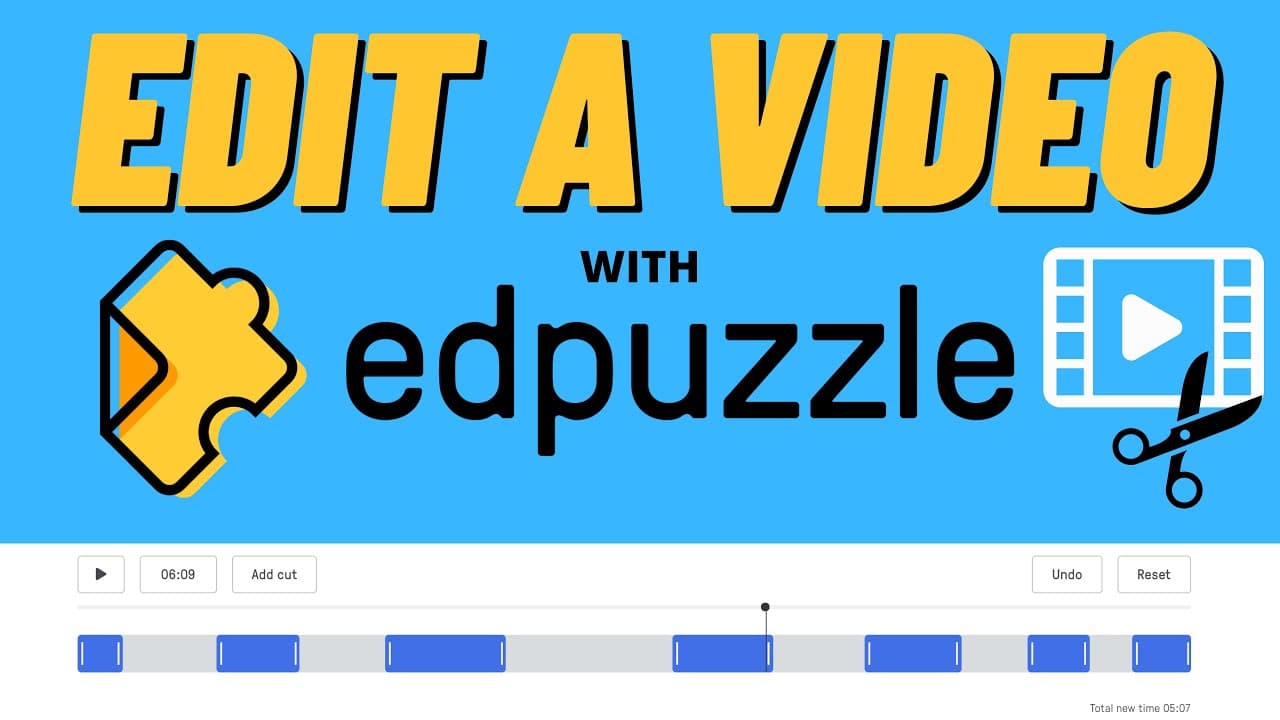
To edit YouTube videos for classroom use with Edpuzzle, trim segments to create focused clips. You can isolate relevant parts, enhance videos with voiceovers and questions, and share concise content with students, making lessons more engaging and effective.
Transcript
so here's my situation i found a great video on youtube that i want to share with my students but the problem is is it's about a 50-minute video where out of those 50 minutes there may only be a few minutes that i want to show because that's what's relevant in the lesson so rather than me trying to skim through the video and show this to my class i... Read More
Key Insights
- 😒 Edpuzzle is a useful tool for teachers to edit YouTube videos and customize them for classroom use.
- 🧑🏫 By cutting specific segments, teachers can focus on the most relevant parts of a video for teaching purposes.
- 👻 Adding questions to the edited videos enhances the learning experience and allows for assessment of student understanding.
- 🎮 Edpuzzle simplifies the process of video editing by eliminating the need for multiple software and downloads.
- 👻 The platform also provides features like voiceover, which allows teachers to enhance the videos with their own explanations and narrations.
- 🥳 Edpuzzle offers a convenient solution for teachers who want to share specific parts of YouTube videos with their students.
- ❤️🩹 With the ability to trim the beginning and end of a video, teachers can ensure that the edited clips are concise and relevant to the lesson.
Install to Summarize YouTube Videos and Get Transcripts
Explore YouTube Video Summarizer or Get YouTube Transcript Extractor
Questions & Answers
Q: How can Edpuzzle help teachers edit YouTube videos for classroom use?
Edpuzzle offers features to cut specific segments of a YouTube video, allowing teachers to isolate relevant parts for classroom use. It also enables trimming the beginning and end of a video.
Q: Can teachers add questions to the edited videos on Edpuzzle?
Yes, Edpuzzle provides a feature to add questions to the edited videos. Teachers can create interactive learning experiences by incorporating questions throughout the video.
Q: What other features does Edpuzzle offer for editing videos?
In addition to cutting and trimming, Edpuzzle allows teachers to enhance videos with voiceover. This feature enables teachers to provide narration or additional explanations for the video content.
Q: How does Edpuzzle simplify the process of editing longer YouTube videos?
Edpuzzle eliminates the need to download and upload videos to different editing programs. It provides a quick and easy way to edit longer YouTube videos directly within its platform.
Summary & Key Takeaways
-
Edpuzzle allows teachers to edit YouTube videos by cutting specific segments and trimming the beginning and end.
-
Teachers can isolate relevant segments and create shorter clips to share with students for a more focused learning experience.
-
The edited videos can be enhanced with voiceover and questions to make the learning process more interactive.
Read in Other Languages (beta)
Share This Summary 📚
Summarize YouTube Videos and Get Video Transcripts with 1-Click
Try YouTube Summary with ChatGPT & Claude or YouTube Transcript Generator
Explore More Summaries from EdTech Hustle 📚






Summarize YouTube Videos and Get Video Transcripts with 1-Click
Try YouTube Summary with ChatGPT & Claude or YouTube Transcript Generator