How to Use DeepSeek R1 Without Its Website
TL;DR
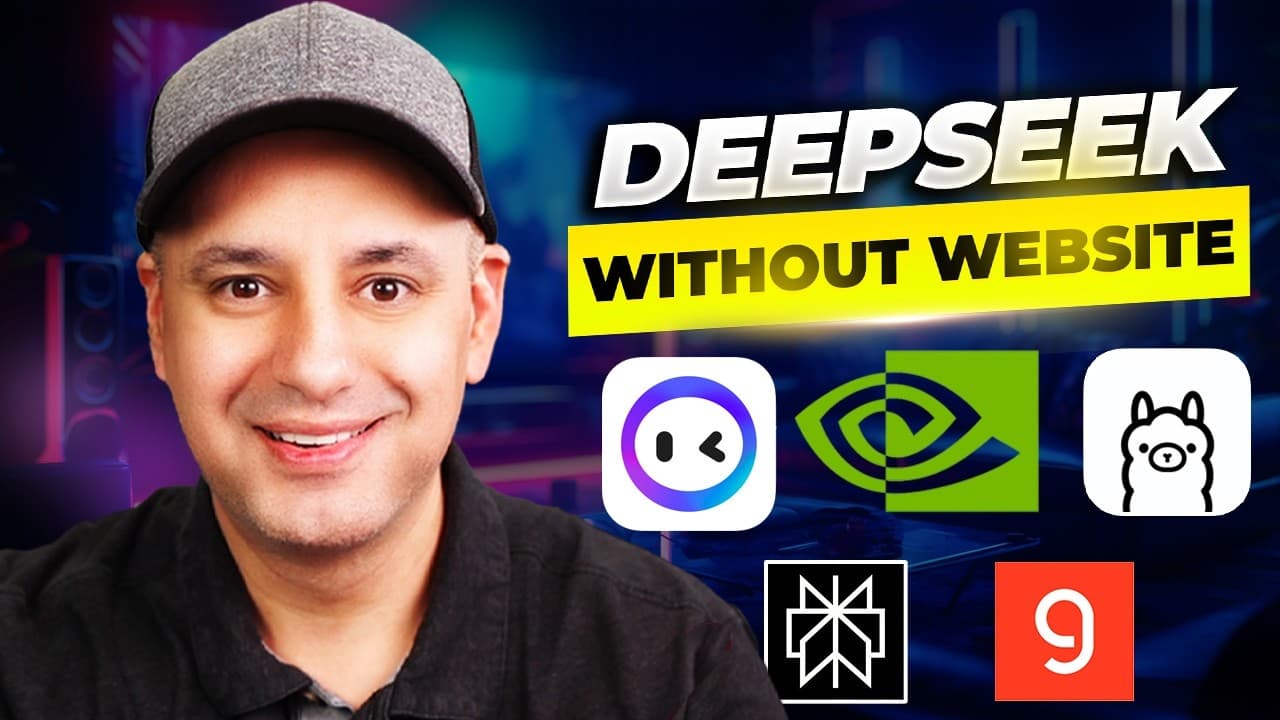
Run a distilled DeepSeek R1 model locally with Ollama or LM Studio for private, dependable access, or choose a hosted platform based on your task. Perplexity adds web research, Monica provides browser-based multi-model tools, Groq prioritizes response speed, and NVIDIA NIM offers free access to R1 alongside many other models and agent-building features.
Transcript
I want to show you five different ways for using deep seek R1 without actually using the Deep seek website and some of these are going to give you new functionality and I think you're going to like these more than the website now the first thing I wanted to show you is actually how to run deep seek R1 locally on your computer this is going to insta... Read More
Key Insights
- Local DeepSeek R1 is private and dependable because Ollama and LM Studio install models directly on the computer, eliminating official-site downtime. Hardware capacity determines which distilled model is practical, with the 7B version suggested for older computers and larger versions demonstrated on an M3 MacBook Pro.
- The full DeepSeek R1 model has 671 billion parameters and is too large for nearly any local computer described in the source. Distilled editions provide smaller alternatives, and the presenter reports that their reasoning remains strong enough for most uses despite their reduced size.
- Ollama supports simultaneous model comparisons by running DeepSeek R1 beside another installed open-source model, such as Llama 3.2. It also accepts file uploads, preserves chat history, and includes advanced settings, making it more capable but more technical than LM Studio.
- LM Studio is easier to install and use across Mac, Windows, and Linux, although the presenter considers it more limited than Ollama. Its Discover section provides downloadable models, while its chat interface displays R1's thinking time, final response, copying controls, and document interaction features.
- LM Studio's retrieval feature accepts as many as five documents at once in the supported file formats shown by the application. Users can interact with those files directly inside the chat, making the local model useful for document-based questions without relying on the DeepSeek website.
- Perplexity combines DeepSeek R1 reasoning with web search and can divide a prompt into smaller research questions. In the demonstration, it examines 36 web sources alongside its knowledge base and reasoning process, making it especially suitable for research rather than tasks that require no search.
- Monica combines DeepSeek R1 with other language, image, and video models in one service. Its Chrome extension can pull in a YouTube transcript or webpage, create key-point summaries, support follow-up questions, and add web access when using models that lack native browsing capabilities.
- Groq prioritizes rapid R1 output, while NVIDIA NIM emphasizes model choice and agent development. The Groq coding demonstration produces 27 tokens per second and finishes in six seconds, whereas NVIDIA NIM provides free access to R1 and numerous other models within a broader agent-building platform.
Install to Summarize YouTube Videos and Get Transcripts
Explore YouTube Video Summarizer or Get YouTube Transcript Extractor
Questions & Answers
Q: How can I run DeepSeek R1 locally on my computer?
DeepSeek R1 can be installed locally through Ollama or LM Studio. Because the complete 671-billion-parameter model is too large for nearly any local computer described in the source, users should select a distilled version that matches their hardware. The presenter ran 32B and 70B editions on an M3 MacBook Pro and suggested trying the 7B edition on an older computer.
Q: Should I use Ollama or LM Studio for DeepSeek R1?
Ollama is preferable when advanced local features matter, including side-by-side conversations with multiple installed models, file uploads, chat history, and additional settings. LM Studio is easier to download and install on Mac, Windows, or Linux, but the presenter considers it more limited. Both provide familiar chat interfaces and let users install smaller DeepSeek R1 editions locally.
Q: How can I compare DeepSeek R1 with other AI models?
Ollama allows multiple locally installed models to answer the same prompt side by side. For example, DeepSeek R1 can be compared with Llama 3.2, showing the difference between a model that goes through a reasoning process and a regular model. LM Studio also supports several downloadable open-source models, although its interface focuses on switching between them rather than simultaneous responses.
Q: How does LM Studio work with documents?
LM Studio includes a retrieval feature that lets users upload as many as five documents at a time using the file formats supported by the application. Users can then interact with those documents directly inside the local chat. The interface also displays how long DeepSeek R1 spends thinking, presents its final answer below the reasoning process, and provides a control for copying the response.
Q: When should I use DeepSeek R1 through Perplexity?
Perplexity is best suited to questions that require web research. Its R1 option combines reasoning with search, divides a larger prompt into smaller questions, and searches for information related to each part. The demonstration consults 36 web sources in addition to the model's knowledge and reasoning. For a task that does not need search, the presenter recommends using another R1 access method.
Q: What can Monica do with DeepSeek R1 in a browser?
Monica's Chrome extension makes DeepSeek R1 and other models available while browsing. It can pull in a YouTube video's transcript, generate a quick summary or key points, and answer follow-up questions about the content. It can perform similar analysis on webpages and add web access to models that do not already have it. The description also lists translation and Gmail reply assistance.
Q: Why would I use Groq for DeepSeek R1?
Groq is presented as the preferred platform when fast responses are the main requirement. In the coding demonstration, the selected 70B R1 model generates output at 27 tokens per second and completes the entire response in six seconds. The presenter estimates that this is five to ten times faster than some other chat interfaces offering DeepSeek R1, based on the demonstrated experience.
Q: What does NVIDIA NIM offer for DeepSeek R1 users?
NVIDIA NIM provides access to DeepSeek R1 within a larger platform that also contains many other models. The presenter describes the service as completely free to use at the time covered by the source and connects it with building AI agents. Users can choose R1 from the model page, try it directly, and explore additional models that may be unfamiliar to them.
Summary & Key Takeaways
-
DeepSeek R1 can run locally through Ollama or LM Studio, avoiding dependence on the official website. Distilled models are practical alternatives to the massive 671-billion-parameter version. Ollama provides advanced capabilities such as side-by-side model comparisons, file uploads, and chat history, while LM Studio offers a simpler installation and interface.
-
Hosted services provide different advantages. Perplexity combines R1 reasoning with web search and breaks questions into smaller research tasks. Monica bundles R1 with other language, image, and video models, while its Chrome extension can summarize YouTube transcripts, analyze web pages, answer follow-up questions, translate pages, and assist with email replies.
-
Groq is presented as the best option when response speed matters, completing a demonstrated coding output in six seconds at 27 tokens per second. NVIDIA NIM provides another free way to try DeepSeek R1, explore numerous other models, and work within a broader platform designed for building AI agents.
Read in Other Languages (beta)
Share This Summary 📚
Summarize YouTube Videos and Get Video Transcripts with 1-Click
Try YouTube Summary with ChatGPT & Claude or YouTube Transcript Generator
Explore More Summaries from Skill Leap AI 📚






Summarize YouTube Videos and Get Video Transcripts with 1-Click
Try YouTube Summary with ChatGPT & Claude or YouTube Transcript Generator