What Are the Best Apps for Synology DSM?
TL;DR
The best applications for Synology DSM include Surveillance Station for managing IP cameras, Plex Media Server for streaming media, Virtual Machine Manager for running different OS environments, and Docker for efficient application deployment. These tools enhance the NAS capabilities, allowing users to customize and optimize their setup for various needs.
Transcript
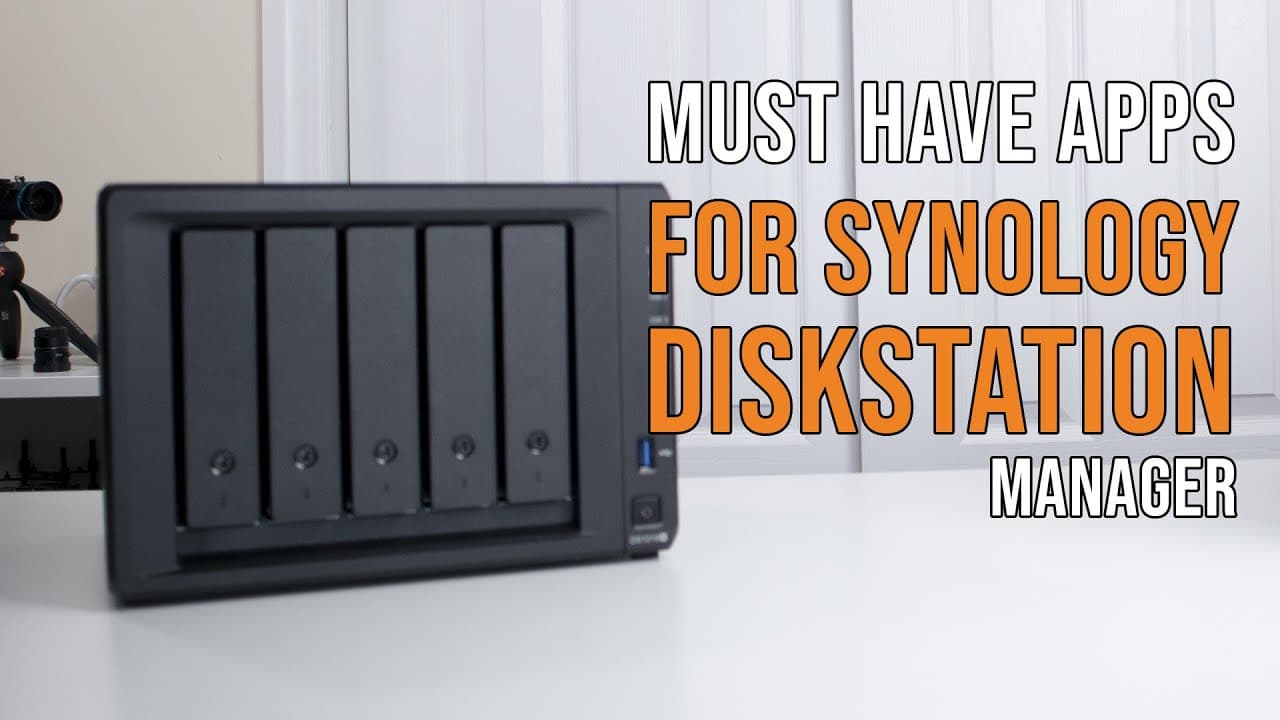
hey guys what's going on it's don here from nova spirit tech and welcome back to the channel and today i'm going to be showing you some of the apps that i use for my synology dsm so let's get started so i do want to thank synology for sending me over the 1019 plus and i've been playing around with it for the past couple of months so if you want to ... Read More
Key Insights
- 🛟 Synology DSM serves as a robust platform for both NAS and server applications, offering extensive customization options.
- 🥳 The Package Center allows installation of both official and third-party applications, enhancing the user's ability to tailor their set-up.
- 🪡 Surveillance Station makes it easy to manage diverse IP cameras in a centralized interface, streamlining surveillance needs.
- 🏃 Docker is favored for running applications without the overhead of full virtual machines, improving performance and efficiency.
- 🎏 Plex Media Server effectively transforms NAS into a powerful media center, supporting multiple simultaneous streams and transcoding.
- 😚 Virtual Machine Manager provides opportunities for users to conduct experiments and run different OS environments on their NAS unit.
- 🐕🦺 Backup strategies such as replication services and snapshots are essential for data integrity and recovery, maximizing data security.
Install to Summarize YouTube Videos and Get Transcripts
Explore YouTube Video Summarizer or Get YouTube Transcript Extractor
Questions & Answers
Q: What is Disk Station Manager (DSM) and its primary functions?
Disk Station Manager (DSM) is the operating system for Synology NAS devices, featuring an intuitive interface. Its primary functions include file storage, user management, application installation, and resource monitoring. DSM allows users to configure storage, control settings, and run various applications like media servers and surveillance systems effectively.
Q: How does the Surveillance Station simplify IP camera management?
Surveillance Station consolidates IP camera feeds from different brands into a single interface, eliminating the need for separate applications for each camera. Users can easily manage multiple cameras, configure recording settings, and monitor live feeds, ensuring efficient surveillance and storage management directly on their NAS.
Q: What are the advantages of using Docker on Synology DSM?
Docker provides a lightweight virtualization option compared to traditional Virtual Machine Manager setups. It enables users to run applications in isolated containers, optimizing resource usage and minimizing overhead. This allows for fast deployment of web servers, file storage solutions, and other services without the added complexity of full VM environments.
Q: What is the role of the Plex Media Server in a Synology setup?
Plex Media Server facilitates media streaming and organization, allowing users to access their content across various devices on the network. Users can set up transcoding for multiple streams, enhancing playback quality, and accommodating diverse equipment. It provides seamless access to movies, music, and shows stored on the NAS.
Q: How does the replication service work on Synology DSM?
Replication service on Synology DSM offers a way to back up data to another machine, ensuring data recovery and continuity. Users can choose between full replication or snapshot options to maintain data integrity. Snapshots capture the state of data at specific points, allowing easy restoration if needed, while full replication provides a direct backup.
Q: What are the benefits of using a Virtual Machine Manager?
Virtual Machine Manager allows users to run multiple operating systems and applications on their NAS, making it possible to host web servers, development environments, or administrative tasks. While resource-limited, the Synology DSM can still run lightweight virtual machines, making it a versatile platform for testing and development purposes.
Q: How does Steam caching work with Docker on the Synology NAS?
Steam caching via Docker stores game files downloaded from Steam on the NAS, allowing quicker re-installation or access to games from multiple devices. It significantly speeds up downloading by providing a local source rather than pulling from the Steam servers, enhancing the gaming experience, especially for large titles.
Q: Why is storage management important for applications like Surveillance Station?
Effective storage management is critical for applications like Surveillance Station to ensure there is sufficient space for recordings without interruptions. Users can allocate specific storage limits for each camera, manage data usage, and configure recording schedules, which helps in maintaining system performance and prevents data loss.
Summary & Key Takeaways
-
The video showcases various applications available for Synology DSM, demonstrating how users can configure and utilize their NAS for different purposes.
-
Key functionalities highlighted include the Surveillance Station for managing IP cameras and the Plex Media Server for media streaming and organization.
-
Additional applications discussed include Virtual Machine Manager, replication services, Docker, and others to enhance the server's capabilities.
Read in Other Languages (beta)
Share This Summary 📚
Summarize YouTube Videos and Get Video Transcripts with 1-Click
Try YouTube Summary with ChatGPT & Claude or YouTube Transcript Generator
Explore More Summaries from Novaspirit Tech 📚






Summarize YouTube Videos and Get Video Transcripts with 1-Click
Try YouTube Summary with ChatGPT & Claude or YouTube Transcript Generator