How to Create Realistic AI Voiceovers for YouTube
TL;DR
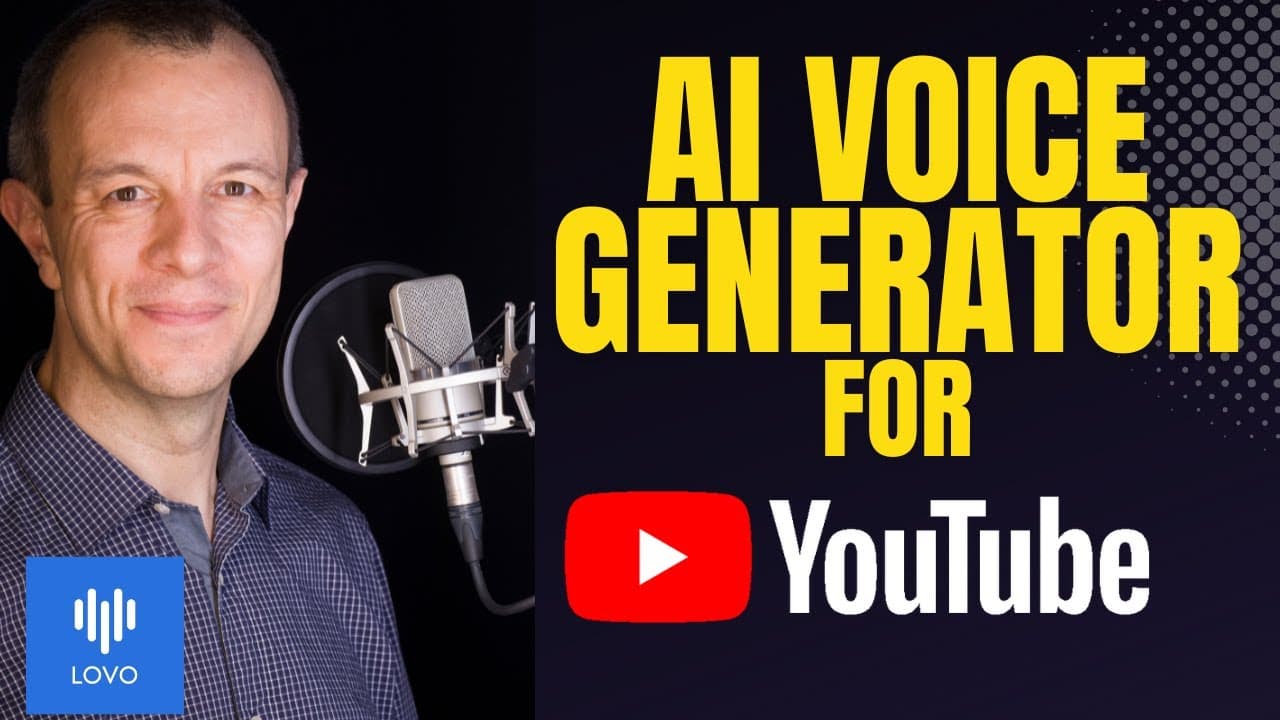
To create realistic AI voiceovers for YouTube videos, sign up for a free account on LOVO AI's Jenny platform. You can either copy and paste your text or generate scripts using the AI writer feature. Choose from a wide variety of voices, customize your audio, and quickly render your final voiceover for download.
Transcript
hey everyone in this video we are going to check out lobo's Jenny AI it's an AI voice generator and text to speech platform that sounds awesome so the first thing you want to do is sign up for an account you can go to lovo.ai and sign up for free now I'm inside my account I am going to select new project and I am going to select a voiceover so this... Read More
Key Insights
- 😄 Lobo's Jenny AI is an AI-powered platform that generates voiceovers for various projects, offering convenience and ease of use.
- 😑 The platform provides options to either copy and paste pre-written texts or generate scripts through its AI writer feature.
- 🧡 Users can customize the voice for their voiceovers by selecting from a wide range of voices with different characteristics.
- 😒 The rendered audio tracks can be easily downloaded for use in videos, podcasts, or other projects.
- 💳 Lobo's Jenny AI offers features like lengthening or shortening the script, as well as recreating it entirely.
- 👻 The platform's rendering process is quick, allowing users to obtain their audio tracks promptly.
- 🧑🎨 In addition to voice generation, Lobo's Jenny AI offers an AI artist feature to add or generate images for voiceovers.
Install to Summarize YouTube Videos and Get Transcripts
Explore YouTube Video Summarizer or Get YouTube Transcript Extractor
Questions & Answers
Q: How do you create a voiceover using Lobo's Jenny AI?
To create a voiceover, sign up for a free account on Lobo's Jenny AI website, select "New Project," choose a voiceover option, and either copy and paste your text or generate a script through the AI writer feature.
Q: Can you customize the voice for your voiceover?
Yes, Lobo's Jenny AI offers a wide selection of voices to choose from. Users can select the desired voice by highlighting the text and choosing the speaker with options for gender, age, and use case.
Q: Can the generated script be edited?
Yes, the generated script can be edited. Users have the option to lengthen or shorten it or recreate it entirely before finalizing the voiceover.
Q: How is the audio track rendered and downloaded?
After finalizing the voiceover, users can select the render option to generate the audio track. Once rendered, they can download the track for use in their projects.
Summary & Key Takeaways
-
Lobo's Jenny AI is an AI voice generator and text-to-speech platform.
-
Users can sign up for a free account and create voiceovers by copying and pasting text or generating it through the AI writer feature.
-
The platform offers a wide selection of voices to choose from and allows users to customize their voiceover scripts before rendering and downloading the audio track.
Read in Other Languages (beta)
Share This Summary 📚
Summarize YouTube Videos and Get Video Transcripts with 1-Click
Try YouTube Summary with ChatGPT & Claude or YouTube Transcript Generator
Explore More Summaries from EdTech Hustle 📚
![Keynote: Remove The Background of Any Photo [Using Instant Alpha] thumbnail](/_next/image?url=https%3A%2F%2Fi.ytimg.com%2Fvi%2F0Ji-uTffzJE%2Fhqdefault.jpg&w=750&q=75)





Summarize YouTube Videos and Get Video Transcripts with 1-Click
Try YouTube Summary with ChatGPT & Claude or YouTube Transcript Generator