How to Create Animations with Your Voice in Adobe Express
TL;DR
You can easily create animations using your voice with Adobe Express's 'Animate with Audio' feature, which is free to use. Start by selecting your video size, characters, and background, then record your voice to bring the animation to life. Download your completed video once you're satisfied with the preview.
Transcript
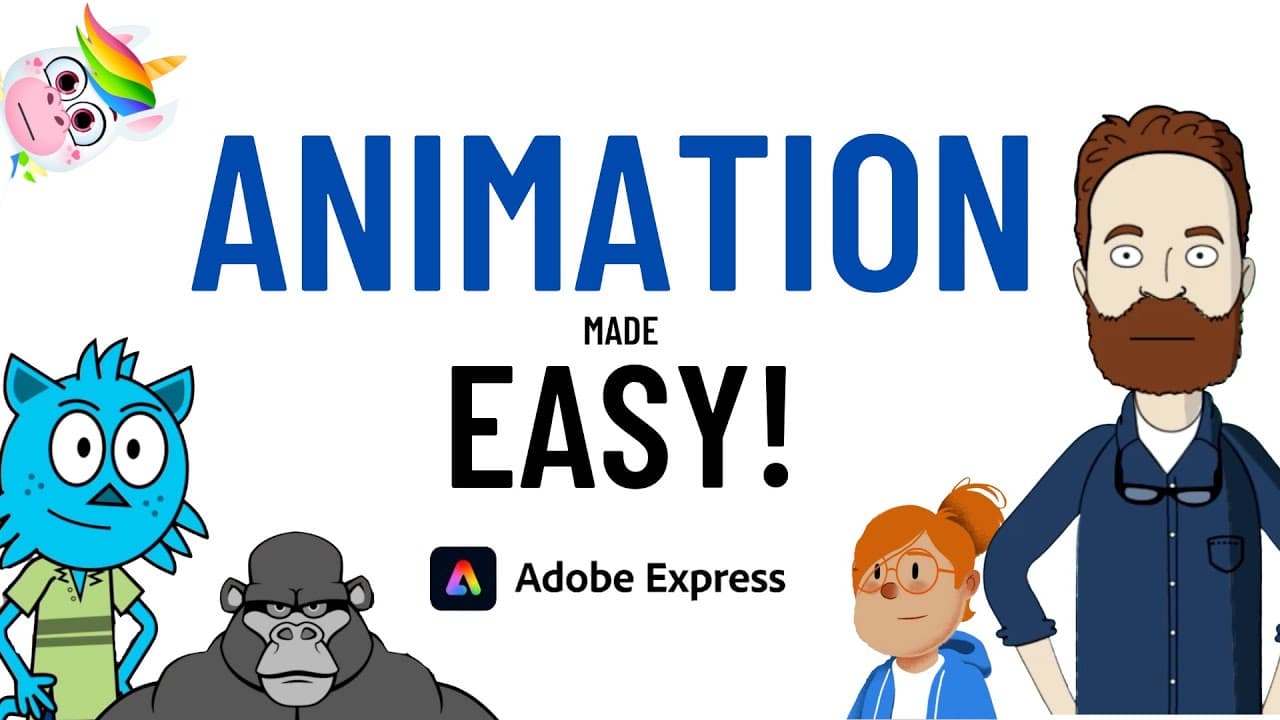
hey everyone are you looking for a really easy way to create animated characters like this cute little puppy dog This creepy looking Sasquatch this hipster looking student or this uh whatever whatever this is in this video I'm going to show you how you can use Adobe Express to create animations like this by simply using your voice and the best part... Read More
Key Insights
- 🥶 Adobe Express offers a free program called "Animate with Audio" for creating animated characters using your voice.
- 👻 The program is accessed through a specific URL and allows users to select video size, characters, and backgrounds.
- 👤 Voice recordings are used to generate the animation, and users can also trim the edges of their creation.
- 👤 Adobe Express provides preloaded backgrounds, but users can also upload their own.
- ❓ The "Animate with Audio" program is in beta and may not be easily accessible from the main menu.
- 🥶 Adobe Express requires a free account to access the program.
- 👻 The program offers various character options, allowing users to create a wide range of animated characters.
Install to Summarize YouTube Videos and Get Transcripts
Explore YouTube Video Summarizer or Get YouTube Transcript Extractor
Questions & Answers
Q: How can I create animated characters using Adobe Express?
To create animated characters, log into Adobe Express and access the "Animate with Audio" feature via a specific URL provided in the video. From there, select video size, characters, and backgrounds. Once ready, record your voice to generate the animation.
Q: Can I use my own background for the animation?
Yes, Adobe Express offers a variety of preloaded backgrounds to choose from, but you can also upload your own background if desired.
Q: Is the "Animate with Audio" feature in Adobe Express free to use?
Yes, the "Animate with Audio" feature in Adobe Express is a hundred percent free.
Q: Can I edit the animation after recording my voice?
Yes, Adobe Express provides basic editing options such as trimming the edges of the animation to fine-tune your creation.
Summary & Key Takeaways
-
Adobe Express offers a free program called "Animate with Audio" that allows users to create animated characters using their voice.
-
Users can log into Adobe Express and access the "Animate with Audio" feature via a specific URL provided in the video description.
-
The program offers options to select video size, characters, and backgrounds, and users can record their voice to generate the animation.
Read in Other Languages (beta)
Share This Summary 📚
Summarize YouTube Videos and Get Video Transcripts with 1-Click
Try YouTube Summary with ChatGPT & Claude or YouTube Transcript Generator
Explore More Summaries from EdTech Hustle 📚





![Keynote: Remove The Background of Any Photo [Using Instant Alpha] thumbnail](/_next/image?url=https%3A%2F%2Fi.ytimg.com%2Fvi%2F0Ji-uTffzJE%2Fhqdefault.jpg&w=750&q=75)
Summarize YouTube Videos and Get Video Transcripts with 1-Click
Try YouTube Summary with ChatGPT & Claude or YouTube Transcript Generator