How to Build a Profitable Shopify Store
TL;DR
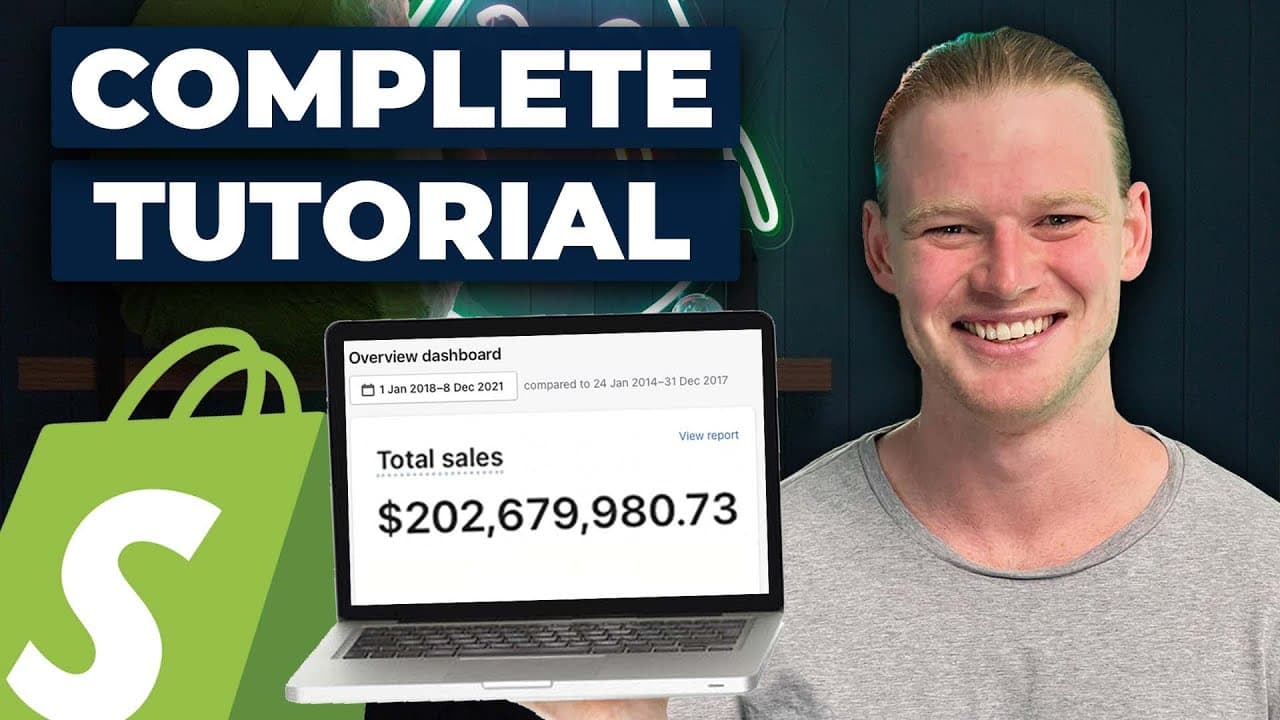
Start by choosing a product, creating a Shopify account with accurate business details, and publishing a free theme. Build a simple mobile-first storefront with compressed images, original copy, clear product messaging, a visible offer, and a credible footer. Before launch, configure products, collections, pricing, SKUs, a domain, analytics, marketing pixels, apps, shipping, payments, users, policies, taxes, and navigation.
Transcript
- Hey, everyone. Today, we're gonna set up a Shopify store. This tutorial is for beginners. I'm gonna show you absolutely everything that you need to know to get your e-commerce store off the ground. Let's get into it. So the first thing to get your Shopify store off the ground is you do need a product. For those who have been following along our l... Read More
Key Insights
- Product selection is the first requirement for launching a Shopify store. AliExpress is presented as useful for low-cost dropshipping and orders of one or two units, while Alibaba may require minimum orders such as 100 pieces and offers more scope for branding.
- A Shopify free trial lets beginners build and explore a store before they are ready to launch. The initial store name mainly affects the backend and can later be changed through the domain, although including the primary target region may help future regional expansion.
- Accurate address information is important because Shopify Payments may later require verification. Business registration is not required at the initial setup stage in the tutorial, but anyone building a proper business is encouraged to consider local registration and business insurance.
- A free Shopify theme can support a substantial ecommerce business without requiring a paid design. The tutorial selects the Debut theme, adds it to the theme library, publishes it, and uses its prebuilt sections to populate and organize the storefront.
- Competitive research is useful for identifying a clear and simple store structure. A strong reference site can reveal effective page organization and text elements, but its wording and design should not be copied directly because the resulting store could be banned.
- Website speed is an important conversion factor, so uploaded logos and product images should not be unnecessarily large. Smaller image files help prevent a slow storefront, while correctly shaped lifestyle photography helps important sections display effectively on both desktop and mobile.
- Mobile presentation deserves priority because most store traffic is expected to arrive from mobile devices. Shopify themes are responsive, so the tutorial suggests building or reviewing the mobile version first, then checking and refining the desktop version afterward.
- Immediate product clarity is essential in the main image section. The selected landscape image should show the product without overpowering the headline, avoid placing embedded image text beneath editable overlay text, and communicate what the store sells within the customer's first second.
Install to Summarize YouTube Videos and Get Transcripts
Explore YouTube Video Summarizer or Get YouTube Transcript Extractor
Questions & Answers
Q: How do you start building a Shopify store?
Start with a product, then create a Shopify account and use the free trial to prepare the storefront before launch. Enter an email address, password, store name, and accurate address details. Next, choose and publish a theme, add original copy and suitable images, configure the product and collection pages, and complete the operational settings listed in the tutorial.
Q: Should beginners source products from Alibaba or AliExpress?
AliExpress is presented as the easier option for ordering one or two units and starting dropshipping with limited upfront cost. Alibaba suppliers may expect a minimum order, with 100 pieces shown as one example, but Alibaba is more suitable for branding and relatively larger orders. Some products unavailable on AliExpress may also face less dropshipping saturation, although demand still requires research.
Q: How should a beginner choose a Shopify theme?
A beginner can start with one of Shopify's free basic themes instead of buying a theme with built-in conversion features such as urgency timers. The tutorial chooses the Debut theme, adds it to the theme library, and publishes it. The theme can also be previewed and customized first, particularly when an existing store already contains content that needs to be checked.
Q: How do you design a Shopify store for mobile shoppers?
Use the mobile preview inside Shopify's theme builder and review every important section at the smaller screen size. The tutorial recommends prioritizing mobile because most store traffic is expected to come from mobile devices. Shopify is responsive, so a practical workflow is to build the mobile version first, then switch to desktop and correct any presentation problems that remain.
Q: How can competitor websites help with Shopify design?
A competitor or reference website can help identify a store structure that is simple, clear, and easy to use. Review how its sections are ordered and how its text communicates the product, then apply those general patterns to original assets and wording. The tutorial explicitly warns against copying a site directly because doing so could cause the Shopify store to be banned.
Q: Why should Shopify product images be compressed?
Large uploaded files can slow the storefront, and speed is described as an important factor in conversion rate optimization. Logos and product images therefore should not be unnecessarily large. The main banner should also use an appropriate landscape image that Shopify can reformat for mobile, while keeping the product visible and leaving enough visual space for readable overlay text.
Q: What should appear at the top and bottom of a Shopify store?
The top announcement bar should contain a clear offer because it occupies the highest position on the page and is suited to sales messaging. Examples in the tutorial include free shipping above a sales threshold or a discount code. The footer should contain social channels and a complete, familiar structure, since an underdeveloped footer can make a store appear less trustworthy.
Q: What settings should be completed before launching a Shopify store?
The tutorial's launch process includes setting up the product page, collections, product pricing, SKUs, a domain, and a Shopify plan. It also covers Google Analytics, Facebook Pixel, apps such as Postscript and Okendo, shipping, payment settings, staff or user access, freelancer hiring, policies, taxes, and the navigation bar. These areas should be reviewed alongside the storefront design.
Summary & Key Takeaways
-
The setup begins with product selection. AliExpress supports purchasing one or two units and is presented as suitable for dropshipping, while Alibaba suppliers may expect larger minimum orders and allow more branding. Beginners without finished assets can practice with stock images and placeholder copy before preparing the store for launch.
-
After creating an account, the store owner should enter an accurate address because Shopify Payments may require verification. The tutorial recommends starting with a free theme, publishing it, and using Shopify's section-based editor. A prepared copy document can accelerate the process, while competitive stores can provide structural inspiration without being copied directly.
-
The storefront should prioritize mobile presentation, fast-loading images, immediate product clarity, original sales copy, a strong announcement offer, and a complete footer. The broader launch process also covers products, collections, pricing, SKUs, domains, analytics, Facebook Pixel, apps, shipping, payments, staff access, freelancers, policies, taxes, and navigation.
Read in Other Languages (beta)
Share This Summary 📚
Summarize YouTube Videos and Get Video Transcripts with 1-Click
Try YouTube Summary with ChatGPT & Claude or YouTube Transcript Generator
Explore More Summaries from Davie Fogarty 📚


Summarize YouTube Videos and Get Video Transcripts with 1-Click
Try YouTube Summary with ChatGPT & Claude or YouTube Transcript Generator