How to Master Claude From Prompts to AI Agents
TL;DR
Start by asking Claude to interview you for missing context, then tell it to check its work. Build persistent projects with master prompts and workflow-specific system prompts, connect workplace tools, and convert recurring processes into reusable skills and scheduled tasks. The most advanced stage uses Claude Code, Plan Mode, and agent orchestration to create tools and autonomous systems.
Transcript
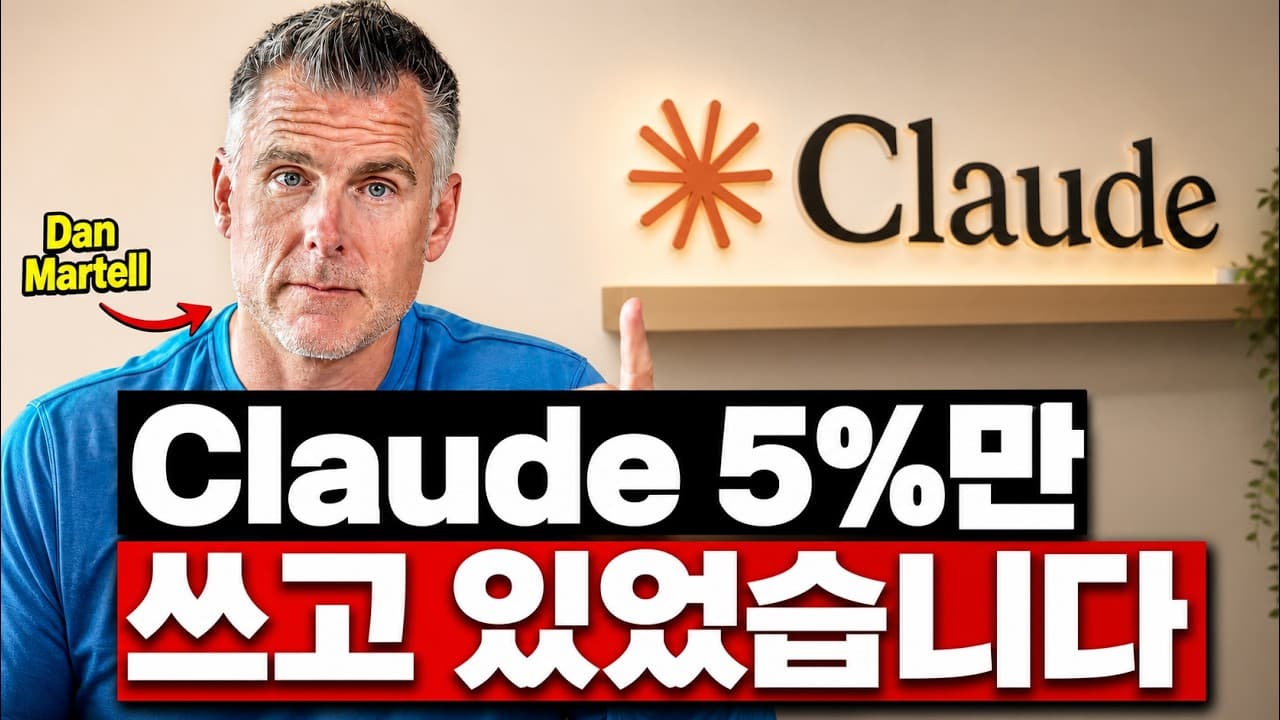
I've spent over 1,000 hours inside Claude and I use it every single day to build tools, run workflows, and even launch million-dollar companies. And look, you might feel super productive using Claude right now, but what if I told you you're barely scratching the surface? In this video, I'm going to walk you through every level of Claude user from t... Read More
Key Insights
- Claude produces stronger answers when it gathers context first. Asking it to interview you before responding encourages it to identify missing requirements, constraints, and background information instead of immediately generating an answer from an incomplete initial request.
- Self-review improves Claude's output because the model can identify mistakes after producing an initial response. The simple instruction "Check your work" adds a verification pass and can reveal errors or weaknesses that were missed during the first attempt.
- Claude Projects provide persistent context for a role, initiative, client, or workflow. A project can contain instructions and reference files, allowing later conversations to begin with relevant organizational knowledge instead of requiring the user to rebuild context each time.
- A master prompt describes who the user is and how they work. Claude can interview the user to document their role, team, tools, preferences, and objectives, after which the resulting file can be added to a project as reusable context.
- A system prompt defines how a specific workflow should run. While the master prompt supplies the ingredients and broader context, the system prompt acts as the recipe by specifying the steps, output format, and standards needed for consistent results.
- Connectors let Claude retrieve information from workplace systems such as Gmail, Google Drive, Slack, Notion, calendars, and email. This reduces manual copying between applications and supports tasks such as reviewing schedules, summarizing messages, and scanning company updates.
- Reusable skills package recurring workflows into commands that can be run consistently. The stated rule is to consider creating a skill when a task is performed more than three times a week, and multiple specialized skills can be chained into a larger pipeline.
- Scheduled Co-work tasks shift the user's role from performing work to directing and approving it. Repeatable system prompts and skills can run on a schedule, such as preparing an evening briefing from the next day's calendar and relevant emails.
Install to Summarize YouTube Videos and Get Transcripts
Explore YouTube Video Summarizer or Get YouTube Transcript Extractor
Questions & Answers
Q: How can beginners get better answers from Claude?
Beginners can improve results by asking Claude to interview them before attempting the task. The instruction should invite Claude to ask any questions needed to perform the work properly. After providing the requested context, the user can ask Claude to check its work. Together, these steps address missing information and add a separate review pass that may catch mistakes.
Q: How do Claude Projects create persistent working context?
Claude Projects create a dedicated workspace for a role, initiative, client, or workflow. The user names the project, adds a master prompt, and uploads useful documents such as sample data, examples, process files, brand guidance, or earlier scripts. Claude can then use this stored context across project conversations, reducing the need to explain the same background repeatedly.
Q: What is a master prompt in Claude?
A master prompt is a file of instructions describing the user and their working context. It can cover the user's role, objectives, preferences, team, tools, and normal ways of working. Claude can help create it by interviewing the user. Once added to a project, it guides future answers so they better reflect that person's circumstances and expectations.
Q: What is the difference between a master prompt and a system prompt?
A master prompt contains broad context about the user, including their role, preferences, tools, team, and goals. A system prompt describes the process for one specific workflow, including its steps, standards, and desired output. The transcript compares the master prompt to ingredients and the system prompt to a recipe that turns those ingredients into consistent results.
Q: How do Claude connectors improve workplace workflows?
Connectors allow Claude to access information where work already lives, including Gmail, Google Drive, Slack, Notion, calendars, and email. Instead of copying information into a chat, the user can ask Claude to retrieve and analyze it. Examples include checking a calendar, identifying important emails, and summarizing a week of Slack activity for a company leader.
Q: What can interactive artifacts and Composer do in Claude?
Interactive artifacts can turn Claude's output into small applications with clickable controls, sliders, and buttons. They can make data, concepts, or visual information easier to explore. Claude can also create graphs, bars, and mockups inside a conversation. Composer provides a document-like space where pasted text can be edited and refined until the output matches the user's needs.
Q: When should a repeated workflow become a Claude skill?
A repeated workflow should be considered for a skill when it occurs more than three times a week, according to the rule given in the transcript. A skill packages the process under a reusable command, which supports consistent execution. Specialized skills can also call one another, forming chained pipelines for broader outcomes such as writing emails or automating inbox work.
Q: How can Claude automate scheduled work with Co-work?
Co-work can run computer-based jobs and schedule repeatable processes built from system prompts and skills. The user sets up the task once, then reviews or approves the result instead of performing every step manually. One example is an evening briefing that checks the next day's calendar and relevant emails, then reports what the user needs to prepare or change.
Summary & Key Takeaways
-
Claude becomes more useful when conversations include sufficient context and a review step. Ask it to interview you before completing a task, answer its questions, and request a self-check. These practices improve individual outputs, but persistent projects are needed to avoid rebuilding the same working context during every new conversation.
-
Projects turn Claude into a role-specific workspace. A master prompt records the user's role, preferences, team, tools, and broader context, while a system prompt documents the process for a particular workflow. Supporting files, examples, brand guidance, sample data, and procedures help Claude produce outputs with consistent quality and formatting.
-
Connectors, artifacts, skills, and scheduled Co-work tasks move Claude from assistance toward execution. Connectors bring workplace information into conversations, artifacts create interactive outputs, and skills package repeated workflows. Claude Code, Plan Mode, and agent orchestration extend this approach by enabling teams to build tools and autonomous systems when suitable tools do not exist.
Read in Other Languages (beta)
Share This Summary 📚
Summarize YouTube Videos and Get Video Transcripts with 1-Click
Try YouTube Summary with ChatGPT & Claude or YouTube Transcript Generator
Explore More Summaries from Tech Bridge 📚




Summarize YouTube Videos and Get Video Transcripts with 1-Click
Try YouTube Summary with ChatGPT & Claude or YouTube Transcript Generator