What 8 Essential LinkedIn Features Should Job Seekers Use?
TL;DR
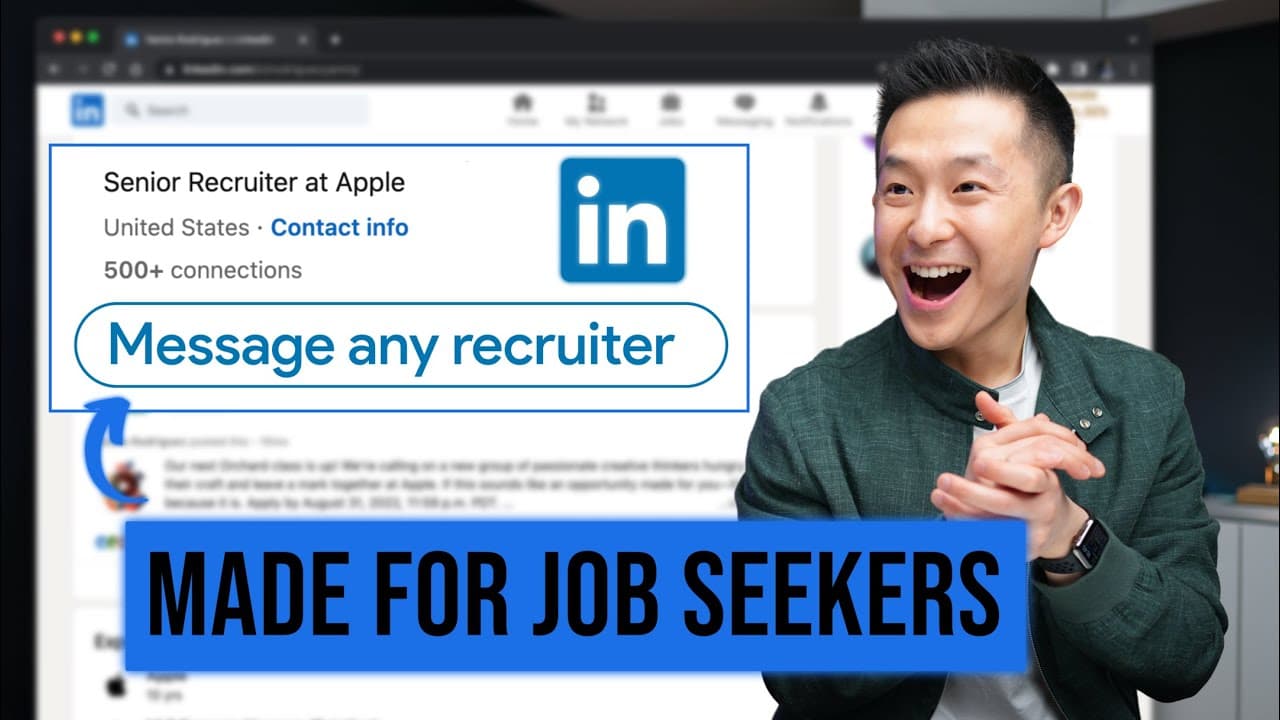
Job seekers should utilize eight key LinkedIn features: message anyone through group memberships, leverage the people/alumni tab for networking, use Career Explorer for career transitions, take skill assessments for badges, add career breaks to explain employment gaps, showcase resumes in the featured section, and personalize connection requests to improve acceptance rates.
Transcript
huh let's get started the first extremely underrated LinkedIn feature is to message anyone without using LinkedIn premium normally for anyone who is not a first degree connection you either press connect and hope they get back to you or you try to message them only to get prompted to buy this totally not overpriced service but if you're in the same... Read More
Key Insights
- 🥶 Joining LinkedIn groups allows you to message anyone for free, even if they are not in your network.
- 👯 Utilize the people/alumni tab on LinkedIn pages to find connections in specific industries or companies.
- 🔨 The Career Explorer tool can provide valuable insights and inspiration for career transitions.
- 😜 Skills assessments on LinkedIn can help you showcase your expertise and rank higher in search results.
- 🍳 Adding a career break to your profile can explain employment gaps and showcase your activities during that time.
- ❓ The featured section on your profile is not just for content creators, but can also be used to showcase your resume or portfolio.
- ❓ Personalized connection requests can greatly increase your chances of connecting with others on LinkedIn.
Install to Summarize YouTube Videos and Get Transcripts
Explore YouTube Video Summarizer or Get YouTube Transcript Extractor
Questions & Answers
Q: How can I message someone on LinkedIn who is not in my network?
If you are part of the same LinkedIn group as the person you want to message, you can click on "show all" under the "all members" tab to send them a message for free.
Q: How can I leverage alumni connections on LinkedIn?
By visiting your college or company's LinkedIn page, you can go to the alumni or people tab and filter by location or department to find potential connections to reach out to.
Q: How can I explore different career transitions on LinkedIn?
LinkedIn's Career Explorer tool allows you to input your current role and location to see what career paths others with similar backgrounds have taken. It can provide inspiration for your own career journey.
Q: How can skill assessments benefit my LinkedIn profile?
By taking skill assessments on LinkedIn and scoring in the top 30%, you will receive a skill badge and rank higher in search results for that skill. This can make you stand out to recruiters and potential employers.
Q: How can I explain employment gaps on my LinkedIn profile?
Use the "career break" feature on LinkedIn to add a career break to your experiences section. This allows you to explain the reason for the break and showcase what you did during that time.
Q: How can I showcase my resume on LinkedIn?
Use the featured section on your profile to add a link to your resume stored in Google Drive. By doing this, people can easily access your resume with just one click.
Q: How can I personalize connection requests on LinkedIn's mobile app?
Instead of clicking the generic "connect" button, choose to personalize your invite by writing a personalized message that increases the chances of the other person accepting your request.
Summary & Key Takeaways
-
You can message anyone for free on LinkedIn by joining the same LinkedIn group as them, making it easier to reach out to professionals outside of your network.
-
Utilize the "people/alumni" tab on LinkedIn pages to find connections who work at specific companies or in desired industries.
-
Use the Career Explorer tool to get inspiration for career transitions and identify the skills needed to move into a new role.
-
Take LinkedIn's skill assessments to receive skill badges and rank higher in search results for specific skills.
-
Add a career break to your profile to explain any employment gaps to recruiters and highlight what you were doing during that time.
-
Use the featured section on your profile to showcase your resume and portfolio.
-
Personalize connection requests on the LinkedIn mobile app to increase your chances of acceptance.
Read in Other Languages (beta)
Share This Summary 📚
Summarize YouTube Videos and Get Video Transcripts with 1-Click
Try YouTube Summary with ChatGPT & Claude or YouTube Transcript Generator
Explore More Summaries from Jeff Su 📚






Summarize YouTube Videos and Get Video Transcripts with 1-Click
Try YouTube Summary with ChatGPT & Claude or YouTube Transcript Generator