How to Set Up a Simple Productivity System
TL;DR
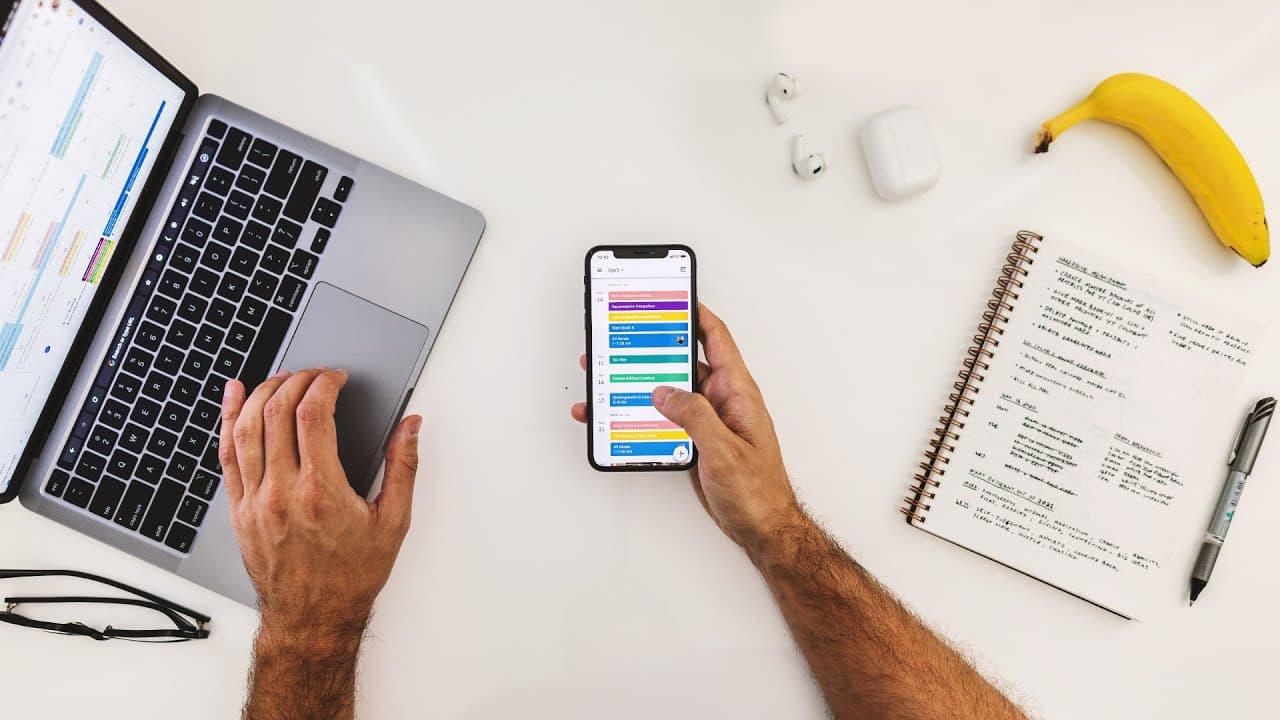
To create an effective productivity system, use four essential tools: a notebook for note-taking, a calendar for scheduling, a to-do list for task management, and a file organization system. Focus on simplicity and adaptability, and break tasks into actionable items to maintain your workflow. Regularly assess and adjust your methods to suit your evolving needs.
Transcript
- So, you know, over the past decade, I've become somewhat of a productivity guru. And in that time I've realized that the true power of productivity comes through hacks. Like, drinking all my water for the week in a two-minute period on Monday. (gentle music) (water rustling) And consolidating all my phone calls to a 15-minute window. Hey, mom, I'... Read More
Key Insights
- 💡: The true power of productivity comes through hacks like consolidating phone calls and slow-dripping caffeine intake.
- 📚: A productivity system is important for staying organized and prioritizing tasks, and tips from experts like Thomas Frank can be valuable.
- ✏️: Apple Notes is a simple and effective tool for note-taking, organizing ideas, and storing important information.
- 🗓️: Google Calendar is used to schedule events, meetings, and deadlines, providing a bird's eye view of the month's activities.
- ✅: The to-do list is kept simple, with tasks broken down into actionable items and a focus on completing three to five tasks per day.
- 📂: Google Drive is used for file management, with organized folders for business documents, personal documents, financial information, and media files.
- 🔄: Adaptability is key in finding what productivity tools and systems work best for individual needs, and it's important to regularly assess and make changes as necessary.
- 🍀: Starting small and creating a structure in advance can help set the foundation for a successful productivity system and achieve productivity goals.
Install to Summarize YouTube Videos and Get Transcripts
Explore YouTube Video Summarizer or Get YouTube Transcript Extractor
Questions & Answers
Q: What are the four main tools recommended for setting up a productivity system?
The four main tools recommended for setting up a productivity system are a notebook, a calendar, a to-do list, and a file management system like Google Drive.
Q: How does the speaker suggest organizing notes using Apple Notes?
The speaker suggests organizing notes in Apple Notes by creating folders and numbering them based on usage frequency. They also use the "Notes" folder for quick, miscellaneous notes and have separate folders for videos, newsletters, personal information, and archives.
Q: What are the benefits of using Google Calendar for productivity?
Google Calendar is recommended for scheduling events, meetings, and project deadlines. It helps to plan content, keep track of personal and work tasks, and provides a bird's eye view of the upcoming month. The use of color-coding and sub-calendars for different tasks is highlighted.
Q: How does the speaker approach to-do lists and task management?
The speaker keeps their to-do list focused on three to five tasks per day to prioritize and maintain focus. They break tasks into actionable items and recommend using the "This Week" folder for additional lists and files that need to be shared or managed. The importance of adaptability and simplicity in task management is emphasized.
Summary & Key Takeaways
-
The video discusses the importance of setting up a productivity system to stay organized and prioritize tasks.
-
The speaker recommends using tools like Apple Notes for note-taking, Google Calendar for scheduling, and Google Drive for file management.
-
The importance of breaking tasks into actionable items and keeping the system simple and adaptable is emphasized.
Read in Other Languages (beta)
Share This Summary 📚
Summarize YouTube Videos and Get Video Transcripts with 1-Click
Try YouTube Summary with ChatGPT & Claude or YouTube Transcript Generator
Explore More Summaries from Matt D'Avella 📚






Summarize YouTube Videos and Get Video Transcripts with 1-Click
Try YouTube Summary with ChatGPT & Claude or YouTube Transcript Generator