How to Use ChatGPT for Video Editing with FFMPEG
TL;DR
You can effectively utilize ChatGPT Code Interpreter with FFMPEG to merge videos, change formats, extract audio, create GIFs, and perform face detection. Follow system prompts and precise instructions to achieve successful outcomes, including handling errors and trying different approaches for various tasks.
Transcript
in today's video we are gonna use chat GPT code interpreter to do some video editing and we're going to do some simple face detection in videos for this we are using the ffmpeg package that can be a bit tricky to work with but I have found a prompt that works perfect with this that we are going to take a look at so let's just get started before we ... Read More
Key Insights
- 🎮 The video demonstrates the utilization of the Chat GPT Code Interpreter and FFMPEG package to accomplish various video editing tasks.
- ❓ The presenter emphasizes the importance of following system prompts and writing clear instructions to ensure the desired results.
- 🍗 Troubleshooting and trying different approaches are essential when encountering errors or unexpected outcomes during the video editing process.
- 😀 Face detection using OpenCV and a deep neural network model shows promising results despite some limitations.
- 🎮 FFMPEG proves to be a versatile tool for merging videos, changing video formats, extracting audio, and creating GIFs.
- 🎮 The presenter's positive experience with the Chat GPT Code Interpreter showcases its effectiveness in simplifying and automating video editing tasks.
- 🎮 The video highlights the potential for further experimentation and exploration with video editing using FFMPEG and additional algorithms like object tracking.
Install to Summarize YouTube Videos and Get Transcripts
Explore YouTube Video Summarizer or Get YouTube Transcript Extractor
Questions & Answers
Q: What packages are used for video editing in this video?
The video demonstrates the use of the FFMPEG package and the OpenCV package for video editing tasks like merging videos, changing formats, extracting audio, and performing face detection.
Q: How is face detection performed in the video?
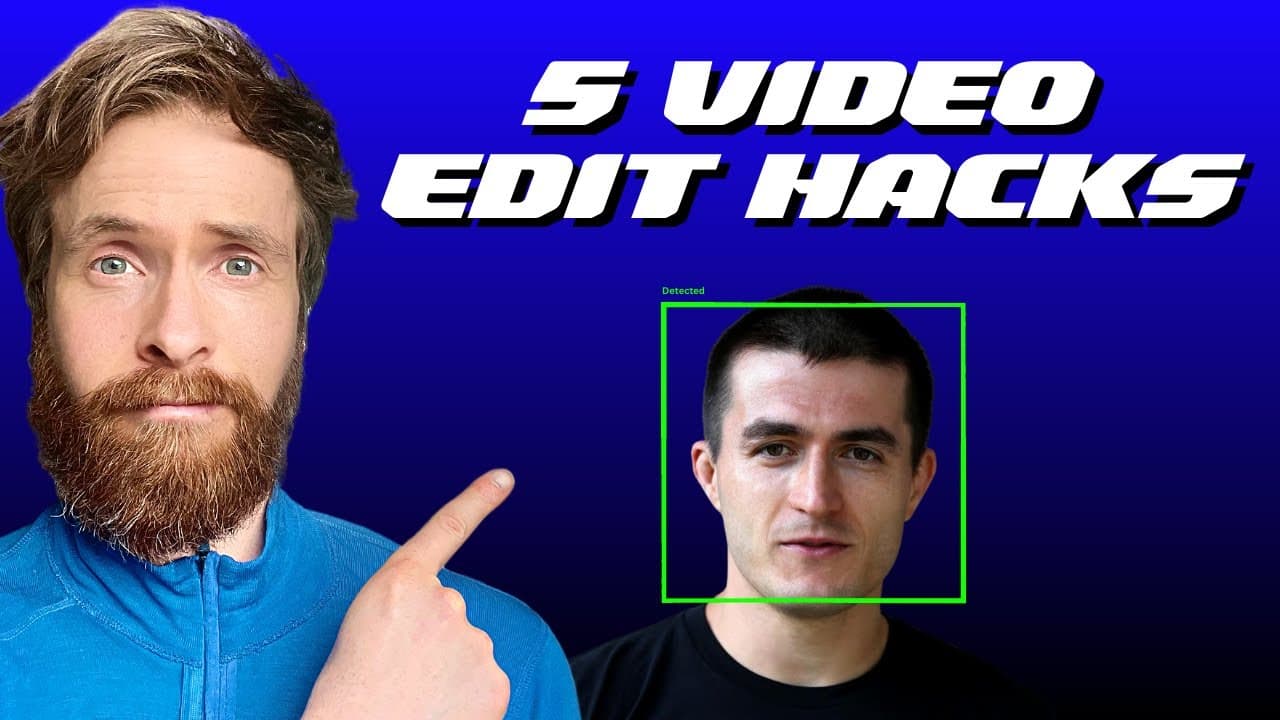
The presenter uses the OpenCV package and a pre-trained deep neural network model for face detection. The process involves loading the video, using the OpenCV's face detection algorithm, and drawing bounding boxes around the detected faces.
Q: Can you provide an example of merging videos with transitions?
To merge videos with transitions, the presenter uses FFMPEG. They upload the video files, write instructions to merge the videos, and execute the code. FFMPEG combines the video clips into a single video file with a transition between the clips.
Q: How is audio extracted from a video in the video?
The video demonstrates using FFMPEG to extract audio from a video file. By providing the necessary instructions, FFMPEG successfully extracts the audio, and the presenter downloads and previews the extracted audio file.
Q: Is it possible to change the video format and remove black bars from a video?
Yes, the video showcases the process of using FFMPEG to convert a video from a 16:9 format to a vertical style video without black bars. By following step-by-step instructions and troubleshooting, FFMPEG is used to achieve the desired video format.
Summary & Key Takeaways
-
The video showcases the use of the Chat GPT Code Interpreter and FFMPEG package for video editing tasks.
-
The presenter demonstrates merging videos with transitions, changing video formats, extracting audio, creating GIFs, and performing face detection.
-
The process involves uploading files, following system prompts, writing instructions, and executing the code to achieve the desired results.
Read in Other Languages (beta)
Share This Summary 📚
Summarize YouTube Videos and Get Video Transcripts with 1-Click
Try YouTube Summary with ChatGPT & Claude or YouTube Transcript Generator
Explore More Summaries from All About AI 📚
Summarize YouTube Videos and Get Video Transcripts with 1-Click
Try YouTube Summary with ChatGPT & Claude or YouTube Transcript Generator