How to build fast lightweight websites with HTML
TL;DR
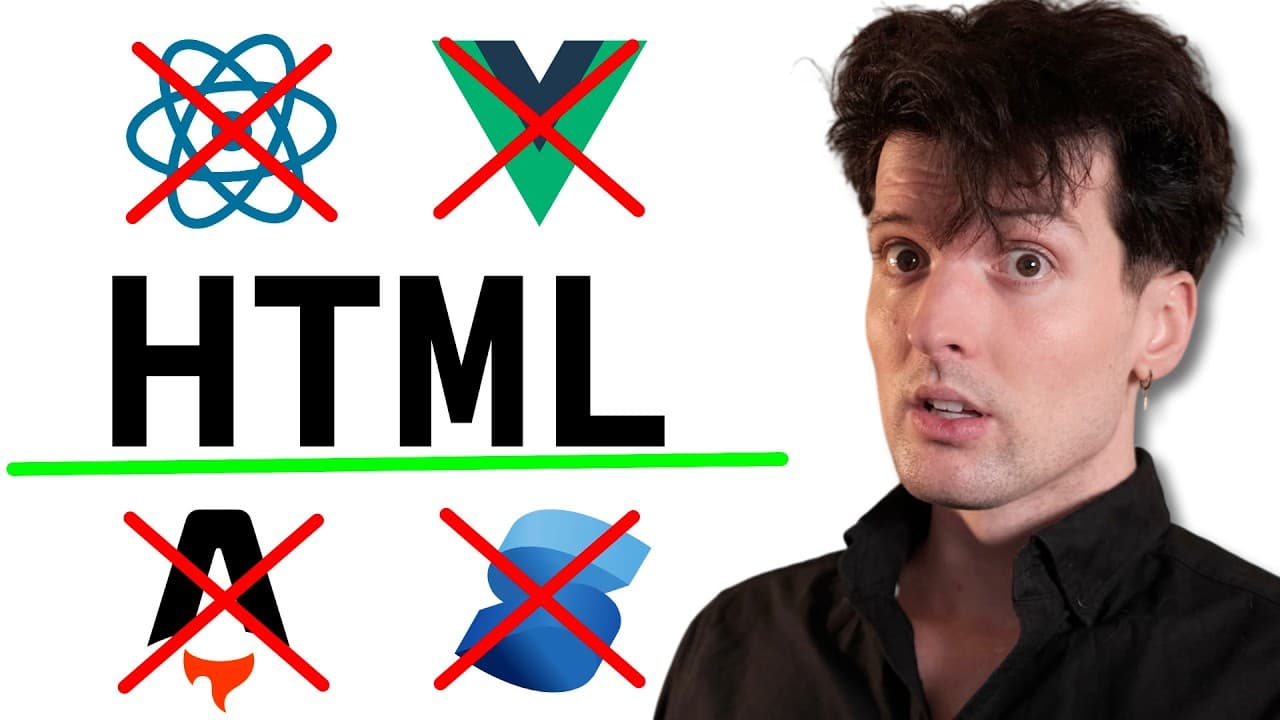
Use plain HTML to keep sites fast and accessible. The video argues that minimal HTML with light content and sensible defaults makes pages load in kilobytes and read easily across devices, while modern frameworks add bloat. It also suggests readable typography and simple layouts as core practices for a good web experience.
Transcript
If you guys have been around for a while, you probably know a couple of the things that I love. Those include cool web technologies and awesome applications built for the web, backend servers, all of that. But it also includes strong opinions that are well-worded and swears. I love me some good swears. I will sneak them in probably far too often. A... Read More
Key Insights
- HTML only pages are extremely lightweight, exemplified by a 3 kilobyte transfer and 2.5 kilobytes of HTML, which demonstrates how little data is required for a functional page.
- HTML first design keeps the page fast and responsive by avoiding unnecessary styling and scripts, aligning with the idea that minimalism improves performance and user experience.
- CSS resets are treated as essential for controlling layout and readability, enabling consistent rendering across devices and browsers while maintaining a lean baseline.
- Seven declarations can significantly improve readability and layout, showing that a small amount of CSS can yield a much clearer and more accessible page.
- Line height and font size are critical for readability, with a recommended body line height of 1.4 and larger default fonts to reduce eye strain and improve comprehension.
- Content should breathe and be spaced to prevent crowding at the edges, which helps readability and reduces the perception of clutter on small screens.
- The defaults in HTML are often not ideal, so adjusting typography and spacing is necessary to achieve a legible and pleasant reading experience.
- The article demonstrates how a historically minimal website can be superior in performance and readability when compared to feature heavy designs, underscoring the value of restraint in web design.
- More videos from this channel:
- More from this channel: Theo - t3․gg
Install to Summarize YouTube Videos and Get Transcripts
Explore YouTube Video Summarizer or Get YouTube Transcript Extractor
Questions & Answers
Q: A real search query question about the video (e.g. 'How to...', 'What is...', 'Why does...', 'When should...'). Question 1
The video answers questions about why HTML alone can create fast, readable, and accessible websites. It explains that minimal markup reduces data transfer to only what is necessary, which improves load times and performance. It also discusses how avoiding heavy frameworks can simplify maintenance and improve cross browser consistency.
Q: Question 2
Question 2 asks how to apply minimal HTML principles to a modern site. The answer describes starting with semantic HTML, removing unnecessary scripts and styles, and gradually adding only essential CSS to improve typography, spacing, and responsiveness. It emphasizes testing across devices to ensure readability and performance.
Q: Question 3
Question 3 explores typography choices for readability. The answer recommends a body font size around 16 points, adequate line height around 1.4, and shorter line lengths to keep reading comfortable. It also notes the impact of tight borders and adequate white space on legibility.
Q: Question 4
Question 4 examines how to keep a page lightweight. The response highlights transferring a page in kilobytes rather than megabytes by avoiding large images and scripts, while still providing meaningful content. It suggests prioritizing content over decoration and using HTML as the primary structure.
Q: Question 5
Question 5 asks about the role of CSS resets. The answer clarifies that resets help normalize rendering across browsers, ensuring predictable layouts. However, even with resets, the emphasis remains on minimal CSS and simple declarations to preserve speed and accessibility.
Q: Question 6
Question 6 delves into responsive behavior. The answer explains that simple HTML with minimal CSS can adapt to different screens, as the content naturally flows and browser defaults provide usable padding. It also mentions avoiding fixed widths that hinder mobile readability.
Q: Question 7
Question 7 discusses the relationship between minimal HTML and accessibility. The answer states that plain HTML with clear structure and readable typography supports assistive technologies and improves overall accessibility, which aligns with the video’s argument for simplicity and clarity.
Q: Question 8
Question 8 asks for practical steps to start a lean HTML project today. The answer suggests begin with semantic HTML, add a small CSS baseline for typography and layout, test on multiple devices, and iteratively remove non essential features to keep the site fast and readable.
Summary & Key Takeaways
-
This summary emphasizes building websites with HTML only for speed and readability, highlighting the minimal data transfer and the role of simple, accessible design. It notes the contrast with heavier setups and recommends practical defaults for typography and layout to improve readability and performance.
-
The core message is that the simplest approach often yields the best user experience, with a focus on small page sizes and predictable rendering across browsers. It uses historical examples to illustrate how low complexity can still be highly effective.
-
The takeaway is to prioritize simplicity, readability, and lightweight structure when designing web pages, using plain HTML and careful typography choices to maximize performance and accessibility.
Read in Other Languages (beta)
Share This Summary 📚
Summarize YouTube Videos and Get Video Transcripts with 1-Click
Try YouTube Summary with ChatGPT & Claude or YouTube Transcript Generator
Explore More Summaries from Theo - t3․gg 📚





Summarize YouTube Videos and Get Video Transcripts with 1-Click
Try YouTube Summary with ChatGPT & Claude or YouTube Transcript Generator