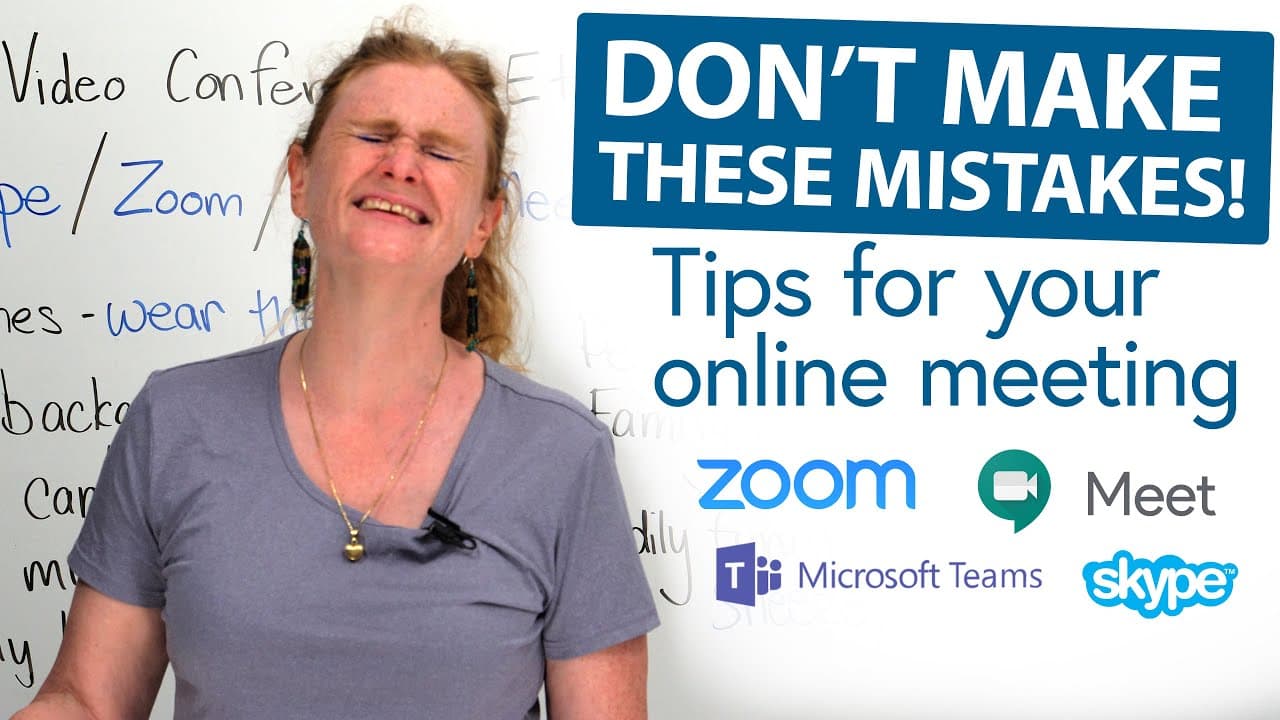
ZOOM Meeting Tips: What to do and what not to do!
TL;DR
For a professional Zoom meeting, dress presentably, choose a clean background, make your face visible, and minimize distractions. Wear a nice shirt and pants rather than pajamas, mute your microphone when you are not speaking, and turn off both the camera and mic before stepping away. Your posture, eye contact, pets, and family can also affect how attentive you appear, so read on for practical meeting etiquette.
Transcript
Are you on Zoom? Skype? Google... meet? Microsoft Teams? Do you have to do video conferencing with your boss or other people at your work? My job is I teach you English privately with video lessons. So you can find me on Skype or on Zoom and I'll teach you some English and we'll have a great time. And do you know what? Do whatever you want. Have fu... Read More
Key Insights
- 👀 Appearance matters in virtual meetings, so dress appropriately and maintain a professional look.
- ❓ Your surroundings reflect your image, so create a clean and presentable background.
- 🎥 Pay attention to lighting and camera placement to ensure clear visibility and effective communication.
- 🙊 Mute your microphone when not speaking to avoid background noise distractions.
- 😃 Maintain eye contact and attentive body language to show engagement and professionalism.
- 👪 Avoid distractions, such as pets or family members, to maintain focus during important meetings.
- 😘 Be mindful of cultural differences, such as blowing your nose, and adjust accordingly.
Install to Summarize YouTube Videos and Get Transcripts
Explore YouTube Video Summarizer or Get YouTube Transcript Extractor
Questions & Answers
Q: What should you do and not do during a Zoom meeting?
Wear presentable clothes, use a clean background, check your lighting, and sit upright while looking toward the camera. Do not wear pajamas, join from bed, leave your mic on when you are not speaking, or let avoidable background activity distract the meeting.
Q: What should you wear for a Zoom job interview or work meeting?
Wear a nice shirt and pants, even if the camera normally shows only your upper body. Avoid pajamas because you might unexpectedly need to stand up during the call.
Q: How should you prepare your background for a video conference?
Clear clutter from the visible area and choose a clean, presentable space. Zoom backgrounds can be distracting, while Skype’s blur feature can partially hide what is behind you.
Q: Why do lighting and camera position matter in a virtual meeting?
People need enough light to see your face and what you are doing, especially during a job interview or important call. Check whether the camera is on or off when appropriate, because facial expressions and body language remain visible even when your microphone is muted.
Q: When should you mute your microphone on Zoom?
Mute your microphone whenever you are not speaking, particularly in meetings with many participants. This reduces background noise and prevents private conversations or household sounds from interrupting the presenter.
Q: How can you look attentive during a video meeting?
Make eye contact with the person you are addressing, avoid repeatedly looking around, and sit up straight instead of slouching. Join from a table rather than from bed, since sleeping or appearing disengaged can upset a boss.
Q: How should you manage pets and family during an important video call?
Keep pets and family away from the camera and minimize their noise when possible. Avoid petting an animal on your lap because other participants cannot see what your hands are doing, and choose a quieter place if household activity is audible.
Q: What should you do if you need to step away or blow your nose during a meeting?
Excuse yourself and turn off both your camera and microphone before stepping away. The same approach is safest when blowing your nose, since doing so in front of others is considered rude in some cultures.
Summary & Key Takeaways
-
Dress appropriately for virtual meetings, avoiding pajamas and opting for a nice shirt and pants.
-
Create a clean and presentable background for your video calls to make a good impression.
-
Pay attention to lighting and camera placement to ensure clear visibility of your face and body language.
Read in Other Languages (beta)
Share This Summary 📚
Summarize YouTube Videos and Get Video Transcripts with 1-Click
Try YouTube Summary with ChatGPT & Claude or YouTube Transcript Generator
Explore More Summaries from English with Ronnie · EnglishLessons4U with engVid 📚





Summarize YouTube Videos and Get Video Transcripts with 1-Click
Try YouTube Summary with ChatGPT & Claude or YouTube Transcript Generator