Identity Theft, Phishing, and Hacking: BE CAREFUL!
TL;DR
Learn how to protect yourself from cyber criminals and phishing attacks by updating software, enabling two-factor authentication, and creating unique passwords.
Transcript
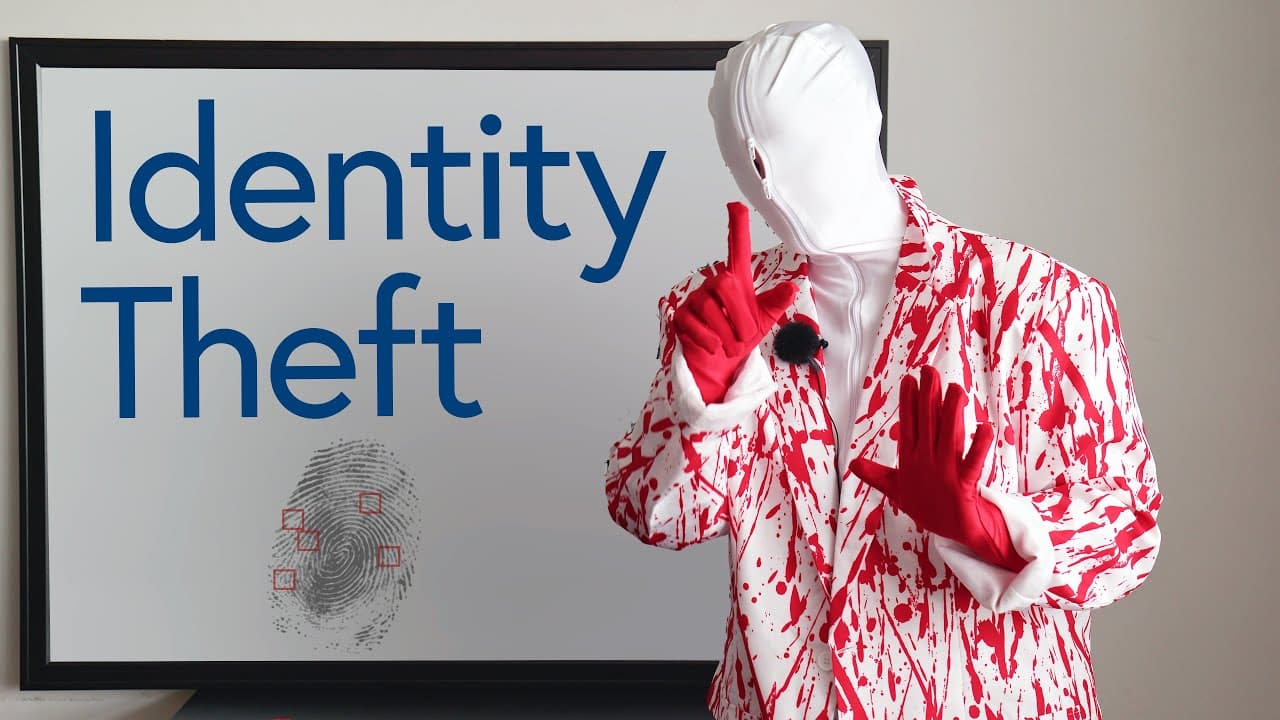
Hello there. Who am I? I'm here to get your information. I'm a cyber criminal. You'll never see me, and you'll wish you had never responded to my emails. I'm here to warn you about phishing. And not the kind of where you get fish, but the "p–h" kind: "phishing". Cyber criminals. I will send you an email, or a text message about your Amazon deliver... Read More
Key Insights
- 💁 Phishing involves cyber criminals impersonating trustworthy entities to trick individuals into sharing personal information.
- 🏦 Common phishing tactics include posing as banks, government agencies, or social media profiles to gain victims' trust.
- 🔒 Protecting yourself from phishing requires updating software regularly to fix security vulnerabilities.
- 🧑🏭 Enabling two-factor authentication adds an extra layer of security by requiring additional verification beyond just a password.
- 💪 Creating unique and strong passwords for each online account is essential to prevent hackers from accessing multiple accounts.
- 😷 The government and legitimate organizations typically do not call or email individuals asking for personal information.
- 👊 Being cautious and skeptical of unsolicited requests for personal information can help prevent falling victim to phishing attacks.
Install to Summarize YouTube Videos and Get Transcripts
Explore YouTube Video Summarizer or Get YouTube Transcript Extractor
Questions & Answers
Q: What is phishing and how do cyber criminals use it to steal personal information?
Phishing is a technique used by cyber criminals to deceive individuals and obtain their personal information by posing as trustworthy sources through fake emails or text messages. They often trick victims into clicking on malicious links that lead to fake websites where they can collect sensitive information.
Q: How can updating software help protect against phishing attacks?
Updating software is important as it provides the latest security fixes and patches any vulnerabilities that hackers may exploit. By keeping your software up to date, you can ensure that any potential loopholes are closed, making it harder for cyber criminals to gain unauthorized access.
Q: What is two-factor authentication and why is it important in preventing phishing attacks?
Two-factor authentication adds an extra layer of security by requiring not only a password but also another form of verification, such as facial recognition or a fingerprint. This means that even if a hacker manages to obtain your password, they would still need the additional verification method, making it much more difficult for them to access your account.
Q: Why is it important to create unique passwords for each online account?
Creating unique passwords for each online account is crucial because if one account is compromised, cyber criminals won't have access to all your other accounts. Using the same password across multiple accounts puts you at a higher risk of being hacked, as once a hacker gains access to one account, they can easily try the same password on other platforms.
Summary & Key Takeaways
-
Cyber criminals use phishing techniques to trick individuals into sharing their personal information by posing as trustworthy sources like banks, government agencies, or social media profiles.
-
They often send fake emails or text messages containing links that, once clicked, lead to fake websites where they can steal personal information.
-
To protect yourself, update software regularly, enable two-factor authentication, and create unique passwords for each online account.
Read in Other Languages (beta)
Share This Summary 📚
Summarize YouTube Videos and Get Video Transcripts with 1-Click
Try YouTube Summary with ChatGPT & Claude or YouTube Transcript Generator
Explore More Summaries from English with Ronnie · EnglishLessons4U with engVid 📚






Summarize YouTube Videos and Get Video Transcripts with 1-Click
Try YouTube Summary with ChatGPT & Claude or YouTube Transcript Generator