How to build an AI Zoom clone in under an hour
TL;DR
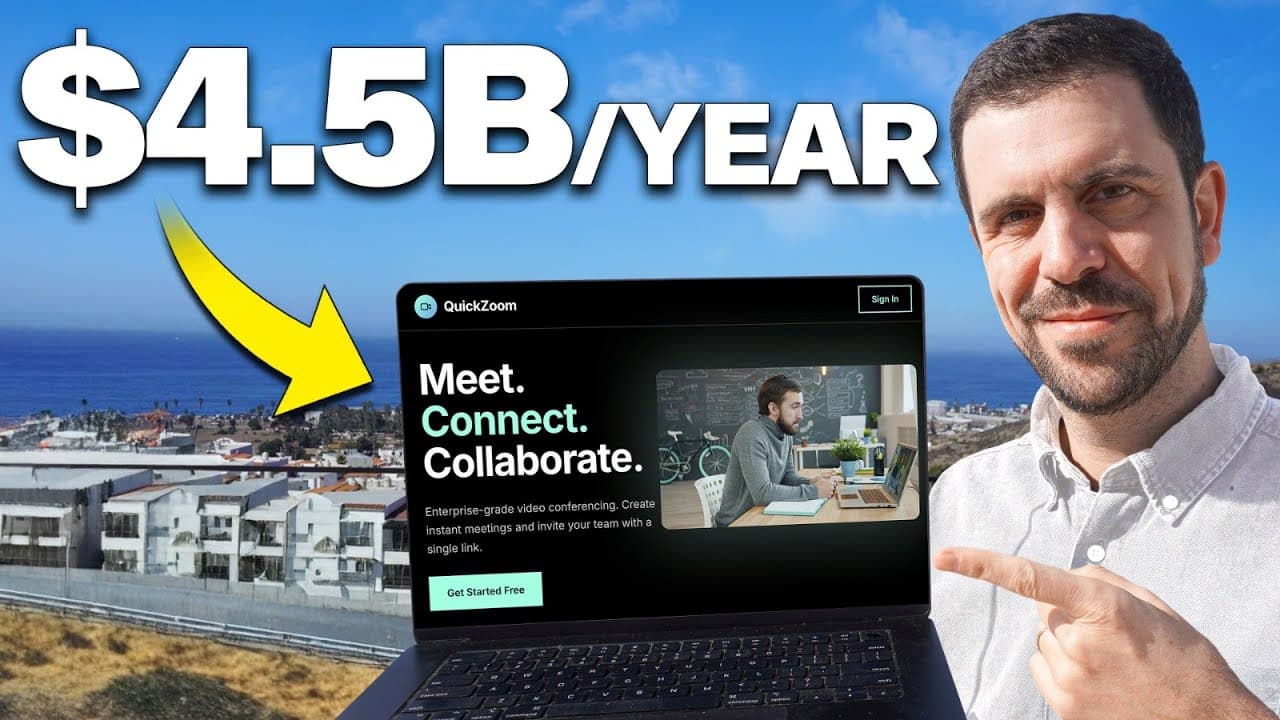
The video shows building a simple Zoom clone MVP using Emergent AI coding, focusing on core features like account creation, meeting start, and inviting others. It emphasizes a minimal viable product approach, using WebRTC, a two way chat, and a lightweight design to test functionality quickly before polishing.
Transcript
You, my friend, are about to watch me build a $26 billion app without writing a single line of code. And no, my goal is not to go out and sell it, but to prove to you that you don't have to be a wizard because with AI coding, you can literally build an app from scratch and then take advantage of existing demand to be able to go out there and take a... Read More
Key Insights
- Emergent is used to plan and build a simple Zoom clone, enabling rapid assembly of essential features without deep coding.
- The MVP strategy centers on login, meeting creation, and invitation flow, avoiding unnecessary features to reduce failure risk and speed up delivery.
- WebRTC is identified as the underlying technology for real time video and communication, chosen for its browser support and free implementation.
- The plan includes a two way conversation, low lag, and a simple design to make the product usable without over engineering.
- The process demonstrates iterative testing with a dedicated testing agent, improving reliability before deployment.
- Validation step involves previewing the app, testing link behavior, and verifying that meeting links route correctly for participants.
- The creator emphasizes documenting changes and using prompts to steer the AI assistant toward the required functionality.
- The video reveals practical limitations of no code tools and highlights how MVPs can still be effective in proving demand and learning constraints.
Install to Summarize YouTube Videos and Get Transcripts
Explore YouTube Video Summarizer or Get YouTube Transcript Extractor
Questions & Answers
Q: What is the core goal of the MVP in this project?
The core goal of the MVP is to create a simple Zoom clone that allows a user to sign up, start a meeting, and invite another user to join, with two way communication and minimal latency. The focus is on essential functionality that proves the concept can work, rather than building a feature rich platform. This helps validate demand and feasibility early.
Q: Which technology is selected for real time communication and why?
WebRTC is selected because it is a built in browser technology that supports real time video and audio communication. It is free and widely supported, making it a practical choice for a quick MVP without needing proprietary or expensive infrastructure. This aligns with the strategy of keeping the MVP simple and scalable.
Q: What is the role of Emergent in the workflow shown?
Emergent is used to plan, build, and test the app with multiple agents handling different tasks. It starts with a starter prompt for a Zoom clone and then generates the app, tests it, and iterates based on feedback. This multi agent approach accelerates development by dividing responsibilities and enabling rapid iteration.
Q: What features are prioritized in the MVP, and which are deferred?
The prioritized features are user sign up, start a meeting, and invite others to join, with real time communication and basic chat. Recording is deferred, and advanced features like extensive meeting controls or analytics are not included in the MVP to reduce risk and speed up delivery.
Q: How does the tester evaluate the first version of the app?
The tester previews the app, verifies that signing in works, starts a new meeting, and attempts to share a link with another user. They check if the video works, if screen sharing is functional, and if the link routes correctly for participants. They also note usability and potential improvements for the next iteration.
Q: What feedback is given after initial testing, and how is it used?
Feedback includes that the meeting link should route directly to a specific meeting rather than a landing page, and that unique meeting IDs are desirable. This input is used to adjust prompts and re run the AI plan to adapt the app flow, focusing on resolving usability pain points in the MVP.
Q: What is demonstrated about code access during the build?
The video shows that code can be accessed through a preview and then opened in an external editor or browser. It demonstrates how the MVP can be iterated with a password protected code view, allowing the user to modify or inspect the implementation while keeping the process approachable for non coders.
Q: What lesson about MVPs does the presenter convey?
The presenter emphasizes that having an idea and plan is not enough without execution, and that starting with a simple, testable version is essential. By focusing on core functionality and testing early, one can learn quickly, adapt the product, and preserve the ability to scale later based on real user feedback.
Summary & Key Takeaways
-
A minimal viable product is built quickly using Emergent to create an account, start a meeting, and invite a participant, demonstrating a fast path from idea to a working MVP.
-
The creator tests the app within the builder, iterates on feedback, and highlights the importance of core features over feature bloat for speed and traction.
-
The video combines live coding, testing, and reflection on the MVP process, showing how to adapt a clone of a public service while keeping scope manageable.
Read in Other Languages (beta)
Share This Summary 📚
Summarize YouTube Videos and Get Video Transcripts with 1-Click
Try YouTube Summary with ChatGPT & Claude or YouTube Transcript Generator
Explore More Summaries from Christian Peverelli 📚

Summarize YouTube Videos and Get Video Transcripts with 1-Click
Try YouTube Summary with ChatGPT & Claude or YouTube Transcript Generator