How to Set Up and Use Claude's Shared Memory
TL;DR
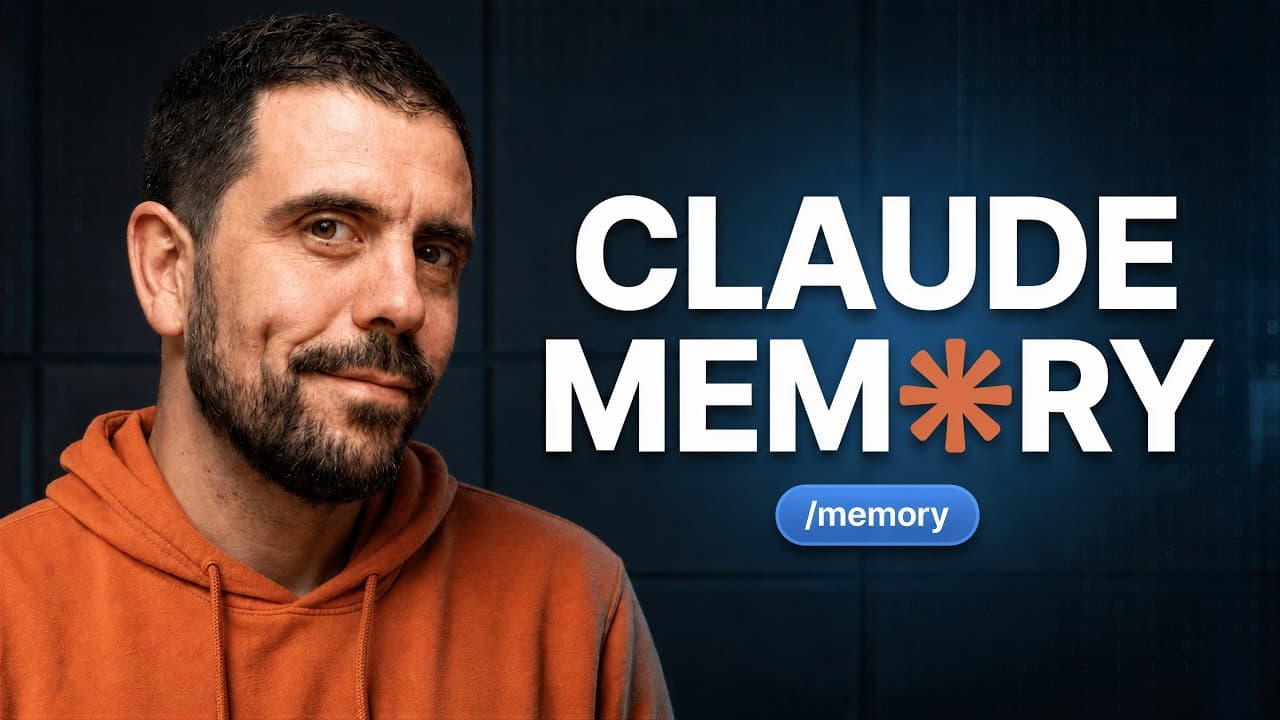
Claude can maintain one editable memory across chat and co-work, updating it during conversations and carrying context into new threads. Enable memory in Settings, choose whether chats and sensitive topics may contribute, then review, import, and refine stored details so Claude can give more relevant advice based on your work, preferences, customers, and business context.
Transcript
Yesterday, Anthropic quietly dropped a big update to Claude memory. And based on my testing so far, it is truly a game-changer for people who use Claude regularly. So, today I'm going to share exactly what this update is. I'm going to show you how to set it up in about 5 minutes in just a couple of clicks. And I'll share a couple great use cases to... Read More
Key Insights
- Claude's shared memory connects chat and co-work, so information retained in one environment can be available in the other. It also carries relevant context between separate threads, helping users avoid repeatedly explaining their background, preferences, customers, offers, and ongoing projects.
- Memory updates during conversations rather than relying only on a summary created after a thread ends. This allows evolving information about work, businesses, curriculum, customers, or personal preferences to be incorporated while the user continues interacting with Claude.
- Memory controls are located under the user's name in Settings, inside the Memory tab. Users can enable the feature, allow memories to be generated from chats, and independently decide whether sensitive topics such as religion and politics should be retained.
- Claude can import memory from another AI system by providing a prompt that extracts existing context. The resulting collection of memory details can be copied into Claude's import field and added, allowing users to migrate useful background information instead of rebuilding it manually.
- Stored memories are visible and editable, giving users direct control over Claude's retained context. In the demonstration, language abilities are expanded through a conversational instruction, and the revised information appears when the memory section is reopened.
- Shared memory works across separate Claude interfaces, as demonstrated by retrieving the same updated language details in chat and co-work. The responses distinguish between speaking a little Italian and knowing only a few words of German and Greek.
- Connectors can give co-work access to information from external tools, including customer records or meeting notes. The Fireflies example retrieves a recent conversation, identifies problems in the sales pitch, and suggests improvements while adding useful context to memory over time.
- Claude's cloud-based co-work environment is required for the demonstrated shared-memory workflow. The presenter recommends spending one hour reviewing and improving existing memories so Claude has more accurate context for business advice, job improvement, and suggested next steps.
Install to Summarize YouTube Videos and Get Transcripts
Explore YouTube Video Summarizer or Get YouTube Transcript Extractor
Questions & Answers
Q: How do you enable shared memory in Claude?
Open Claude, select your name in the lower-left area, choose Settings, and then open the Memory tab. Turn memory on and enable the option to generate memories from chats if you want Claude to update stored context during conversations. You can also decide whether sensitive subjects, including religion and politics, should be included. The presenter leaves sensitive-topic storage disabled.
Q: How does Claude memory work across chat and co-work?
Claude uses one shared memory for both chat and co-work, rather than keeping their retained context separated. Information stored or updated in one interface can therefore be retrieved from the other. The memory also carries context between different threads, enabling a newly opened conversation to use relevant details learned during an earlier conversation without requiring the user to repeat them.
Q: How can you import existing memories into Claude?
Go to Settings, open Memory, and select the option to start an import. Claude provides a prompt designed to extract memories from the AI system you currently use. Run that prompt in a new thread on the existing system, copy the resulting memory details, return to Claude's import interface, paste the content, and choose Add to memory.
Q: Can you view and edit what Claude remembers?
Yes. Stored details appear in the Memory section and can be reviewed by category, such as identity, automation preferences, copy, or languages. A memory can be changed conversationally by telling Claude what to add or correct. The demonstration adds limited Italian, German, and Greek abilities, then reopens the settings and verifies that the language memory reflects those distinctions.
Q: Does Claude update memory during a conversation?
Claude can update its memory while a conversation is still happening. According to the demonstration, the earlier process relied on producing a summary after a thread and using that summary as context. The updated approach can recognize new information during the exchange and incorporate it into one shared memory, which is useful when business details, preferences, or projects change regularly.
Q: How can Claude memory help improve a sales pitch?
Co-work can be connected to a meeting-note tool such as Fireflies. After authorization, the user can ask Claude to examine the latest recorded conversation and suggest ways to improve a sales pitch. In the demonstration, Claude reads the conversation, identifies what went wrong in sequence, and proposes improvements. Relevant information can then contribute to memory for future guidance.
Q: What business information can Claude retain in memory?
Claude can retain context about customers, offers, writing voice, businesses, current activities, preferences, and other information developed through conversations. When external tools are connected, customer conversations or related business records can provide additional context. The purpose is to gather useful background in one place so later advice and suggested next steps reflect the user's ongoing work.
Q: What limitation applies to Claude's shared-memory workflow?
The presenter states that the demonstrated memory workflow works when co-work is used in the cloud. Cloud use is described as the default for both chat and co-work, with memory held in one place. The practical recommendation is to review the stored context, correct inaccuracies, and improve existing memories before relying on them for business guidance, work advice, or future actions.
Summary & Key Takeaways
-
Claude now uses one shared memory across chat and co-work, allowing information from one environment or thread to inform later conversations. The memory can include details about a user's identity, languages, customers, offers, writing voice, businesses, preferences, and current work, reducing the need to repeat important background information.
-
Memory is configured through the Memory tab in Settings. Users can enable memory, permit automatic generation from chats, and decide whether sensitive subjects such as religion or politics should be included. Existing context from another AI system can also be exported with a supplied prompt and pasted into Claude's import interface.
-
Stored memories can be viewed, corrected, and expanded through conversation. The demonstration adds language details, then confirms that both chat and co-work can retrieve the updated information. Connectors such as Fireflies can also supply business context, including customer conversations that Claude can analyze to suggest improvements to a sales pitch.
Read in Other Languages (beta)
Share This Summary 📚
Summarize YouTube Videos and Get Video Transcripts with 1-Click
Try YouTube Summary with ChatGPT & Claude or YouTube Transcript Generator
Explore More Summaries from Christian Peverelli 📚






Summarize YouTube Videos and Get Video Transcripts with 1-Click
Try YouTube Summary with ChatGPT & Claude or YouTube Transcript Generator