What Is Ubuntu MATE 20.04 and How Does It Look Now?
TL;DR
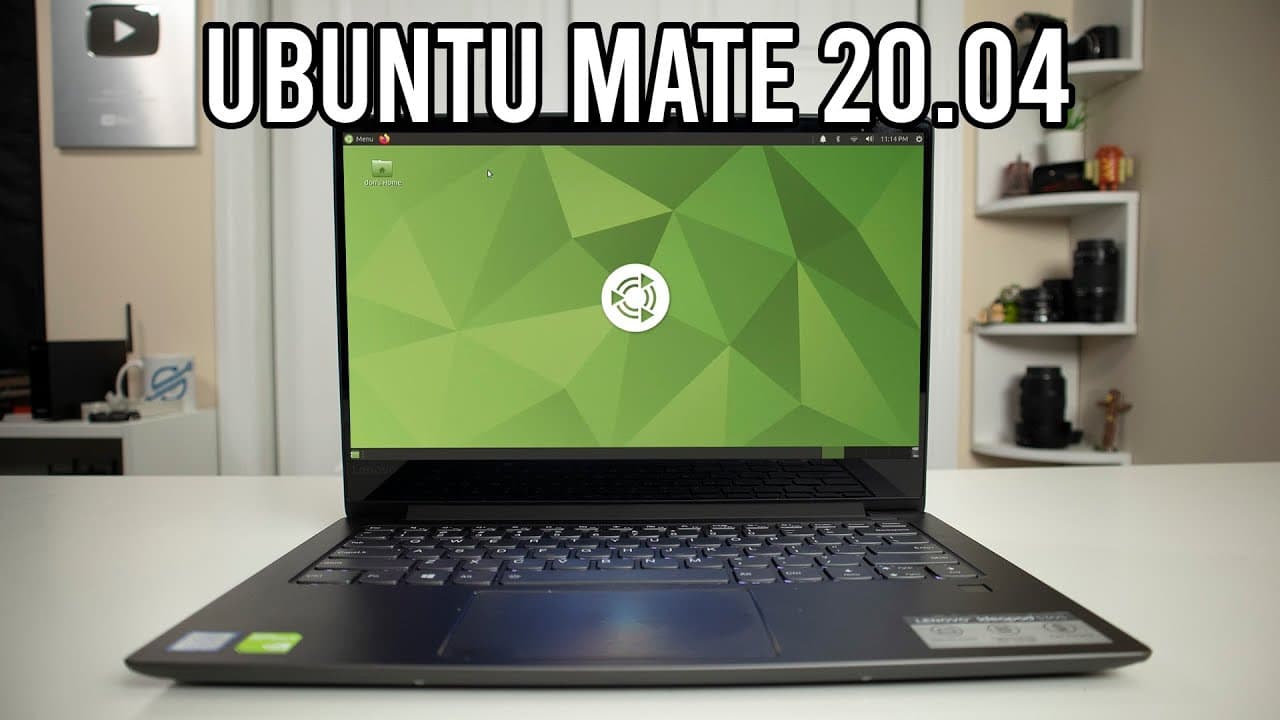
Ubuntu MATE 20.04 features a customizable interface with several desktop layouts including Windows and Mac styles. It offers a lightweight experience, suitable for less powerful hardware, and comes pre-loaded with essential applications like LibreOffice and Firefox. The operating system allows easy theme and icon changes, making it visually appealing while maintaining efficiency.
Transcript
hey guys what's going on it's down here from Nova spirit second welcome back to the channel and today we're gonna be checking out and one to me so let's get started so I actually have a love/hate relationship with Ubuntu mate I haven't used it probably for a couple of years so here we are we're gonna be checking it out this is a fresh install and I... Read More
Key Insights
- 👤 Ubuntu MATE offers a flexible user experience that accommodates varying preferences through different desktop layouts.
- 😄 Customization is a significant strength, allowing users to change themes, icons, and desktop wallpapers with ease.
- 🥶 The operating system is designed to be lightweight, making it suitable for older or less powerful hardware.
- 🧰 A wide range of pre-installed applications ensures that users have the necessary tools right out of the box, promoting productivity.
- 👻 The control center's accessibility allows for straightforward system management, including updates and driver installations.
- 👥 Ubuntu MATE maintains a balance between visual appeal and functional efficiency, meeting the needs of diverse user groups.
- 🧉 The narrator's reflections indicate a nostalgic familiarity with Ubuntu MATE yet an acknowledgment of its modernized features.
Install to Summarize YouTube Videos and Get Transcripts
Explore YouTube Video Summarizer or Get YouTube Transcript Extractor
Questions & Answers
Q: What are the main features of Ubuntu MATE?
Ubuntu MATE boasts flexible and customizable desktop environments, a straightforward control center, and access to a variety of applications like Firefox and LibreOffice. The inclusion of security features and built-in battery management makes it a robust option for users seeking a lightweight operating system.
Q: How does Ubuntu MATE handle desktop customization?
Ubuntu MATE offers various desktop layouts resembling other popular operating systems such as Windows and macOS. Users can easily switch between layouts and adjust themes, colors, and icons, creating a personalized experience. The ability to change appearances on-the-fly allows for quick experimentation and fine-tuning.
Q: What is the narrator's view on Ubuntu MATE's user interface?
The narrator describes the user interface as somewhat outdated but appreciates the layout flexibility. They have strong opinions about the excessive use of screen real estate by menu bars but ultimately enjoy the ease of access to features and customization options available in the control center.
Q: How does Ubuntu MATE perform in terms of system resource usage?
The review highlights that Ubuntu MATE runs smoothly on a low-spec machine, using around one gigabyte of RAM after a fresh boot. This efficiency, combined with customizable settings, makes it an attractive option for users with limited hardware resources.
Q: What applications come pre-installed with Ubuntu MATE?
Ubuntu MATE includes a range of essential applications out of the box, such as Firefox for internet browsing, LibreOffice for office tasks, and media players like Rhythmbox. The software center facilitates additional installations, allowing users to customize their software experience further.
Q: How does the reviewer feel about Ubuntu MATE's software store?
The reviewer appreciates the integrated software store, marking it as user-friendly and effective for installing additional software. The streamlined access to updates and new applications makes it convenient for users who want to expand their system features without hassle.
Summary & Key Takeaways
-
The content is a hands-on review of Ubuntu MATE, focusing on the user interface and customization options after a fresh installation on a lightweight laptop.
-
The narrator expresses mixed feelings about Ubuntu MATE but appreciates the easy changes in desktop layout and appearance, highlighting its flexibility and built-in features.
-
The video discusses the application's responsiveness, RAM usage, and the variety of software available, making it suitable for both entertainment and productivity.
Read in Other Languages (beta)
Share This Summary 📚
Summarize YouTube Videos and Get Video Transcripts with 1-Click
Try YouTube Summary with ChatGPT & Claude or YouTube Transcript Generator
Explore More Summaries from Novaspirit Tech 📚






Summarize YouTube Videos and Get Video Transcripts with 1-Click
Try YouTube Summary with ChatGPT & Claude or YouTube Transcript Generator