How to Create Royalty-Free Music with AI
TL;DR
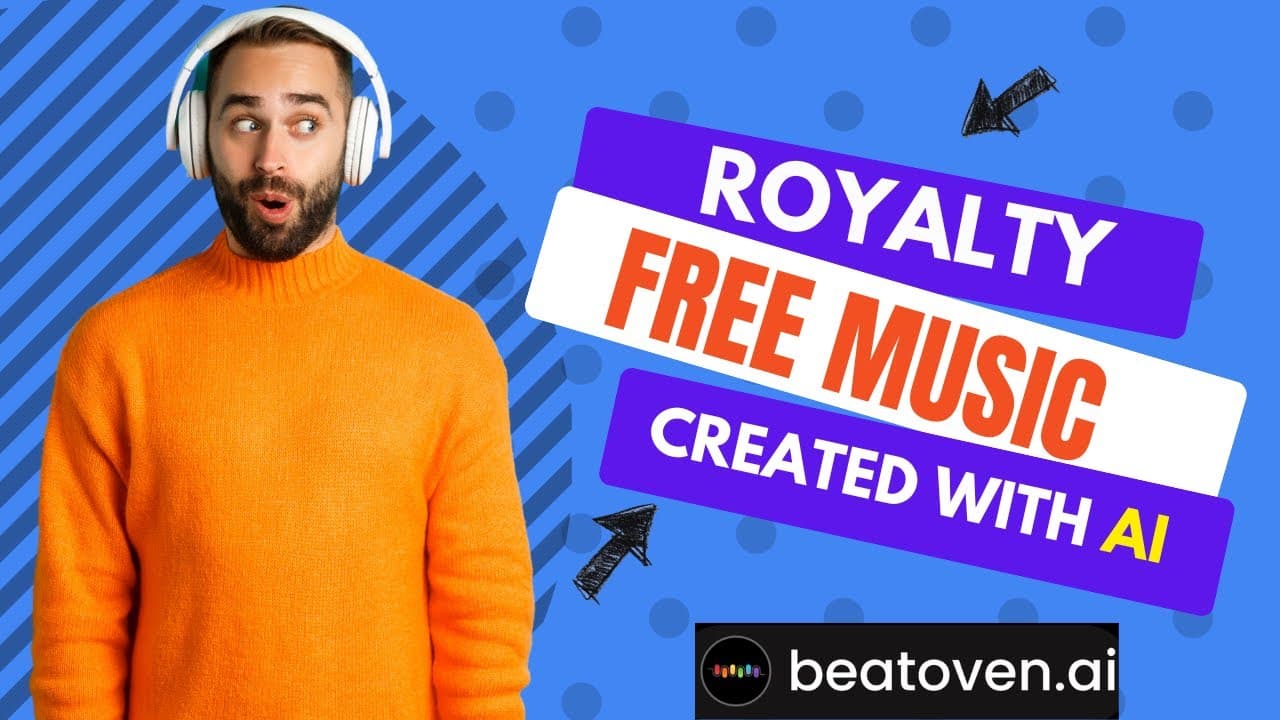
To create royalty-free music with AI, use Beethoven.AI to customize your track by selecting duration, tempo, genre, and emotion. You can edit specific parts, change the mood throughout the song, and download your creation along with a non-exclusive license for distribution on platforms like YouTube.
Transcript
in this video I'm going to show you the website beethoven.ai where you can use artificial intelligence to create your own royalty-free stock music this site is awesome so let's go ahead and get started we are going to sign up at Beethoven dot AI so now you'll see how quick and how easy it is to create your own music using Beethoven we'll start by c... Read More
Key Insights
- 🥶 Beethoven.AI is a user-friendly website that enables the creation of custom royalty-free stock music through artificial intelligence.
- 👤 Users can easily customize their music by selecting the duration, tempo, genre, and emotion of the song.
- 👣 The platform provides options to further personalize the track by changing the mood, tempo, genre, and selecting different variations of the composition.
- 🥳 Beethoven.AI offers flexibility in editing and removing specific parts of the track to suit individual preferences.
- 💁 The website provides various download formats for the created music, catering to different requirements.
- 👤 Users receive a non-exclusive music license for commercial use of the music they create on platforms like YouTube.
- 🍄 Beethoven.AI is a fun and interactive tool for music enthusiasts to explore and experiment with different compositions.
Install to Summarize YouTube Videos and Get Transcripts
Explore YouTube Video Summarizer or Get YouTube Transcript Extractor
Questions & Answers
Q: How does Beethoven.AI work?
Beethoven.AI uses artificial intelligence to compose custom royalty-free stock music. Users can select the duration, tempo, genre, and emotion of the song, and the AI algorithm creates the track accordingly.
Q: Can I customize the track after it has been composed?
Yes, Beethoven.AI allows for further customization of the track. Users can change the entire mood of the song, alter the tempo, genre, and select different variations of the composition. Individual parts of the track can also be removed or edited.
Q: What formats are available for downloading the created track?
Beethoven.AI provides options for downloading the track in various formats, allowing users to choose the format that suits their needs best.
Q: Does Beethoven.AI allow commercial use of the created music?
Yes, Beethoven.AI provides a non-exclusive music license that is emailed to the user upon track completion. This license allows users to distribute the music they create on platforms like YouTube.
Summary & Key Takeaways
-
Beethoven.AI is a website that allows users to create their own royalty-free stock music using artificial intelligence.
-
Users can customize their track by choosing the duration, tempo, genre, and emotion of the song.
-
The platform offers options to further personalize the track by changing the mood, tempo, genre, and selecting different variations of the song.
Read in Other Languages (beta)
Share This Summary 📚
Summarize YouTube Videos and Get Video Transcripts with 1-Click
Try YouTube Summary with ChatGPT & Claude or YouTube Transcript Generator
Explore More Summaries from EdTech Hustle 📚
![Keynote: Remove The Background of Any Photo [Using Instant Alpha] thumbnail](/_next/image?url=https%3A%2F%2Fi.ytimg.com%2Fvi%2F0Ji-uTffzJE%2Fhqdefault.jpg&w=750&q=75)


Summarize YouTube Videos and Get Video Transcripts with 1-Click
Try YouTube Summary with ChatGPT & Claude or YouTube Transcript Generator