How to Use Typography Variables in Figma
TL;DR
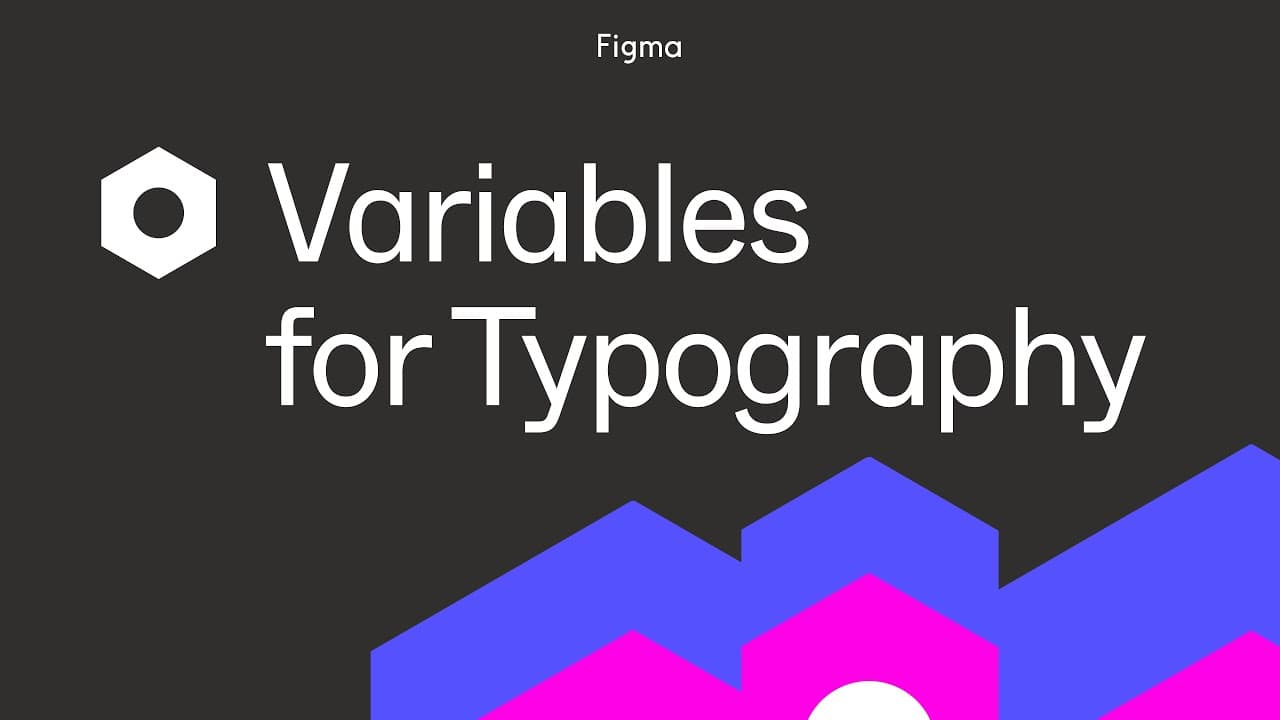
Figma introduces variables for typography, enabling faster and easier management of type systems. By using string and number variables, users can apply them to font properties such as family, weight, and size. This approach allows for responsive design adjustments and simplifies updates to text styles without memorizing all properties.
Transcript
we're excited to bring you variables for typography in figma instead of introducing new variable types we can now use two existing ones string and number variables and apply them to a variety of font properties string variables can be applied to font family font style and font weight names number variables support numeric values of font weight as w... Read More
Key Insights
- Variables in Figma can be used to manage typography efficiently by applying string and number variables to various font properties.
- String variables are applicable to font family, style, and weight names, while number variables handle numeric values like font weight, size, and spacing.
- Using variables allows for quick adjustments to text properties based on language or design needs, streamlining the process.
- Variable modes enable responsive designs by allowing different values for mobile and desktop contexts, enhancing flexibility.
- The Habits app team uses Figma's typography variables to prepare for a responsive blog launch, showcasing practical application.
- Font weight can be specified using numbers or names; the choice depends on the number of weights used and team preferences.
- Creating variable collections and modes simplifies updating styles across a design system without affecting individual text layers.
- Figma's variable system supports a wide range of design systems, improving workflow efficiency and long-term management.
Install to Summarize YouTube Videos and Get Transcripts
Explore YouTube Video Summarizer or Get YouTube Transcript Extractor
Questions & Answers
Q: How to apply typography variables in Figma?
To apply typography variables in Figma, create string and number variables for font properties like family, weight, and size. Use the variables model to set up a collection and organize them into groups. Apply the variables to text styles by editing the style and selecting the appropriate variable from the dropdown. This allows for efficient management and quick updates.
Q: What are the benefits of using typography variables in Figma?
Typography variables in Figma offer several benefits, such as faster management of type systems, easy adjustments to text properties, and the ability to apply changes across multiple styles without manual updates. Variables also support responsive design by allowing different values for mobile and desktop contexts, enhancing design flexibility and consistency.
Q: How do variable modes work in Figma?
Variable modes in Figma allow users to store multiple values for a variable, each intended for a different context, such as mobile or desktop. This feature enables responsive design by letting users switch between modes to apply context-specific values, improving layout balance and readability without creating separate styles for each context.
Q: When should you use string vs. number variables for font weights?
The choice between string and number variables for font weights depends on the number of weights used and team preferences. If using only a few weights, string variables with named aliases (e.g., regular, bold) can simplify management. However, if many weights are used, number variables with numeric values (e.g., 400, 700) provide clarity and consistency.
Q: How can typography variables enhance responsive design?
Typography variables enhance responsive design by allowing different values for mobile and desktop contexts through variable modes. This flexibility enables designers to adjust font sizes, line heights, and other properties based on screen size, ensuring optimal readability and balance across devices without manually updating each style.
Q: What is the process for setting up typography variables in Figma?
To set up typography variables in Figma, create a variable collection and define string and number variables for font properties. Organize them into meaningful groups and apply them to text styles by editing the style and selecting the appropriate variable. Use variable modes to store context-specific values for responsive design adjustments.
Q: Why are variable collections important in Figma?
Variable collections in Figma are important because they help organize and manage typography variables efficiently. By grouping related variables, designers can easily apply and update them across text styles, ensuring consistency and simplifying the process of making design adjustments or updates within a project or design system.
Q: How do typography variables support design system management?
Typography variables support design system management by streamlining the application and updating of text styles. They allow for quick changes to font properties across multiple styles, reducing the need for manual updates. Variables also support responsive design, ensuring consistency and adaptability within the design system, and improving workflow efficiency.
Summary & Key Takeaways
-
Figma's typography variables allow users to manage type systems more efficiently by applying string and number variables to font properties such as family, weight, and size. This system facilitates responsive design adjustments and simplifies updates to text styles without memorizing all properties.
-
The tutorial demonstrates creating variables and incorporating them into an existing typography system. Variable modes enable responsive designs by allowing different values for mobile and desktop contexts, enhancing flexibility and improving design balance and readability.
-
By using Figma's typography variables, the Habits app team prepares for a responsive blog launch. This practical application highlights the advantages of using variables for efficient type system management, showcasing improved workflow and design adaptability.
Read in Other Languages (beta)
Share This Summary 📚
Summarize YouTube Videos and Get Video Transcripts with 1-Click
Try YouTube Summary with ChatGPT & Claude or YouTube Transcript Generator
Explore More Summaries from Figma 📚


![How to Create a Responsive Button in Figma, Figma Design for Beginners [6 of 13] thumbnail](/_next/image?url=https%3A%2F%2Fi.ytimg.com%2Fvi%2FPZaBmmI0s4M%2Fhqdefault.jpg&w=750&q=75)

Summarize YouTube Videos and Get Video Transcripts with 1-Click
Try YouTube Summary with ChatGPT & Claude or YouTube Transcript Generator