How to Use Adobe Express Generative Fill for Photos
TL;DR
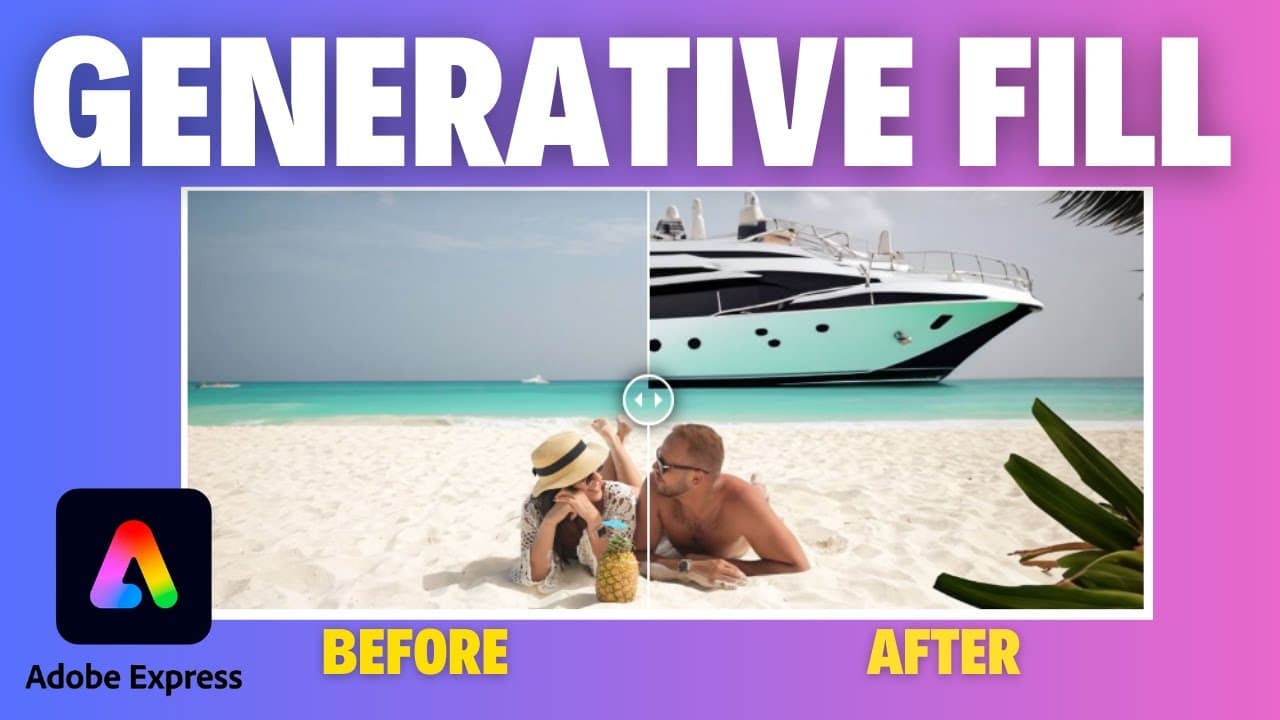
Adobe Express's Generative Fill tool allows users to replace or add elements in photos by selecting the desired area and generating multiple realistic options. This feature enhances creativity by considering focus and background details, making photo edits more dynamic and engaging. Users can experiment with various prompts and customize their images seamlessly.
Transcript
welcome to edtech hustle my name is Rich today I'm going to show you a new feature in Adobe Express it's called generative Phill it's going to allow us to create or replace any parts of a photo so let's go ahead and get started so to begin we are going to want to log into Adobe Express you can set up a free account at express. adobe.com so I'm here... Read More
Key Insights
- 👤 Adobe Express introduces the generative fill tool, offering users the ability to replace or add elements to their photos.
- 👤 The generative fill tool provides multiple options for replacement or addition, ensuring users have flexibility in their creative process.
- 🔨 The tool considers details like focus and background to create more realistic results.
- 🧘 Users can experiment with different prompts and options to achieve unique and creative edits.
- 💨 While the generative fill tool is not flawless, it offers a fun and innovative way to enhance photos.
- 🤘 Users can sign up for Adobe Express and explore the generative fill tool at express.adobe.com.
- 🧘 The generative fill tool can be utilized for a variety of editing purposes, such as background replacement or element addition.
Install to Summarize YouTube Videos and Get Transcripts
Explore YouTube Video Summarizer or Get YouTube Transcript Extractor
Questions & Answers
Q: How can users access the generative fill tool in Adobe Express?
Users can access the generative fill tool by logging into Adobe Express and selecting the tool from the options.
Q: Can the generative fill tool accurately replace or add elements to photos?
The generative fill tool provides multiple options for replacement or addition, ensuring users can find a result that suits their preferences.
Q: Does the generative fill tool consider details like focus and background when replacing or adding elements?
Yes, the generative fill tool takes into account factors like focus and background details, resulting in more realistic photos.
Q: Are there limitations to the generative fill tool?
While the generative fill tool is impressive, it may not work perfectly for every photo, and some adjustments may be needed to achieve the desired results.
Summary & Key Takeaways
-
Adobe Express introduces the generative fill tool, allowing users to replace or add elements to their photos.
-
Users can select the area they want to replace or create and choose from multiple options provided by the tool.
-
The generative fill tool provides realistic results, considering factors like focus and background details.
Read in Other Languages (beta)
Share This Summary 📚
Summarize YouTube Videos and Get Video Transcripts with 1-Click
Try YouTube Summary with ChatGPT & Claude or YouTube Transcript Generator
Explore More Summaries from EdTech Hustle 📚





![Keynote: Remove The Background of Any Photo [Using Instant Alpha] thumbnail](/_next/image?url=https%3A%2F%2Fi.ytimg.com%2Fvi%2F0Ji-uTffzJE%2Fhqdefault.jpg&w=750&q=75)
Summarize YouTube Videos and Get Video Transcripts with 1-Click
Try YouTube Summary with ChatGPT & Claude or YouTube Transcript Generator