How Does ChatGPT's Dots Enhance AI Assistance?
TL;DR
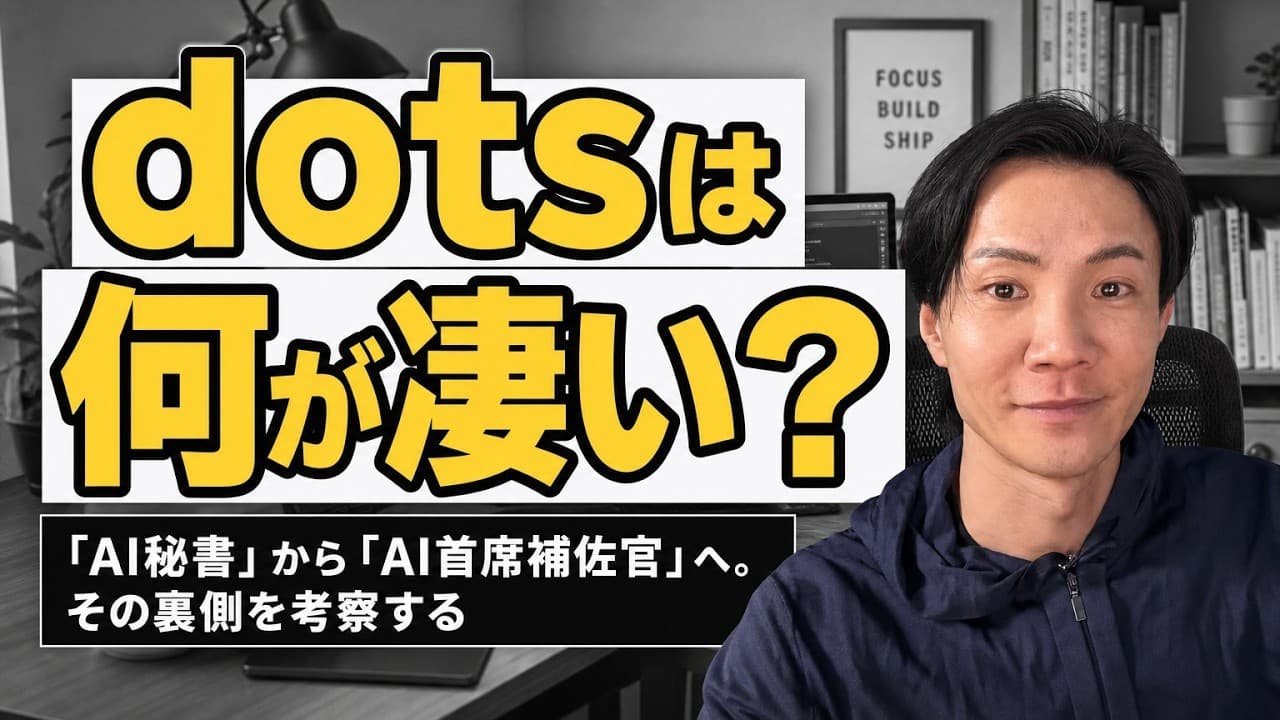
Dots transforms ChatGPT from a simple AI secretary into a proactive AI chief of staff. It autonomously manages tasks, sends reminders, and provides advice without user prompts. By understanding user context, Dots offers strategic support, highlighting the evolution of AI into high-level assistants.
Transcript
The new "Dots" for ChatGPT. Many people are wondering what's so great about it, right? In a nutshell, it went from an AI secretary to an AI chief of staff. In this video, I want to explore what's going on behind the scenes. Dots is a service available on the ChatGPT Pro plan, located right here. This is Dots. When you click it, a chat opens... Read More
Key Insights
- Dots is a new feature in ChatGPT that upgrades it from an AI secretary to an AI chief of staff.
- It autonomously manages tasks, checks emails, and provides meeting summaries and advice.
- Dots operates continuously, providing updates and suggestions without user prompts.
- The service is available on the ChatGPT Pro plan and integrates with various tools like Slack and Gmail.
- Dots tracks timelines and prioritizes tasks, ensuring users focus on important matters.
- It uses plugins to connect with external information sources, enhancing its functionality.
- Dots organizes and logs discussion points, providing a comprehensive overview of tasks.
- The evolution of AI agents like Dots suggests a future where AI acts as high-level strategists and advisors.
Install to Summarize YouTube Videos and Get Transcripts
Explore YouTube Video Summarizer or Get YouTube Transcript Extractor
Questions & Answers
Q: How does Dots transform ChatGPT's functionality?
Dots elevates ChatGPT from a simple AI secretary to an AI chief of staff by autonomously managing tasks, checking emails, providing meeting summaries, and offering strategic advice. It operates continuously, sending reminders and updates without user prompts, and integrates with tools like Slack and Gmail to enhance its functionality.
Q: What makes Dots proactive in its operations?
Dots is proactive because it continuously operates, autonomously managing tasks and providing updates without user prompts. It tracks timelines, prioritizes tasks, and integrates with external tools, ensuring users focus on important matters. This proactive nature is supported by its ability to understand user context and provide strategic support.
Q: What are the key features of Dots in ChatGPT?
Dots in ChatGPT is characterized by its ability to autonomously manage tasks, check emails, provide meeting summaries, and offer strategic advice. It operates continuously, sending updates and reminders without user input, and integrates with tools like Slack and Gmail. It organizes and logs discussion points, providing a comprehensive overview of tasks.
Q: How does Dots integrate with other tools?
Dots integrates with various tools like Slack and Gmail through plugins, allowing it to connect with external information sources. This integration enhances its functionality by enabling it to track timelines, prioritize tasks, and provide updates without user prompts, ensuring users focus on crucial matters.
Q: What is the significance of Dots' ability to track timelines?
Dots' ability to track timelines is significant because it ensures that users focus on important matters by prioritizing tasks based on urgency and relevance. It organizes and logs discussion points, providing a comprehensive overview of tasks and helping users manage their schedules more effectively.
Q: How does Dots exemplify the evolution of AI agents?
Dots exemplifies the evolution of AI agents by transforming from a simple assistant role to a high-level strategist and advisor. It autonomously manages tasks, provides strategic advice, and understands user context, highlighting the shift towards AI as indispensable partners in professional settings.
Q: What are the benefits of using Dots on the ChatGPT Pro plan?
Using Dots on the ChatGPT Pro plan offers benefits such as autonomous task management, strategic advice, and integration with tools like Slack and Gmail. It operates continuously, providing updates and reminders without user prompts, and organizes discussion points, enhancing productivity and focus on crucial matters.
Q: How does Dots manage to provide strategic support?
Dots provides strategic support by understanding user context and autonomously managing tasks. It tracks timelines, prioritizes tasks, and integrates with external tools, ensuring users focus on important matters. This capability highlights the evolution of AI from simple assistants to high-level strategists and advisors.
Summary & Key Takeaways
-
Dots transforms ChatGPT from a basic AI secretary into a proactive AI chief of staff, autonomously managing tasks and providing strategic advice. It continuously operates, sending reminders and updates without user prompts, and integrates with tools like Slack and Gmail to enhance functionality.
-
Available on the ChatGPT Pro plan, Dots tracks timelines and prioritizes tasks, ensuring users focus on crucial matters. It organizes and logs discussion points, providing a comprehensive overview of tasks and showcasing the potential of AI as high-level strategists and advisors.
-
The evolution of AI agents like Dots indicates a future where AI offers more than just assistant roles. By understanding user context, they provide strategic support, highlighting the shift towards AI as indispensable partners in professional settings.
Read in Other Languages (beta)
Share This Summary 📚
Summarize YouTube Videos and Get Video Transcripts with 1-Click
Try YouTube Summary with ChatGPT & Claude or YouTube Transcript Generator
Explore More Summaries from いけともch 📚





Summarize YouTube Videos and Get Video Transcripts with 1-Click
Try YouTube Summary with ChatGPT & Claude or YouTube Transcript Generator