How to Create Video Avatars in Canva with D-ID?
TL;DR
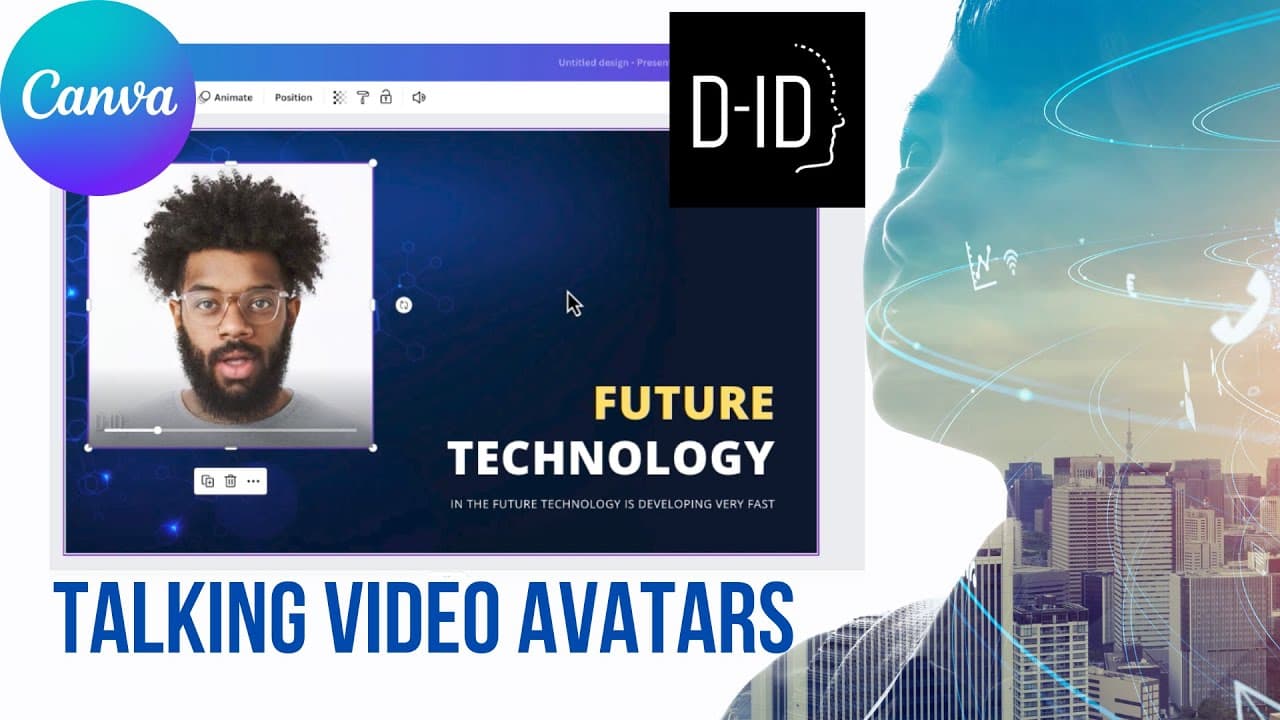
To create video avatars in Canva using the D-ID app, first search for D-ID in the apps section and sign in. Choose a presenter, select a language and voice style, and generate your avatar. Note that you'll need to purchase credits within D-ID to access this feature since it’s not inherently built into Canva.
Transcript
so the last thing that I want to share with you is the ability to create video avatars inside canva so this is necessarily a feature of canva it's not a canva product it's actually a third-party product but this is something that's possible to do inside of canva here's my presentation again my future of technology presentation I'd like to come up w... Read More
Key Insights
- 🆔 Canva offers a third-party app called D Dash ID to create video avatars for presentations.
- 👤 Users can personalize their avatars by selecting from various presenters, choosing language, voice, and style.
- 🆔 The D Dash ID app requires users to sign in and purchase credits separately.
Install to Summarize YouTube Videos and Get Transcripts
Explore YouTube Video Summarizer or Get YouTube Transcript Extractor
Questions & Answers
Q: How can Canva users incorporate video avatars into their presentations?
Canva users can utilize the third-party app D Dash ID to create video avatars. By signing in and purchasing credits, they can choose a presenter, select their language, voice, and style, and generate their avatar.
Q: Can users customize the appearance of their video avatars?
Yes, Canva users can personalize their video avatars by selecting from a range of presenters available in the D Dash ID app. They can choose a presenter based on their appearance and even preview different voices and styles before finalizing their selection.
Q: Is the D Dash ID app integrated directly into Canva?
No, the D Dash ID app is a third-party product that can be accessed through Canva's app section. Users need to sign in and purchase credits within the D Dash ID app separately to use the video avatar feature.
Q: How does the video avatar feature enhance presentations?
Incorporating video avatars adds an element of interactivity and engagement to presentations. It can captivate the audience's attention and make the content more memorable, especially when used in the introduction or as a unique way to present information.
Summary & Key Takeaways
-
Canva users can utilize the D Dash ID app to add video avatars to their presentations, providing a captivating and unique introduction.
-
The app offers a variety of presenters to choose from, allowing users to personalize their avatars based on appearance, language, voice, and style.
-
Users need to sign in and purchase credits within the D Dash ID app to use this feature, as it is not integrated directly into Canva.
Read in Other Languages (beta)
Share This Summary 📚
Summarize YouTube Videos and Get Video Transcripts with 1-Click
Try YouTube Summary with ChatGPT & Claude or YouTube Transcript Generator
Explore More Summaries from EdTech Hustle 📚




![Keynote: Remove The Background of Any Photo [Using Instant Alpha] thumbnail](/_next/image?url=https%3A%2F%2Fi.ytimg.com%2Fvi%2F0Ji-uTffzJE%2Fhqdefault.jpg&w=750&q=75)

Summarize YouTube Videos and Get Video Transcripts with 1-Click
Try YouTube Summary with ChatGPT & Claude or YouTube Transcript Generator