How to Set Up a File Server on Windows 10 Home
TL;DR
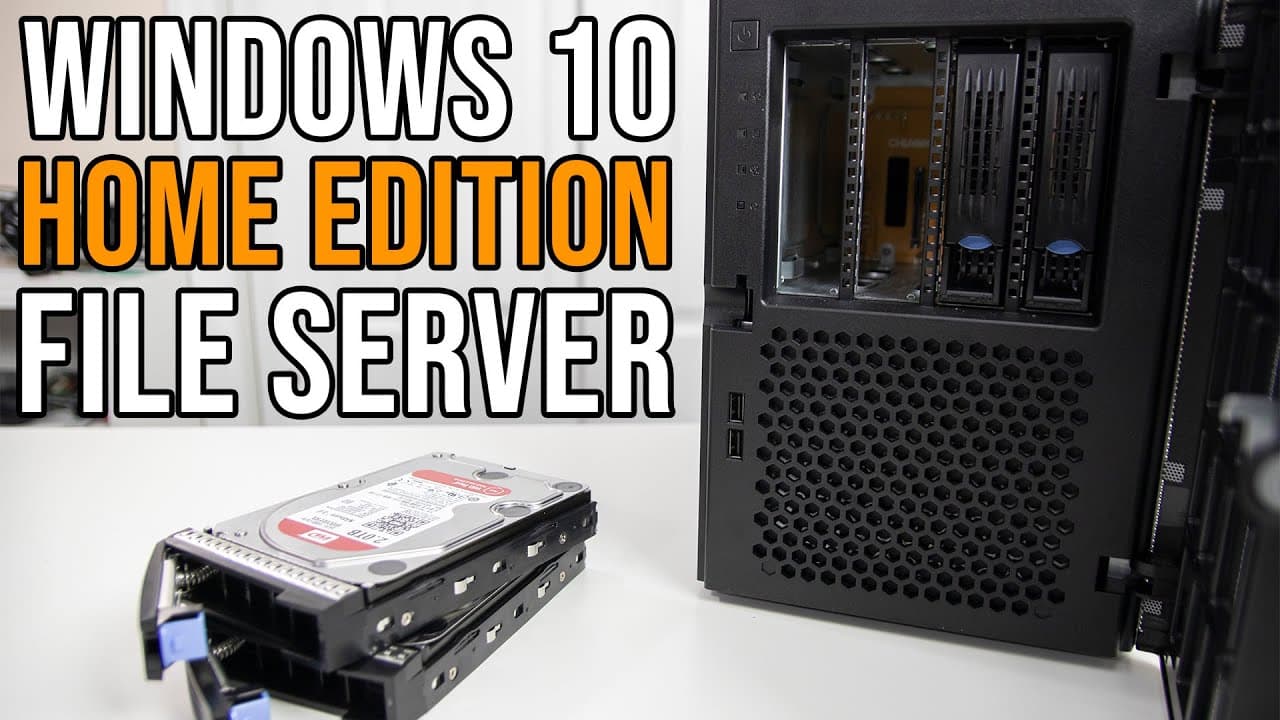
To set up a file server on Windows 10 Home, install a remote access tool like X Type VNC Server, assign a static IP, and configure storage spaces for file sharing. This process enables users to repurpose older computers as a functional file server while ensuring remote management and data security.
Transcript
hey guys it's don here from nova spare tech and welcome back to the channel and today we are going to be doing a beginner's guide on setting up a file server on windows 10 home so let's get started now chances are you still have an older laptop or maybe a desktop sitting at home that still runs windows 10 home and instead of having it collect dust ... Read More
Key Insights
- 📁 Repurposing older hardware: Transforming old laptops or desktops into file servers reduces waste and expands functionality.
- 👤 Simplified setup process: The guide provides easy-to-follow steps for users unfamiliar with file server configurations.
- 🛟 Remote access tools: Utilizing VNC Viewer and X type VNC server enables effective remote connectivity for management tasks.
- 📁 Importance of static IP: A stable network address enhances reliability for remote access and file sharing.
- 💼 RAID benefits: Implementing RAID configurations can safeguard valuable data through redundancy, ensuring accessibility in case of hardware failure.
- 😪 Power management tips: Adjusting sleep settings helps maintain consistent server availability and minimizes disruptions.
- 🔒 Emphasizing security: The recommendation for a reliable VPN underscores the significance of online privacy and data protection.
Install to Summarize YouTube Videos and Get Transcripts
Explore YouTube Video Summarizer or Get YouTube Transcript Extractor
Questions & Answers
Q: What is the main purpose of this video?
The primary aim of the video is to guide viewers on how to convert an older Windows 10 Home device into a functioning file server. The tutorial provides step-by-step instructions for a basic setup, which can be beneficial for those looking to repurpose outdated technology rather than letting it go to waste.
Q: Why is using a static IP important for this setup?
Using a static IP address is crucial in this context because it ensures the server retains the same address every time it boots up. This consistency simplifies access for remote connections and file sharing, preventing the common issue of changing IP addresses disrupting connectivity.
Q: What remote access solutions does the presenter recommend?
The presenter suggests using VNC Viewer in conjunction with the X type VNC server as a remote access solution since Windows 10 Home does not support Remote Desktop Protocol (RDP) natively. These tools allow users to remotely control their server and manage files effectively from different devices.
Q: How does the presenter configure RAID for their setup?
The presenter explains the RAID setup process by using Windows storage settings to create a storage pool with multiple hard drives. They select RAID 5 for data redundancy, allowing for one drive to fail without losing data. The setup process involves assigning drive letters and configuring resilience types.
Q: What steps are recommended to prevent the server from going to sleep?
The video outlines necessary power management settings to prevent the server from sleeping. Users should disable sleep timers in power settings to ensure that the file server remains accessible at all times, especially when not actively in use, which avoids interruptions to services.
Q: How is remote access established in the video?
Remote access is established by installing the X type VNC server, which allows for service-based access to the server's desktop environment. After configuration, users can connect using VNC Viewer, providing them the ability to manage the server remotely without needing direct physical access.
Q: What are the recommended network discovery settings?
To enable network discovery, users must activate it in the sharing settings. This allows devices on the network to find the shared folders easily. The video emphasizes the importance of setting this up to facilitate smooth access to shared resources on the server.
Q: What advice is given for using the VPN mentioned?
The presenter advocates for using the Private Internet Access VPN to encrypt internet activity and protect user data from being tracked by ISPs, especially in public settings. They highlight the VPN's speed and compatibility with multiple devices, making it an essential tool for online privacy.
Summary & Key Takeaways
-
The video tutorial introduces setting up a file server using Windows 10 Home, perfect for users with older laptops or desktops.
-
It covers essential features like remote access, setting static IP addresses, and configuring RAID setups for data redundancy.
-
The host promotes the use of Private Internet Access VPN for securing online activity, providing an overview of its advantages and performance improvements.
Read in Other Languages (beta)
Share This Summary 📚
Summarize YouTube Videos and Get Video Transcripts with 1-Click
Try YouTube Summary with ChatGPT & Claude or YouTube Transcript Generator
Explore More Summaries from Novaspirit Tech 📚






Summarize YouTube Videos and Get Video Transcripts with 1-Click
Try YouTube Summary with ChatGPT & Claude or YouTube Transcript Generator